
Author: Peter Forsgard

  • Tutorial – Using Olympus episode 3: Personalise your Olympus!

    Tutorial – Using Olympus episode 3: Personalise your Olympus!

    Personalising your Olympus is easy. Just write your name to the metadata and customize your filenames. My example in the video was OM-D EM-1 MKII. In this blogpost you will find where to find the features in your Olympus. 

    In E-M5, E-M5 MKII, E-M10, E-M10 MKII, E-M1, Pen E-PL8 and Pen-F  the Copyright settings and the Edit Filename can be found in the Custom menu H (Record and Erase)

    Screen Shot 2018-06-03 at 23.10.31.png

    in E-M10 MKIII and Pen E-PL9 the Copyright settings and the Edit Filename can be found in the Custom menu G (Record) 

    Screen Shot 2018-06-03 at 23.14.45.png

    And as shown in the video in OM-D E-M1 MKII the Copyright settings and the Edit Filename can be found in the Custom menu H1 (Record/Erase)

    Screen Shot 2018-06-03 at 23.20.09.png

    If you havent seen the previous episodes I recomend you to watch them. The whole Using Olympus playlist can be found here: https://goo.gl/9cPqo1

    If you have any questions please ask them in the comments!
  • Tutorial – Using Olympus episode 2: Keystone Comp.

    Tutorial – Using Olympus episode 2: Keystone Comp.

    The keystone Comp. is a very powelful tool to correct the perspektive.

    Again in this video the example camera was a OM-D E-M1 MKII. Here is some more info on hoq to turn on the Keystone Comp. in different Olympus cameras.

    In Pen E-PL9 set the mode dial to AP and highlight the Keystone Composition and press OK. The correction is made with the Control Dial. By pressing the INFO-button you can make the horisontal adjustment.

    In Pen-F, E-M10 MKII, E-M5 MKII, E-M1 and E-M1 MKII Keystone Comp. can be found from the Shooting menu 2. Use the front and rear Dials for correction. If you want to change the exposure settings while Keystone Comp is On, press INFO-button to toggle the info. 

    In E-M10 MKIII set the mode dial to AP and highlight the Keystone Composition and press OK. Use the front and rear Dials for correction.

     Pen E-PL8, E-M5 and E-M10 does not have this feature

    If you have any questions please ask them in the comments!
    The whole Using Olympus playlist: https://goo.gl/9cPqo1   

  • Tutorial – Using Olympus episode 1: Histogram

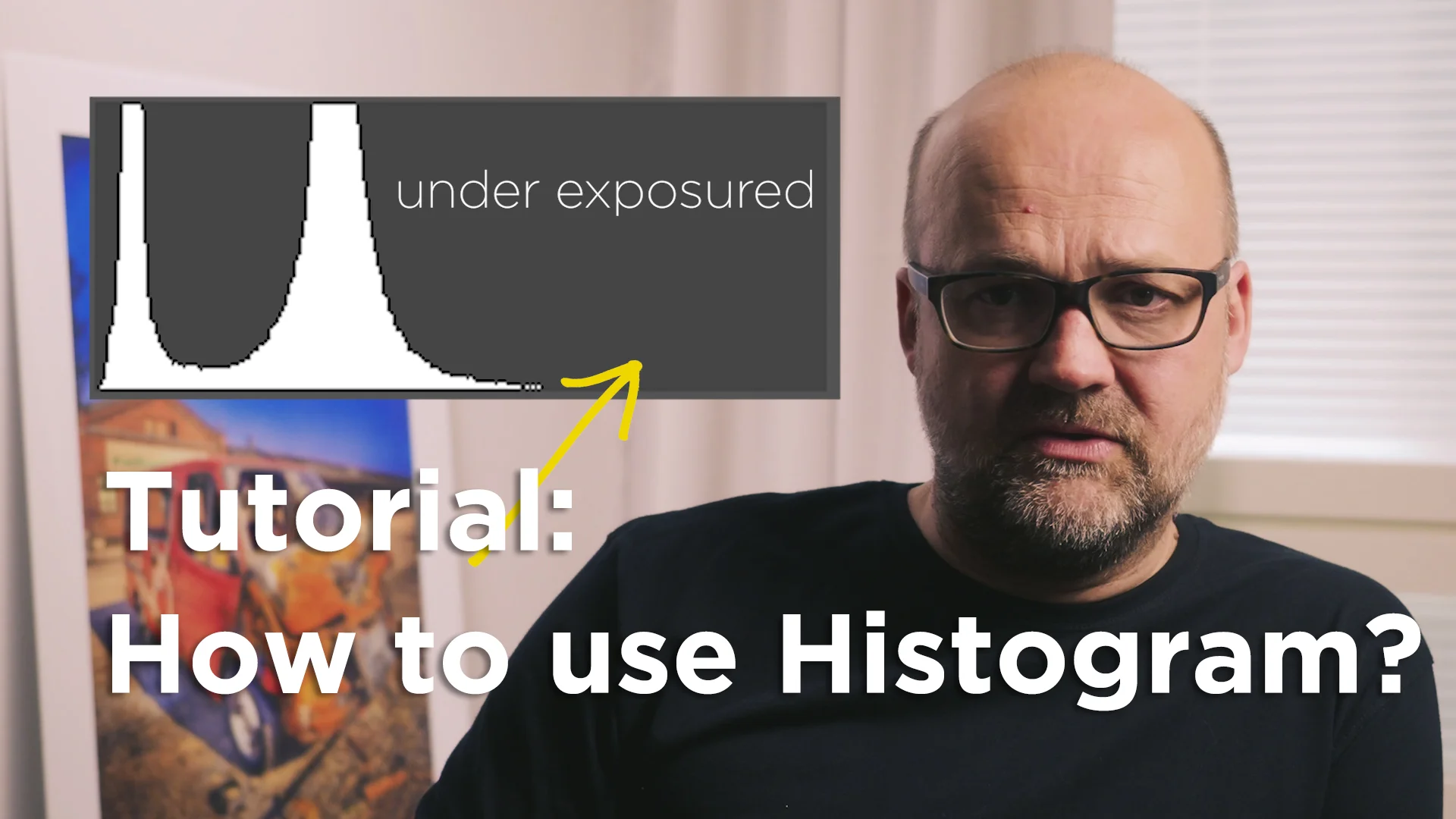
    Tutorial – Using Olympus episode 1: Histogram

    In the video the example was from Olympus OM-D EM-1 MKII. In this blogpost there is more information on how you can find the settings for displaying histogram in your Olympus cameras viewfinder and LCD-screen.

    You can find the LV-info settings on Custom menu D in the following Olympus bodies:

    E-M1, E-M5 MKII, E-M5, E-M10, E-M10 MKII, E-M10 MKIII, E-PL8, Pen-F:  

    Screen Shot 2018-05-31 at 18.34.36.png

    You can find the LV-info settings on in Custom menu C1 in the following Olympus bodies:

    E-PL9:

    Screen Shot 2018-05-31 at 18.44.59.png

    You can find the LV-info settings on in Custom menu D1 in the following Olympus bodies:

    EM-1 MKII:

    Screen Shot 2018-05-31 at 18.44.25.png

    With the INFO-button on your camera you can then toggle the information you see on the lcd and the viewfinder.

    If you have any questions please ask them in the comments!

    The whole Using Olympus playlist: https://goo.gl/9cPqo1

