Using reflections in your photography can give you a new way of making a composition. There are some things that you need to think about. In this video, I go through some of them. I give you a few tricks about reflection photography.
There is also an assignment for you. You can also get some feedback for your images. Instructions can be found here.
The Feedback Live Stream will be on the 29th of April, 2021 at 4 PM (GMT). You can watch it from my YouTube -channel.
Noise in your images and other imperfections that your lens might cause is sometimes irritating. In the worst cases, it will ruin your image. The story that you want to tell will not be understood.
DxO has a very powerful image editing software called PhotoLab 4. It is full editing software. I have only used part of its great tools. I have used their Optics modules, overall enhancement according to those. Then the DeepPrime Noise reduction has been in my editing workflow when needed.
Last week DxO launched new software called DxO PureRAW. This new software has just those three tools and features that I mentioned. The results are as good as they are with Photolab 4. Why a new software if the features already are in the old one? A simple answer is the workflow.
Smoother workflow
Workflow is an important thing. Especially if you photograph a lot. I have heard about editing ques that people have. Never really understood what those are. It sounds more like a workflow problem to me. This new software is not an answer to this, but it is the answer to a better workflow if you have used PhotoLab4 and Lightroom before.
Integration with Lightroom
DxO PureRAW has better integration with Lightroom than PhotoLab 4. DxO PureRAW can be used as an import software. That makes it very powerful what it comes to workflow. After the software has done its magic the images can be exported to Lightroom. There is more about this in my video that I made about DxO PureRAW.
How does it work?
The interface is very simple. All you have to do is add images to the process. You can add them from your hard drive or you can drag them straight from the Lightroom Library module. Especially this possibility is huge. It makes the workflow really simple and fast. Of course, it would be even better if DxO Pure worked as a plug-in.
Click the Process button and after the magic is done, export the images to Lightroom. I recommend using the DNG file format. Then you have the images in raw mode and the editing can be done with the best possible originals. More about this can be found in the video I made.
How good it is?
Like I said in my video. DxO PureRAW is a game changer. That says quite a lot of how good it is. The best way to see the results is to watch my video about the software.
How much does it cost?
DxO has a special launch price until the 31st of May. The price is now 89,99€ and after the discount period, it will be 129€. The price is quite reasonable for what it is. Using this link you can get it.
A video about DxO PureRAW
Disclaimer: Some of the links are affiliate links. If you buy something using those links I will get a small commission if you buy something. You do not pay any extra.
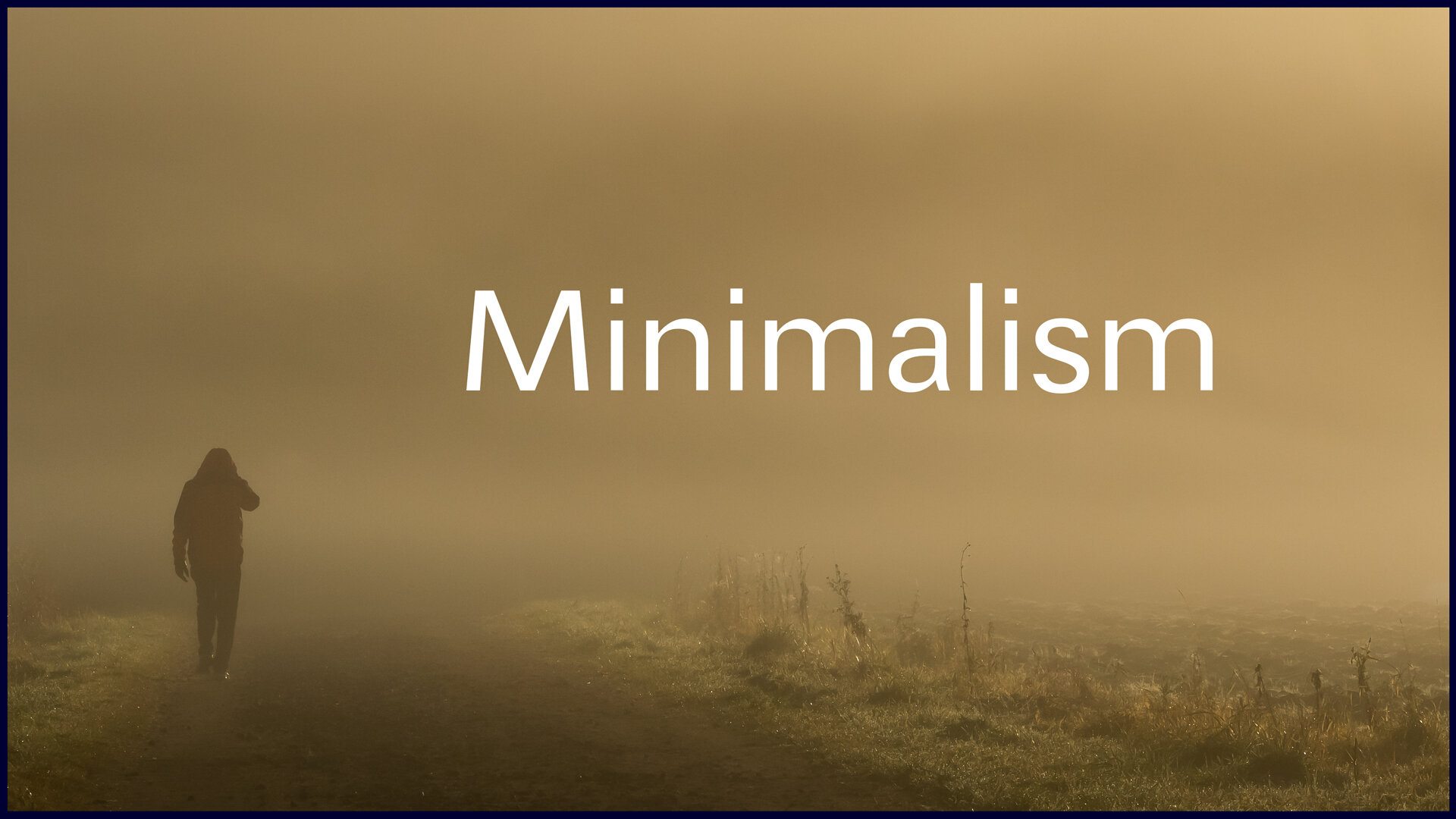
Minimalism is a great way of photographing. It is a very powerful way of making the subject very obvious. In the video below i will go through five tips how to get started with minimalism.
There is also an assignment for you. You can also get some feedback for your images. Instructions can be found here.
The Feedback Live Stream will be on the 16th of March, 2021 at 4 PM (GMT). You can watch it from my YouTube -channel.




![DxO PureRAW Review – [Great tool for RAW-images!]](https://peterforsgard.com/wp-content/uploads/2021/04/Screenshot2021-04-17at8.09.12.png)