![Mastering Exposure – [3 Tips to Get the Right EXPOSURE]](https://peterforsgard.com/wp-content/uploads/2020/08/Exposure.jpg)
Getting your exposure correct is one of the most important things if you want your image quality to be the best possible. Of course, a great image is more than just exposure, but it is an important thing.
3 tips for better exposure
The first tip is to learn the way your camera makes the exposure. What I mean by that is the different metering modes. Learn the different metering modes to get the best exposure.
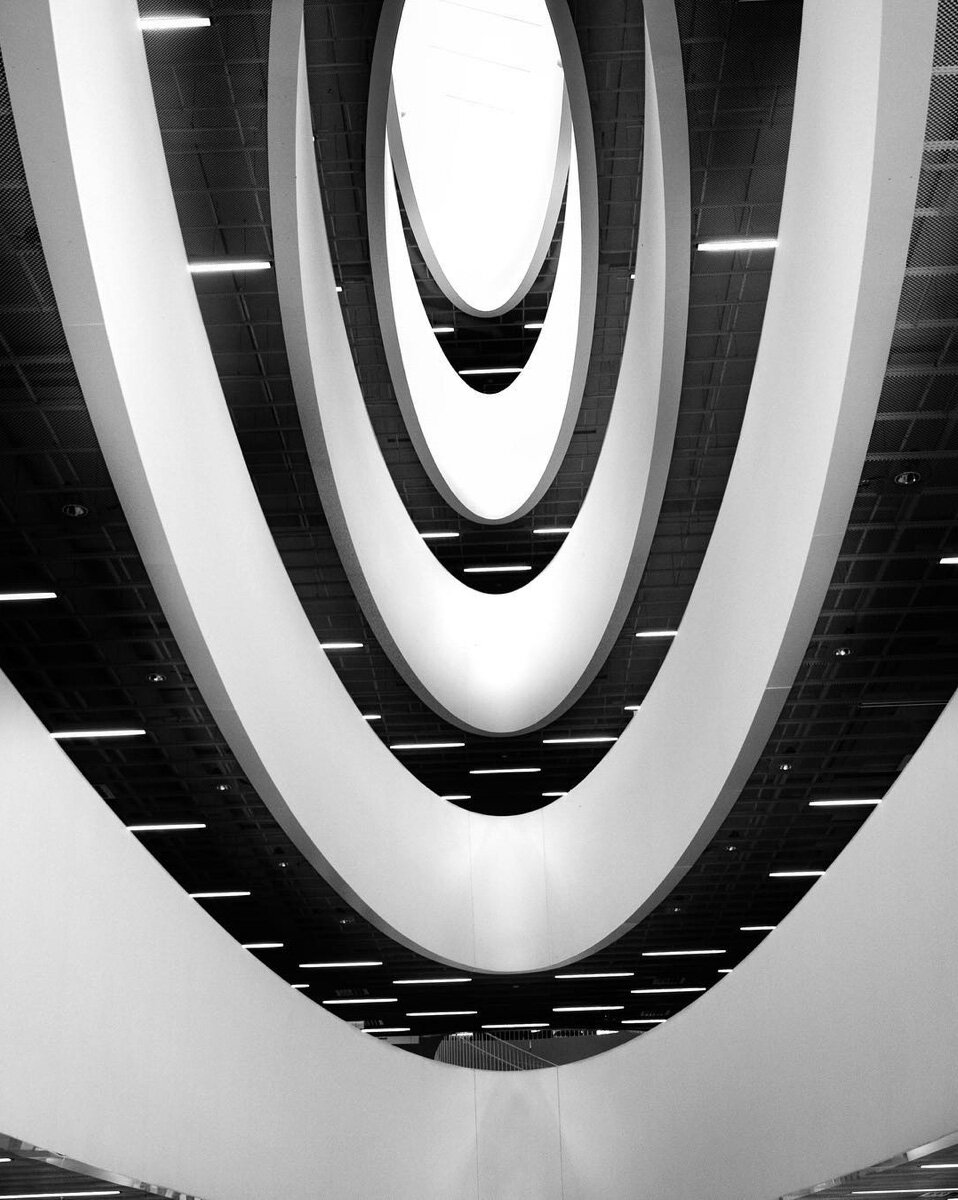
The second tip is to use raw and ETTR. Using raw you have the possibility to expose to the right. The reason to use ETTR (Exposure to the Right) is that then the sensor is capturing the most amount of data. The image quality is the best possible. The reason for that is the way the sensor captures data. There is more information in the highlights than there is in the shadow areas.
An image that is exposed using ETTR will look a bit washed out. It is too bright. The image needs post-production. Lowering the exposure and highlights will make the image better looking.
This only works for raw and should not be used when shooting jpegs.
When using ETTR it is crucial that you do not clip the highlights like always, no matter what the exposure method is.
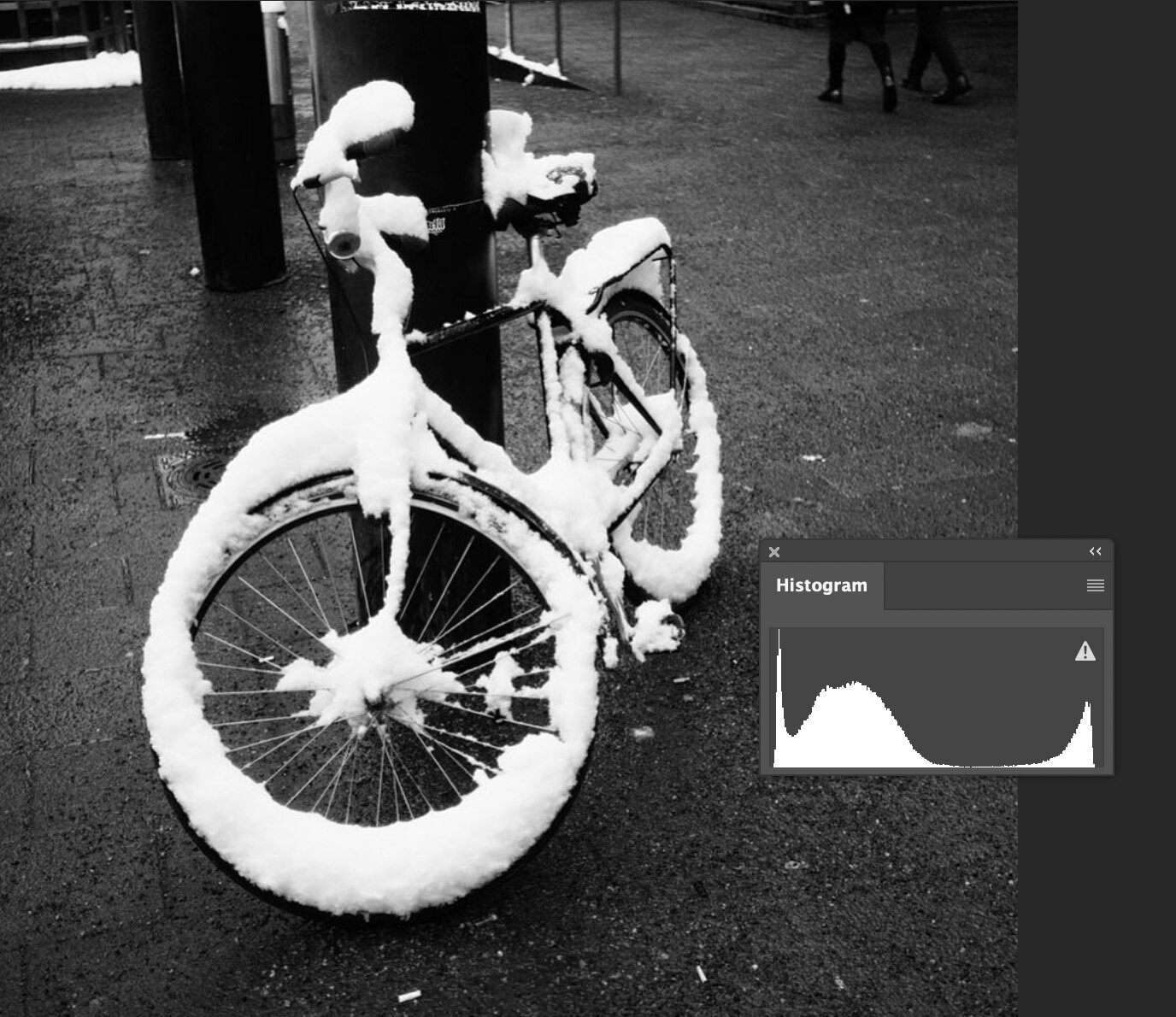
Usually, an image that has been photographed using ETTR has most of the info on the right side of the histogram. But if you have an image where you have a white bird and a dark background will have a lot of info on the shadow. The histogram looks like the image is exposed to the left. But it still can be an ETTR image. It depends on where the brightest spot is on the histogram. If it is just on the histogram value 254-255 then it is ETTR.
The third tip is to use Exposure Bracketing. This is very handy when you use jpg as your file format. This is the way to make sure you have the best possible exposure for your jpg. Having 5 or 3 different exposure from the same scene will help you get the perfect shot.