Tag: mirrorless camera

  • Future Olympus Cameras by OM Digital Solutions – [My Wish list]

    Future Olympus Cameras by OM Digital Solutions – [My Wish list]

    OM Digital Solutions is taking over the Olympus Imaging Business The deal was done last month on the 30th of September. Of course in a situation like this, there is an opportunity to rethink the whole thing over.

    In my video, I make a wish list of features and cameras that I would like OM Digital Solutions to make in the future. The sooner the better.

  • Olympus OM-D E-M10 MK IV – [Best photography SETTINGS]

    Olympus OM-D E-M10 MK IV – [Best photography SETTINGS]

    Setting up your camera, new or old, the way you want is important. It is a lot easier to photograph when you have set the buttons and dials the way you prefer. Also, there are some other things like beeping sounds, image quality that you might want to check.

    My video might help you!

    In the video below I go through my settings what I call best settings.

    If you have some other Olympus cameras then use this link to see if I have the best settings video about your camera.

    Great deal on my One on One sessions.

    There is also a great deal included in the video. It includes a discount code for a one on one session with me. Check out my webstore and see if that is something for you. All my one on one session is tailored for your needs.

    Hope these videos are helpful.

  • Olympus OM-D E-M1X – Best Exposure Settings

    Olympus OM-D E-M1X – Best Exposure Settings

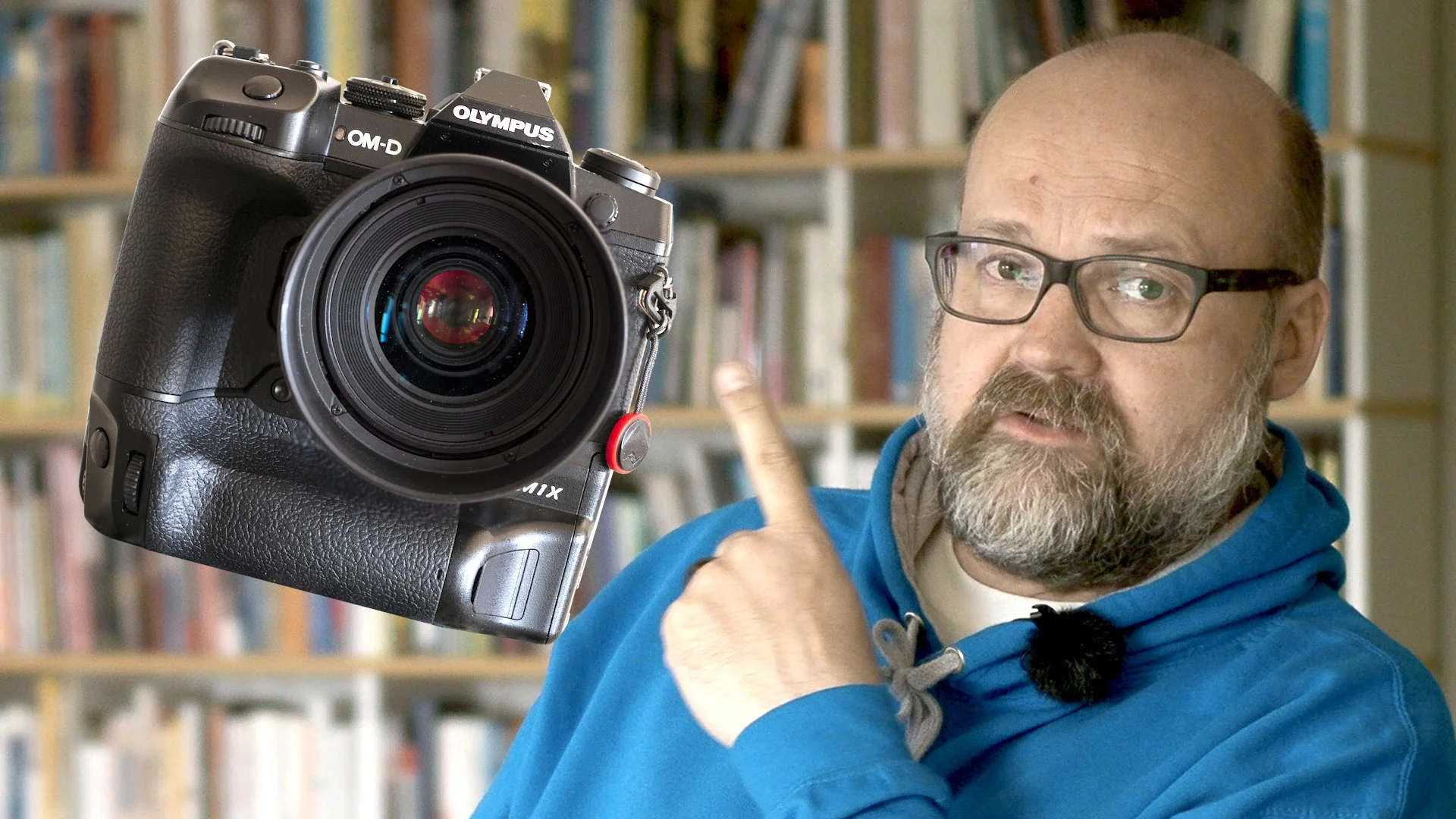
    In my latest video (14.5.2019) I was talking about the experience that I have had with the E-M1 X now that I have used it for a couple of months.


    I promised to write down the best settings for exposure.

    Menu D1 > InfoSettings > LV-Info and in one of the Custom setting choose Highlight&Shadow
    Menu I > Info Settings > in one of the Custom setting choose Highlight&Shadow
    Shooting Menu 1 > Picture Mode > Muted > Contrast -2, Saturation -2
    Menu G > Keep Warm Color > Off

    Menu G > Color Space > AdobeRGB

    Menu D3 > Histogram Settings > Set Highlight to the value you want the red color to appear and the same goes with the Shadow (blue color) I have set Hightlight to 253 and Shadow to 3.

    Menu B1 > Dial Function > Set on each exposure modes the back dial to exposure compensation.

    These settings will show the image on the LCD and EVF so that it is perfectly exposured when adjusting the exposure compensatuion so that there is no red or blue flag color in the scene. Usually you can have a half a stop brighter becouse the image that shows in the jpg and the final image is a raw-file.