
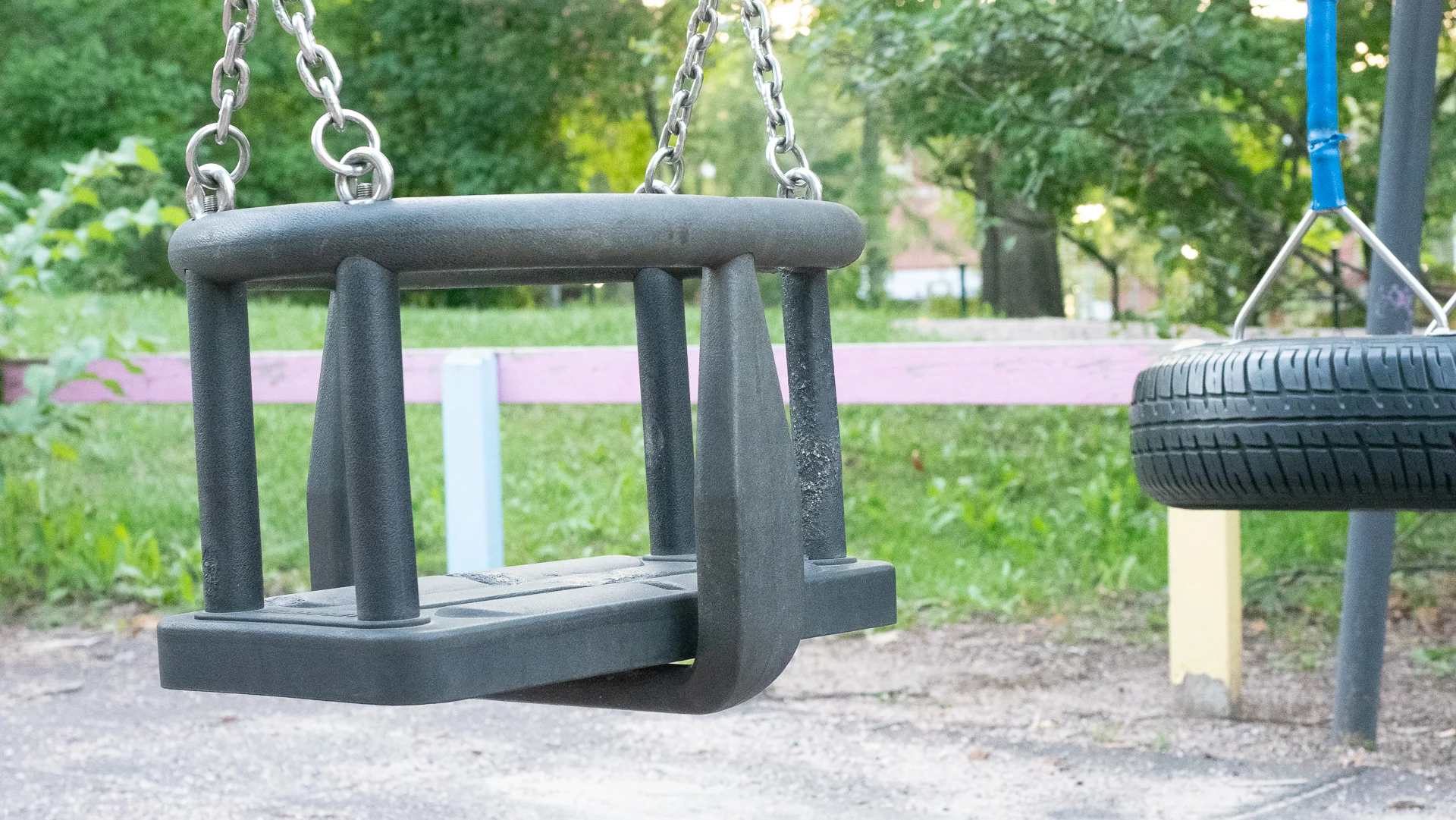
These are the instructions that I promised to tell in my video about How to reduce Noise in Camera. The video can be found at the end of this blog post.
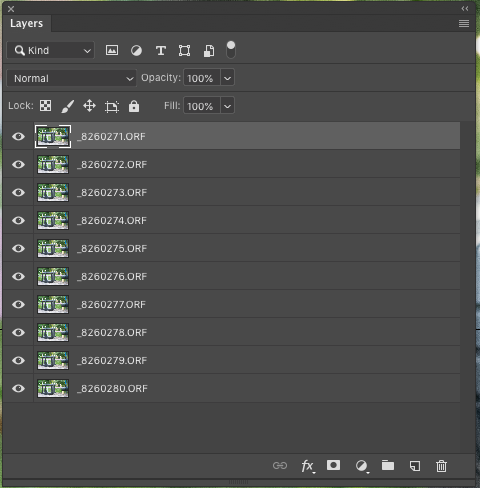
1: Open the images as layers in Photoshop.
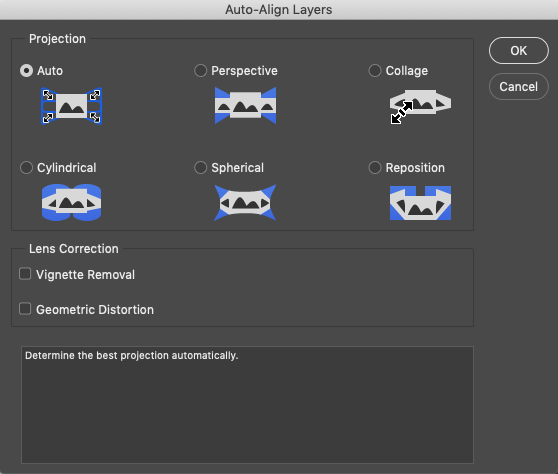
2: Align the layers if needed: Edit > Auto-Align Layers
3: Convert the layers to Smart Objects: Layers > Smart Objects > Convert to Smart Objects
4: Blend the images: Layers > Smart Objects > Stack Mode > Mean.
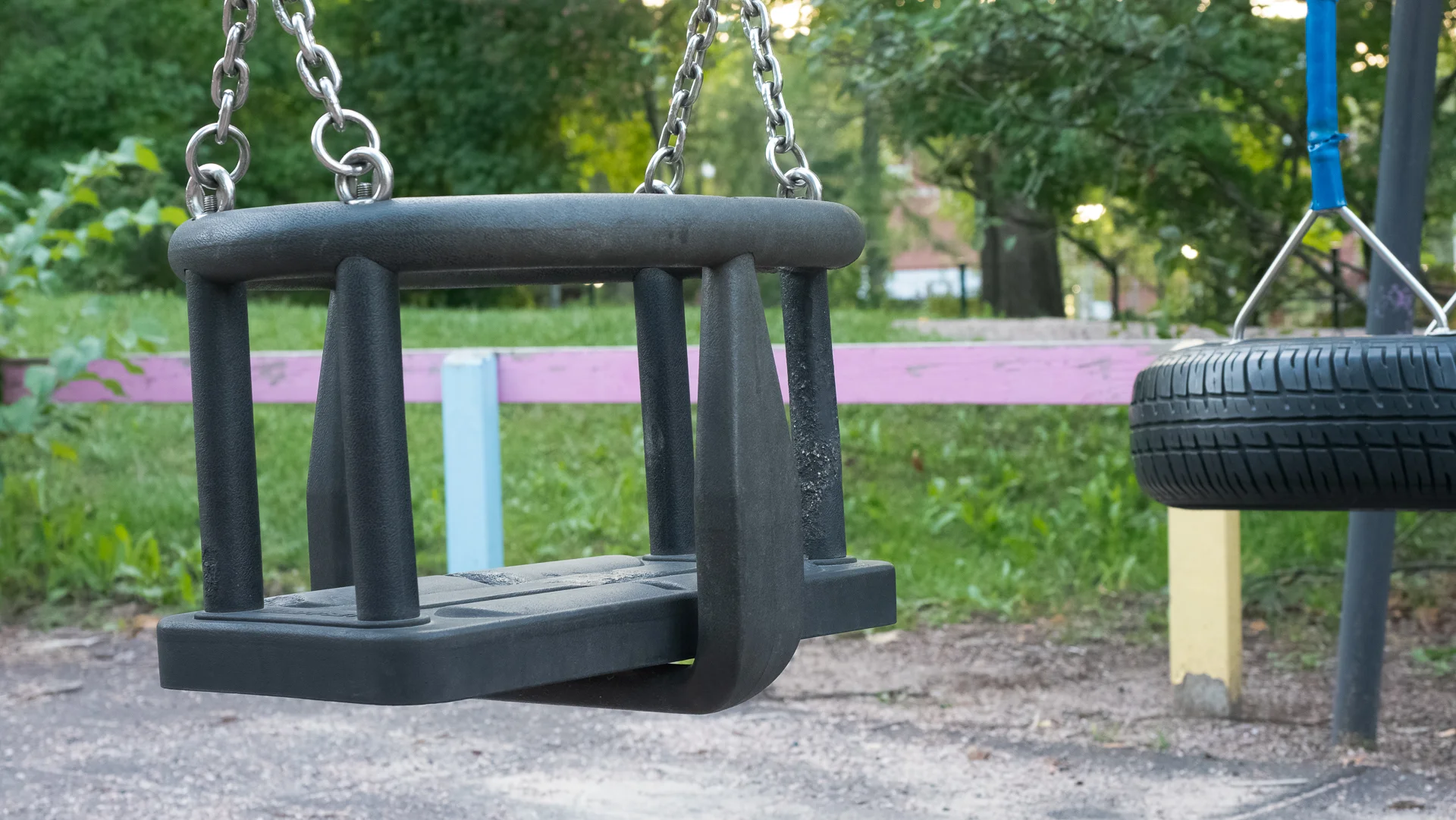
The result is a image with less noise that the original images. The more images you use the less noise there is.
Here the video about Noise Reduction.