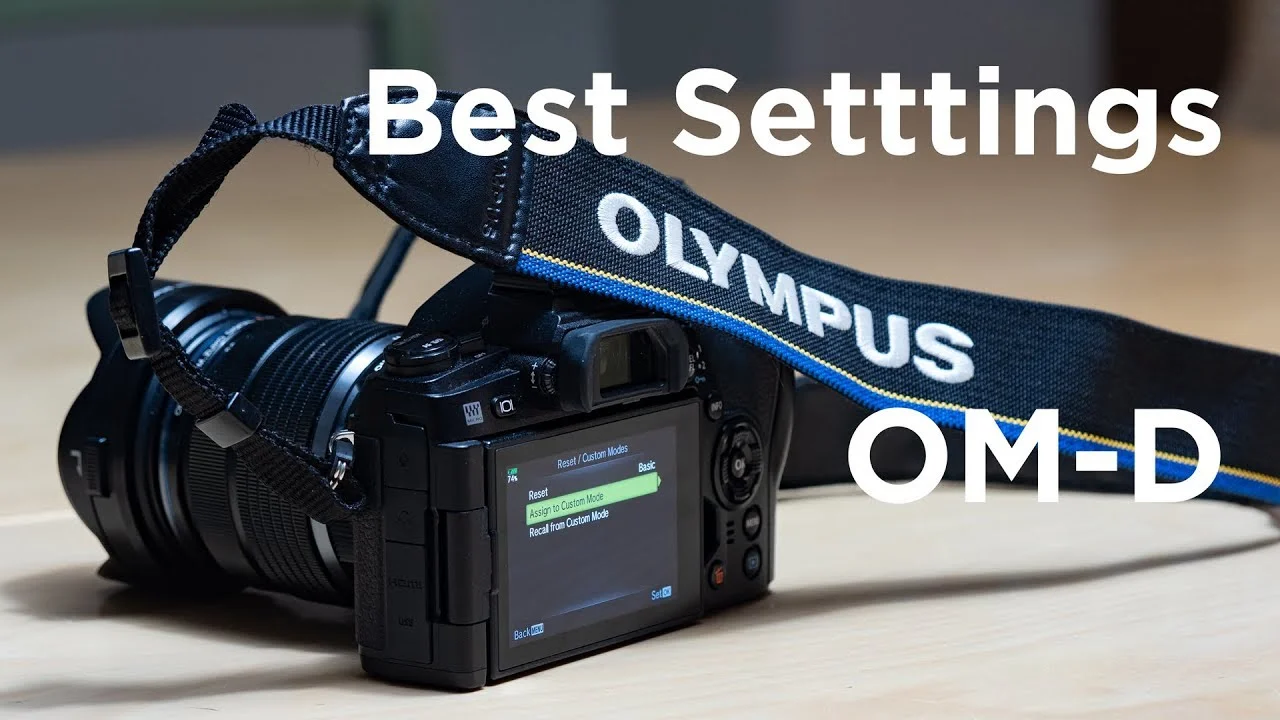
Olympus has just released a new development announcement. Olympus E-M1 MKIII and E-M1 X will get Apple ProRes RAW by the end of this year. The recorder that will be able to record Apple ProRes RAW with these cameras is Atomos Ninja V.

What is ProRes RAW?
In short ProRes RAW is quite a similar idea as raw formats in photos. The quality is the best the sensor can capture. There are Apple ProRes RAW capable cameras where for example white balance or ISO that will be used can be chosen after the shoot. ProRes RAW is developed by Apple and if you are interested in reading more about the Apple ProRes RAW there is a white paper (.pdf-file) released by Apple.
Another similar raw format for video is for example Blackmagic RAW.
Apple ProRes RAW features
It is not totally clear what features ProRes RAW from Olympus E-M1 MKIII and E-M1X will be available. Their press release about it says:
“This lends greater flexibility to professional video production post-processing tasks such as adjusting exposure and color grading recorded footage.”
This is promising and will make Olympus E-M1 MKIII and E-M1X even better video cameras than they are now.
Combined with IBIS and great AF
I am very excited about this new development. ProRes RAW combined with Olympus great IBIS and very good AF in the video will make E-M1 MKIII and E-M1X very interesting video cameras. The quality of the footage is excellent as it is now. Lack of some features like vectorscopes etc. are things that I would really want to see in an Olympus body. Apple ProRes RAW will make some of that up. It will interesting to see the final version when it is out later this year.
Final Cut Pro X is the best option for editing, at least for now.
If I have understood correctly Apple Final Cut Pro X is the best editing software right now that can handle ProRes RAW. Adobe Premiere and DaVinci Resolve can also handle ProRes RAW. You need to download video format 2.1.1 to later from Apple in order to be able to use Premiere Pro for editing ProRes RAW format. Let’s see if I need to switch to Final Cut Pro X when the codec is available in Olympus cameras.
All in all very good move from Olympus. In a recent interview with JIP (the company that will buy Olympus imaging business) said: “JIP also plans to focus on the “video business” which so far Olympus hasn’t really focused on: “We are considering various markets such as consumer products specialized for video and business such as surveillance cameras” (from m43rumors.com)
Let’s hope that this means new features in video specs for new Olympus cameras.
disclaimer: Some of the links might be affiliate links. If you buy something using these links I will get a small commission. You do not pay any extra. It is a win-win situation.