Tag: Olympus

  • What lens should you get next?

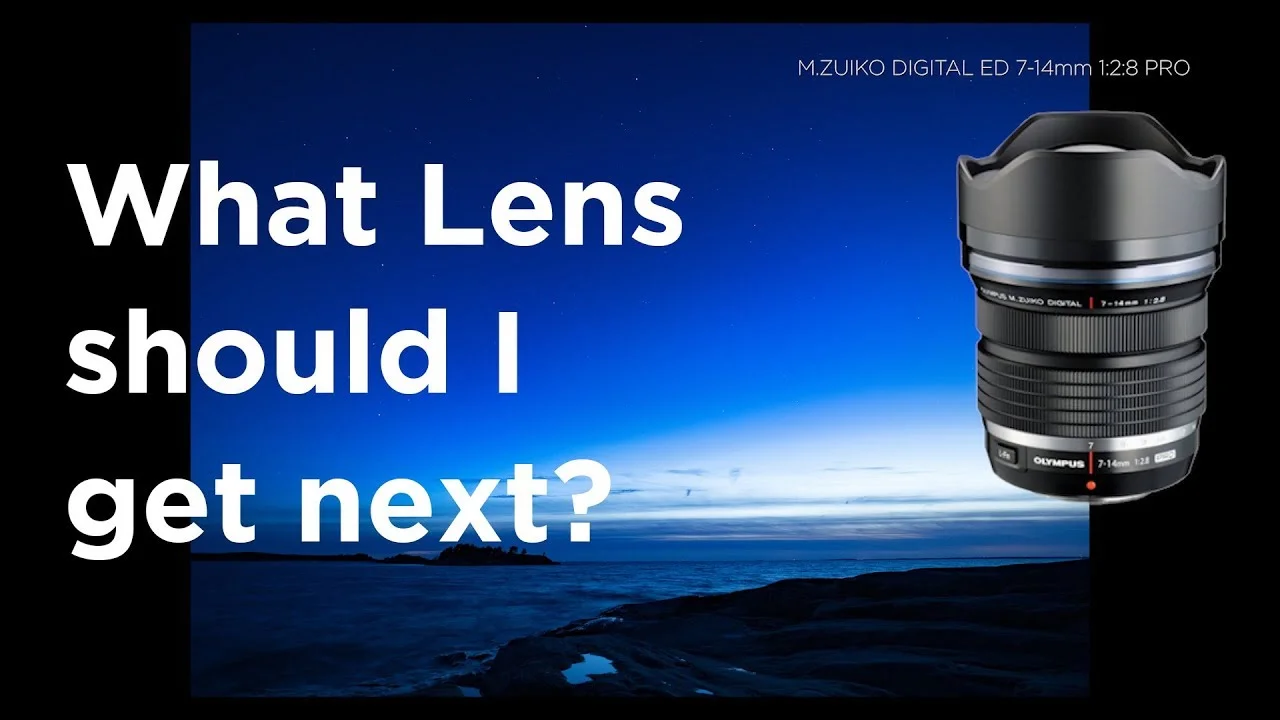
    What lens should you get next?

    This is a question that I hear a lot. When you start to get more into photography the lens that came with the camera might not be enough for you. I made a video about the things you should consider when buying your first lens after the kit lens. Of course this video will help you to decide even if you are more advantaged photographer.

    You can get any of those lenses from my kit.com store. (disclaimer: I get a few bucks if you buy from these links.)
     

    The link to the store: https://kit.com/PeterF/next-olympus-m-zuiko-lens-after-the-kit-lens
  • Olympus vs. Hasselblad

    Olympus vs. Hasselblad

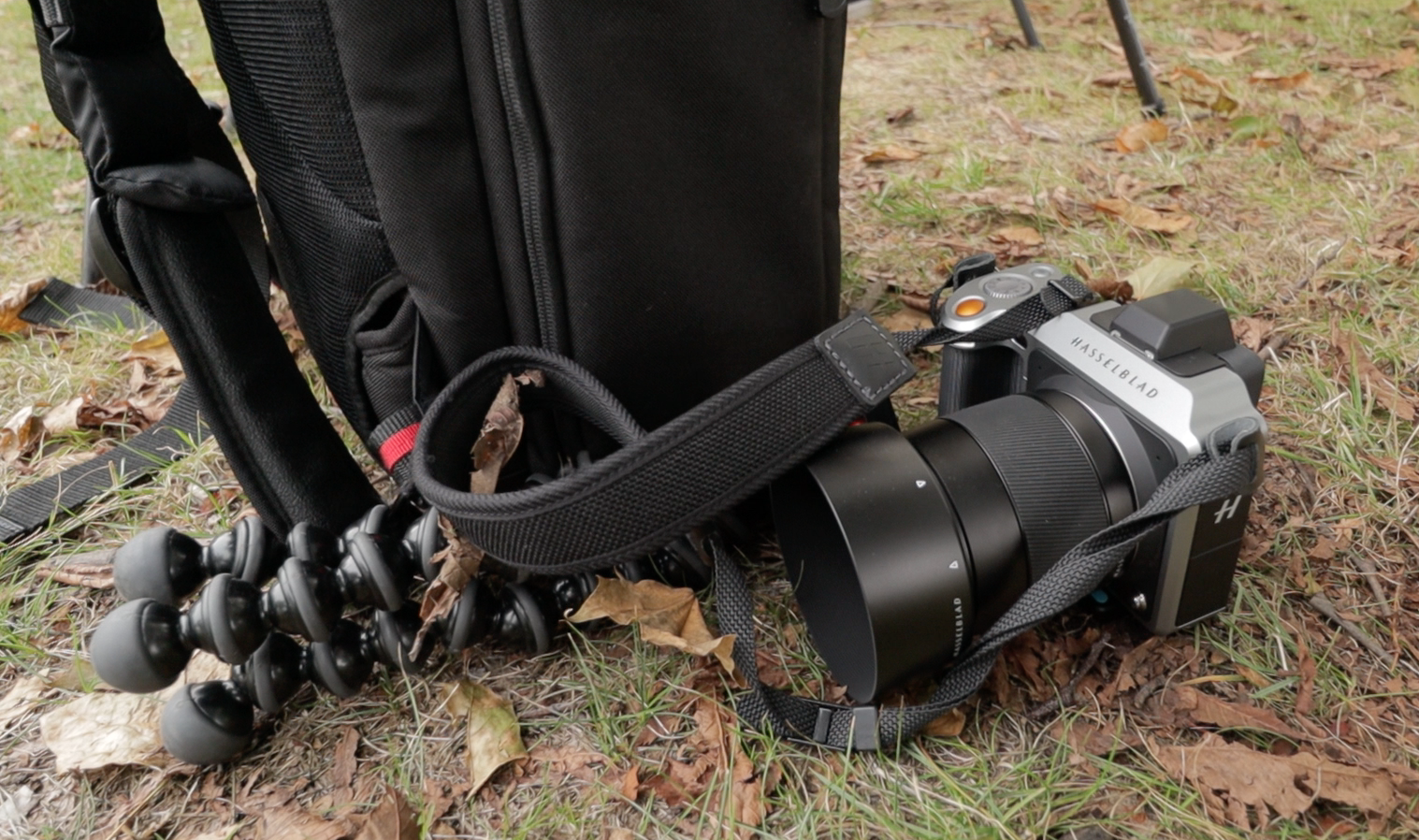
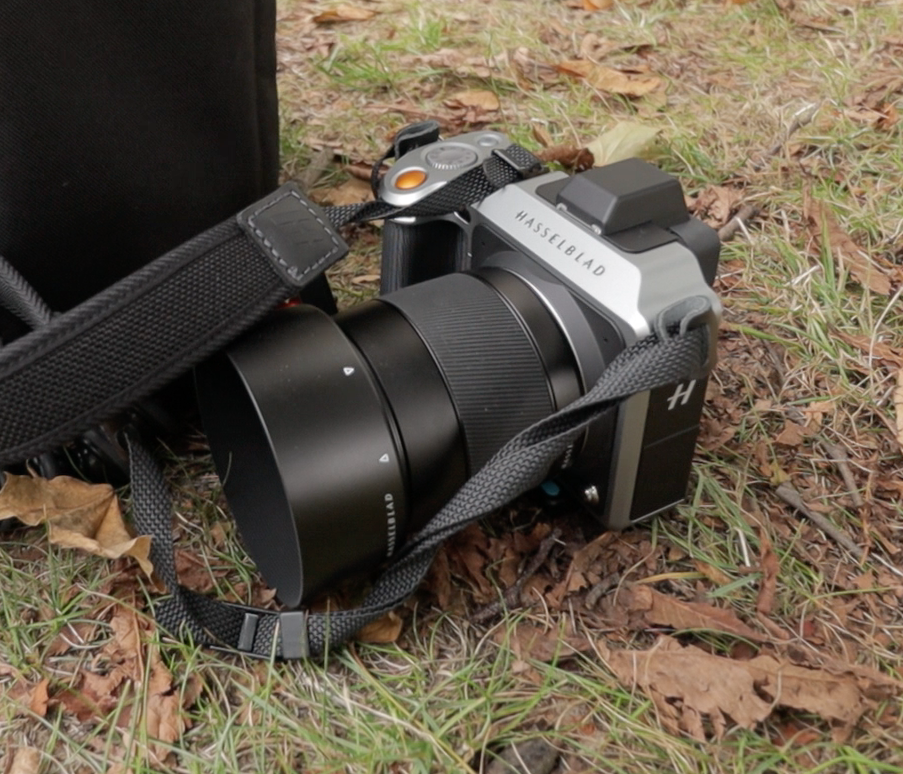
    I had a change to test the Hasselblad X1D. Its an interesting camera, a medium format mirrorless camera with a 50 megapixel sensor. It has a price of around 9000€ the body alone. The Finnish Hasselblad dealer Fimeko borrowed me the camera.

    Screen Shot 2018-09-01 at 8.09.37.png

    First impresssion

    I made a first impression video a couple a weeks ago. My Olympus OM-D E-M1 MKII (in Finnish) has a highres mode. With the highress I can make 80 megapixel images with it. It uses the pixel sift technology. Of course there are limitation with that technology.

    Olympus and Hasselblad head to head!

    I wanted to compare my Olympus OM-D E-M1 MKII against the Hasselbald X1D. In the video below you can watch the results. There are also links to to My first impression video on the Hasselblad X1D and a tutorial video about the Highres mode in Olympus cameras.

    Videos:

  • Tutorial – Using Olympus Episode 7: Auto ISO

    Tutorial – Using Olympus Episode 7: Auto ISO

    This time I am talking about Auto ISO. 

    The Auto ISO can be found in Custom Menu E in the following Olympus cameras:

    Pen E-PL8, E-M5, E-M5 MkII, E-M10, E-M1 and MkII, E-M1,   

    Screen Shot 2018-06-07 at 21.28.57.png

    In Pen E-PL9 and E-M10 MKIII its in the Custom Menu D1

    Screen Shot 2018-06-07 at 21.35.26.png

    and as shown in the video in E-M1 MkII its in the Custom menu E1.

    The Auto ISO can also be set with the Super Panel.

    If you havent seen the previous episodes I recomend you to watch them. The whole Using Olympus playlist can be found here: https://goo.gl/9cPqo1

    If you have any questions please ask them in the comments!