Skylum announced their new software on the 9th of September called Luminar Neo. What is going on? Luminar AI came on the market last December. Why a new software again? Will it replace Luminar AI?
Why was Luminar Neo made?
Luminar Neo is built on a whole new image engine. It will mean that it will be faster than Luminar AI that is based on an old image engine. Luminar Neo will also have new features that are not possible in Luminar AI.
Most likely Luminar Neo will be faster. The old image engine needed to calculate again all the previous edits on the image before it could apply the new one. When having a lot of edits the process will slow down as you go forward with your edits. The new engine does not have to do this. Luminar Neo is also a modular software which I who know nothing about coding have learned that it is the new way to do software.
Is Neo compatible with Luminar AI catalogs?
Short and straight answer: No. It is a pity and will make a lot of us a bit annoyed. The reason is that new image engine.
What is new in Luminar Neo?
It will have all the same AI tools that Luminar AI had and a lot more. Skylum said that it has 30 Ai tools. Here are some of the new tools that Luminar Neo has.
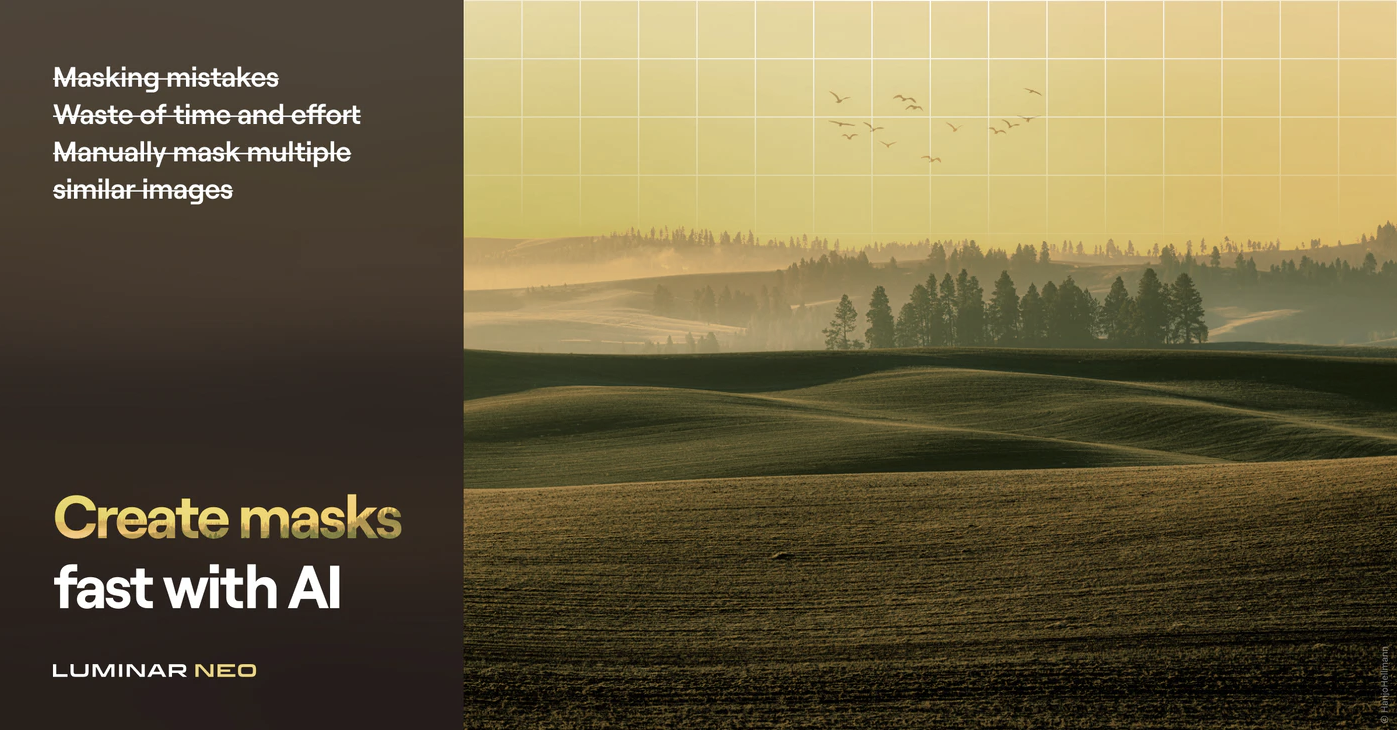
Mask AI
Masking is one of the most boring things in image editing. Luminar Neo will do that automatically for you. Mask AI is most likely a time saver for many. Of course, it has to work perfectly in order for it to be useful. Fixing bad masks is almost the same as making the mask by hand.

Layers
Layers are useful. Luminar AI did not have them. It was based on a different method. I am personally quite used to using layers. It is an easy and good way of adding adjustments. The strength can be adjusted in many ways. I think having layers back is a good move.
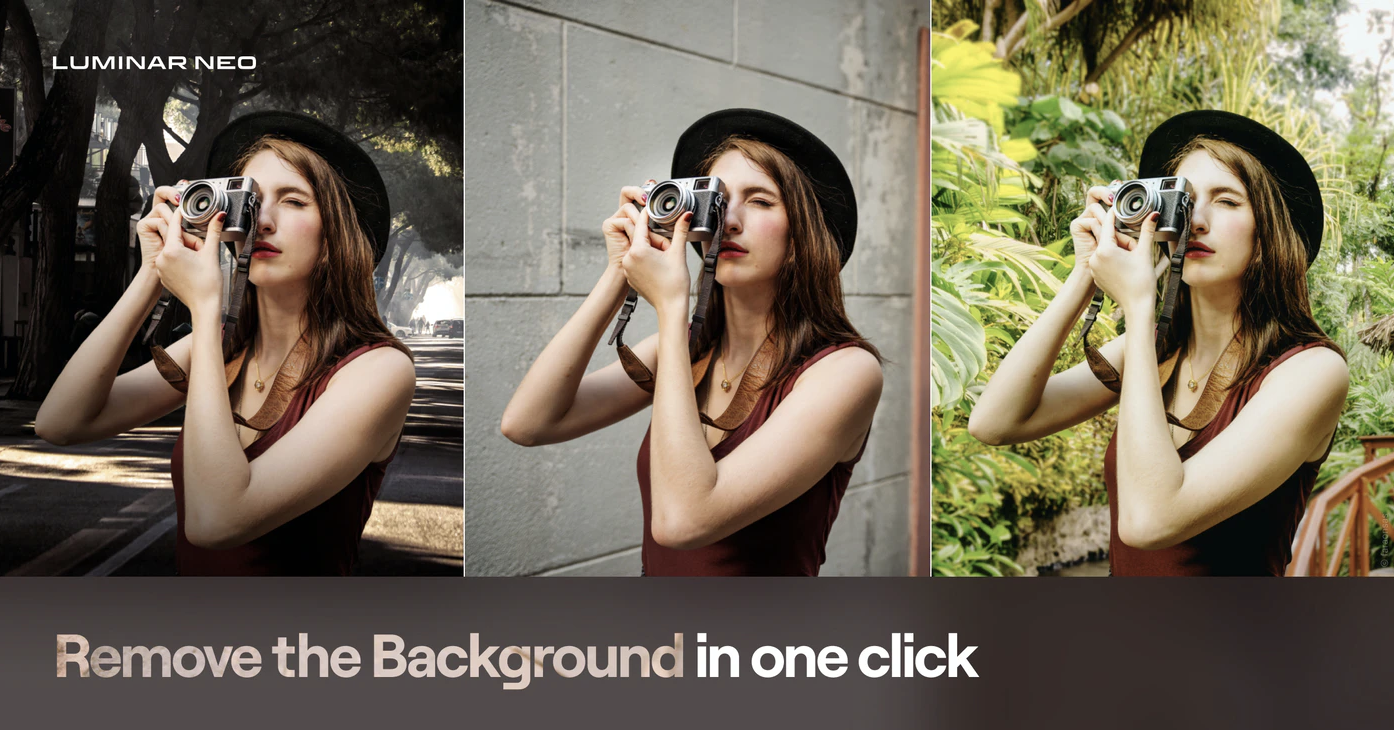
Background Remove
If this works perfectly it is a quite powerful tool. It is nothing new. Adobe Photoshop and many other image editing software have a similar tool. Luminar Neo has to be better. This tool is very useful for product photographers and for those who make composite images. It will most likely make the workflow faster.

Relight AI
Relight AI is an interesting tool for changing the light in an image. The example photo is just one part of it, fixing poor photographs. If it is also good for actually relighting a scene then this could be something bigger than just a fix for mistakes that the photographer made. That remains to be seen.
A great deal for existing Skylum software users.
Skylum offers a great for existing Skylum software users. An early bird price is only 34€. (valid until 19th of September). There is also a 30-day money-back guarantee that starts when the software is available. Not a bad deal. in spite of the disappointment that the fast pace of introducing new software Skylum has Luminar Neo is interesting software. I will definitely try it.
This is a good deal, but I think they should have given the Luminar Neo to all Luminar AI users for free. That would have been a really great deal. It would have also made people a lot happier. Now many of us feel a bit fooled.
👉 Click this link takes you to that deal: Luminar Neo deal. (valid until October 17th, 2021)
👉 New users: Luminar Neo deal for new users. (valid until October 17th, 2021)