Tag: Photography tutorial

  • Question YOU NEED TO ASK Before Clicking The Shutter!

    Commonly, we rush to our images. What I mean is that we make images without thinking about the process of making the image.
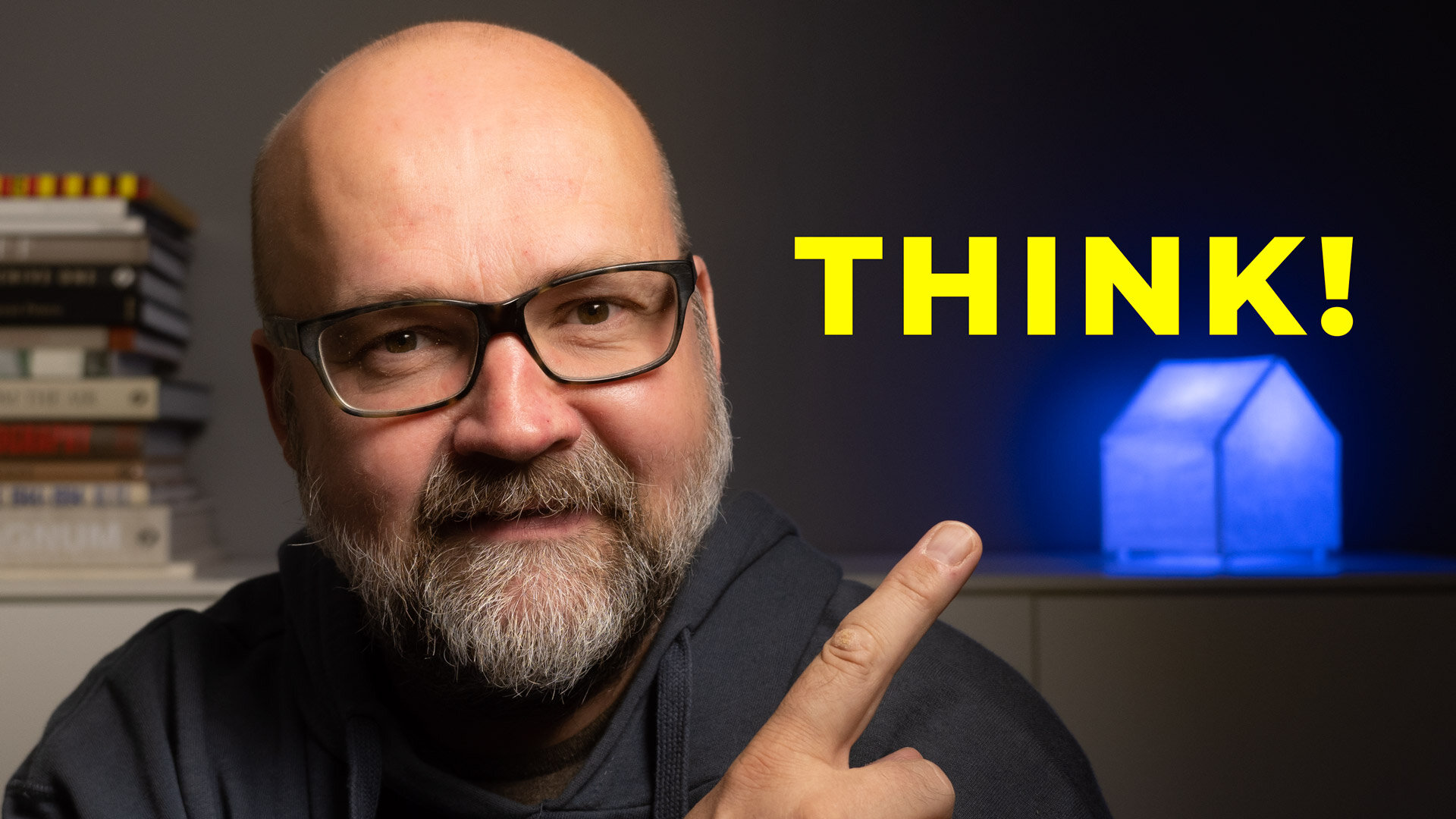
    aloituskuva.jpg

    In my 🎥 latest video, I go through things you need to ask before clicking the shutter. It is quite a lot. The video was inspired by a blog post on the B&H blog. The blog post was: 30 Questions You Should Ask Before You Take a Photograph. It was a very inspiring blog post.

    There is a lot to think about before clicking the shutter. It starts with the most obvious question: What is the subject?

    Unfortunately, it is not always clear what was photographed. There are a lot of images that have no subject. It’s just because the photographer has not thought about it.

    The second thing is that the image must be photographed to make the subject obvious. You can do some things when photographing to ensure the subject is obvious.

    Those things are Light, Composition, and controlling the depth of field—more about these in my latest video.

    B&H blog post had 30 questions, but it can be reduced to 3 things. What, Why, and How. Those three questions are important. Do not make the image if you cannot answer those three questions. Most likely, it won’t be exciting.

    Always think about what to photograph, why you photograph it, and how to photograph it so that the subject is obvious. That will make your images a lot more interesting. You will be better.

  • Leading Lines In Photography – [Photo Assignment for YOU!]

    Leading Lines In Photography – [Photo Assignment for YOU!]

    Leading lines is a very powerful way of making a composition. It will draw the viewer’s eye where you want it in the image. Usually, the effect is stronger if you use a wide-angle lens. In the video, I also talk about if there is a difference between a straight leading line or a path? What about the subject? Is a subject important in the end of the lines?

    In the video below I will answer these questions. Watch the video and take part and send e an image for the feed back. Instruction how below the video.

    Instruction for the challenge:

    Make an image that meets the assignment I gave in the video above. You can use any gear that you want.

    Send the image using this link. It will take you to a Google Form. From there you can send your image. You need to be signed in to Google.

    Submitting an image to my feedback session you will grant me the right to show and critic the image during the Live Stream. If you submit an image it does not mean that it will be given feedback. I try to give critic to everyone, but if there are a lot of images I will the best ones. Also if the subject is inappropriate I will not show the image or give feedback. All images and other info will be deleted after the Live Stream.

    This is important: Make sure that you have all the rights to the image you submit.

    Below is the Live Stream where I gave feedback to the images.

  • Topaz Sharpen AI – [BEST sharpening software or is it?]

    Topaz Sharpen AI – [BEST sharpening software or is it?]

    Many of us want our photos to be sharp. Sometimes we have images that are a bit unsharp. The reason might be that the shutter speed is too long for stopping the motion and the image has some motion blur. Sometimes we have camera shake pr we miss the focus.

    In many cases, we can remake the image, but not always. Then it would be great if there was a software that could help us. TopazLabs has a solution, Topaz Sharpen AI. It is part of their AI-driven software sets like DeNoise AI and Gigapixel AI.

    Topaz Sharpen AI can fix images that have motion blur, camera shake or are slightly out focus. Like I say in the linked video below it is not a solution for sloppy photography, but a rescue method if you really need a photo that has something wrong with the sharpness.

    It does not work if you need to print big. Images that are for social media or another online posting, it works great.

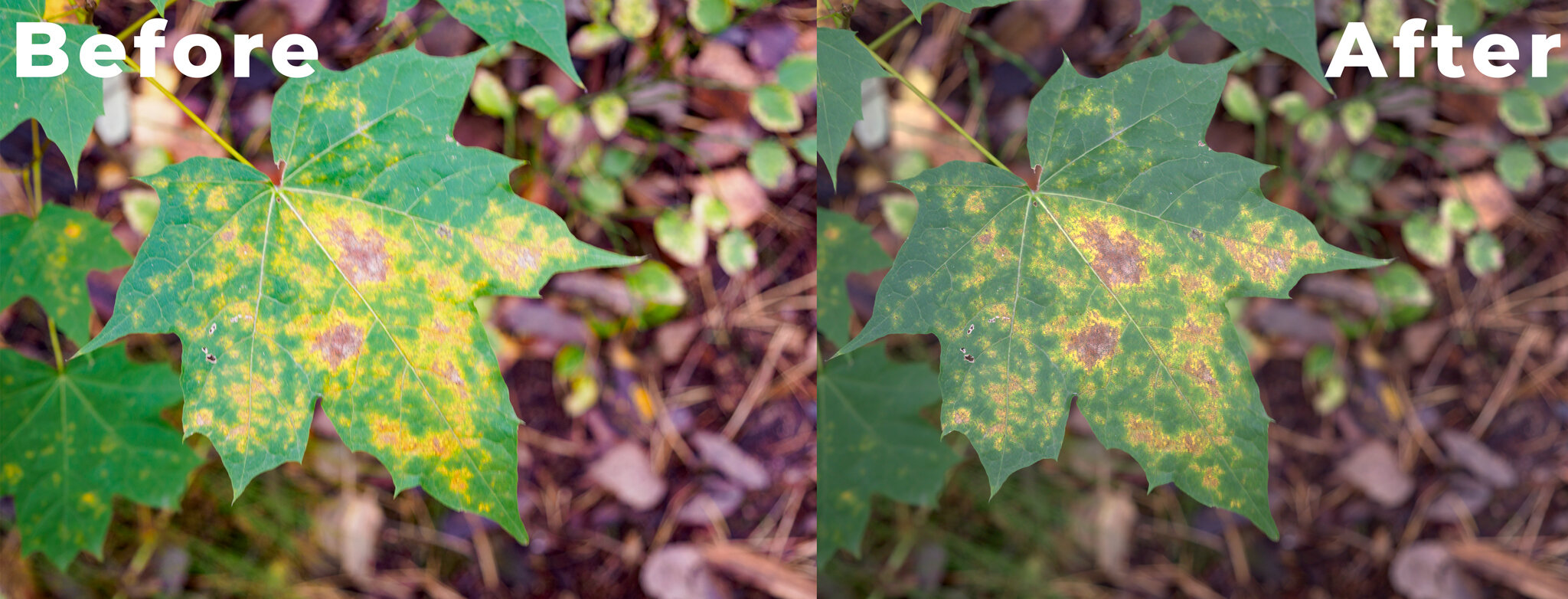
    Here you can see images before and after. There was some motion blur and Sharpen AI made the images ok for use in small size in social media for example.
    Here you can see images before and after. There was some motion blur and Sharpen AI made the images ok for use in small size in social media for example.


    The downside of the Topaz Sharpen AI that it is quite slow. You need to have a powerful computer for it to work.

    The great thing is that you test Topaz Sharpen AI. It has a 30-day unlimited trial version. So there is no risk. If you do not like it or it is not for you just delete it after you have tested it.

    If you have tested the Sharpen AI, please let me know what do you think about it.