Google has an awesome new AI tool called NotebookLM.
What is it all about?
This is a text from the NotebookLM site: ”NotebookLM lets you read, take notes, ask questions, organize your ideas, and much more — all with the power of Google AI helping you at every step of the way.”
It does not sound like anything more than ChatGPT or PerplexityAI, but NotebookLM has one super feature. It can make a podcast from the content you provide for analysis. It is surprisingly good. The conversation is quite natural, and it is easy to listen to.
Below is the podcast NotebookLM, made from some of my videos in September. I might do these once a month.
On August 19th, 2024, let’s celebrate the birthday of photography together.
What is the Global Photo Project?
The Global Photo Project is a worldwide event for photographers of all ages and skill levels. On August 19th, 2024, we ask you to photograph your surroundings. Our goal is to create a collection of photos showing our world’s beauty and diversity. Whether you are an experienced photographer or a beginner, your images are important to us.
How to Participate?
It is easy to join the Global Photo Project. Here’s how:
1. Register: Go to our registration page and sign up. This way, you will get all the updates and instructions.
2. Take Your Photo: On August 19th, 2024, take a photo showing your unique worldview. You can choose any subject you like.
3. Submit Your Photo: After taking your photo, upload it to our website. Make sure the image has the correct date. If there are people in your photo, get their permission.
What Can You Photograph?
We want to see a wide range of subjects. Here are some ideas:
– Portraits: Take photos of people around you, showing their expressions and emotions.
– Landscapes: Capture the beauty of nature, like mountains, rivers, parks, and beaches.
– Street Scenes: Show everyday life in your city or town.
– Wildlife: Photograph animals in their natural habitats.
– Macro: Take close-up photos of small details like insects, flowers, and textures.
Why Participate?
When you join the Global Photo Project, you become part of a worldwide community. Here’s why you should join:
– Global Celebration: Celebrate photography with people from all over the world.
– Get Published: Your photo might be featured in a book and online gallery.
– Support a Cause: Profits from the book will go to a charity.
– Connect with Others: Share your photos and stories with other photographers.
Future Plans
The Global Photo Project will continue in the future. Every year on August 19th, we invite you to take photos and celebrate photography together. Each year will bring new perspectives and opportunities to connect.
Join Us and Make a Difference
We are excited to see your photos and share them with the world. Your photo will be part of a global collection that shows the beauty and diversity of life on August 19th, 2024.
Register now on our website and get ready for this exciting event. Follow us on social media for updates and inspiration. Use the hashtags #GlobalPhotoProject2024 and #GlobalPhotoProject to share your journey and connect with others.
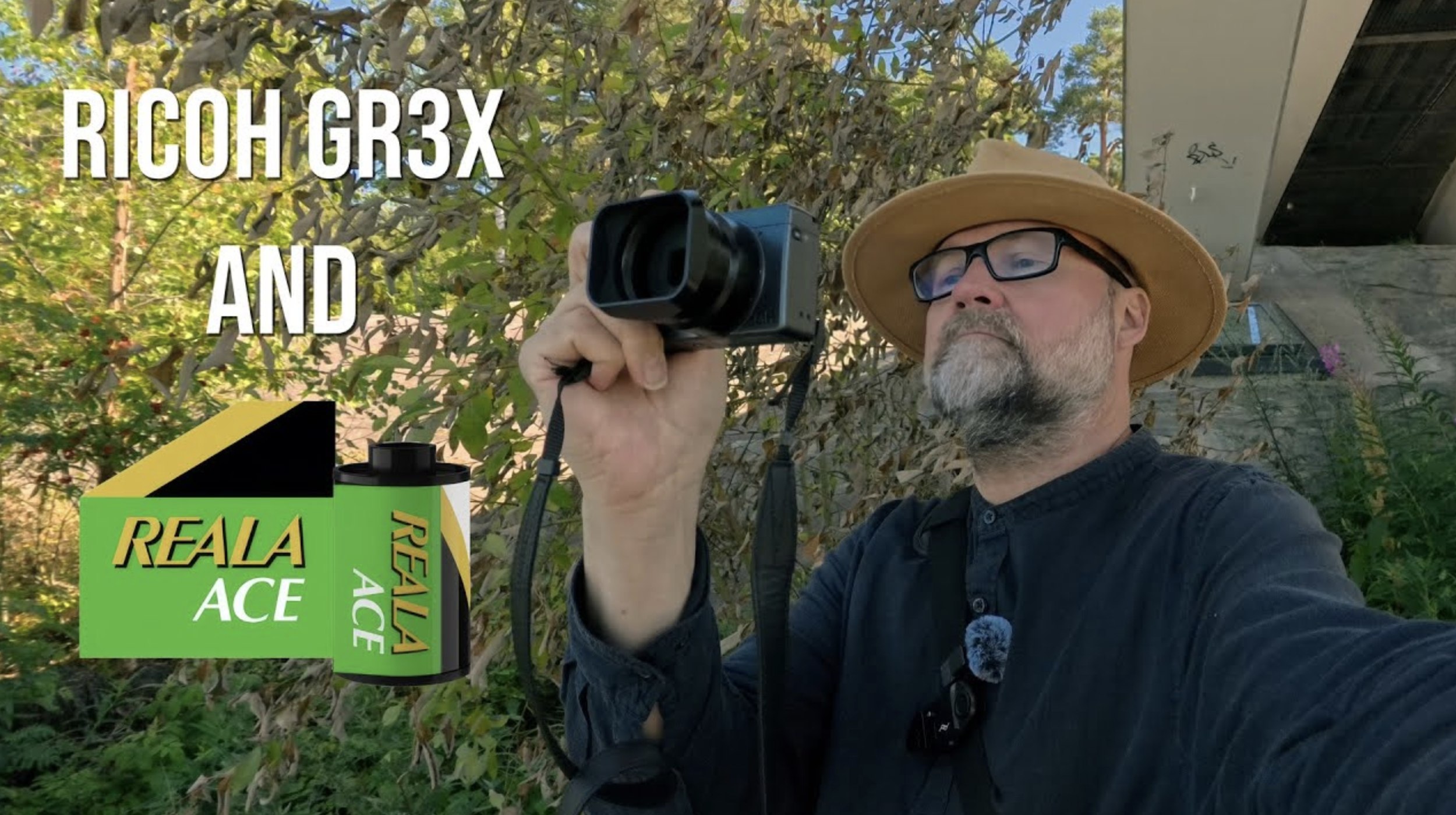
Fuji Reala Ace Film Simulation is a great film simulation. My Fuji X-S20 got that at the end of June. However, I mainly use Ricoh GR3x for street photography. I wanted to test if I can make a film recipe that mimics Fuji Reala Ace.
Making the recipe.
I started the process with my Ricoh Film Simulation Wizard. The result I got was too bluish and not very close to the original.
With a few tweaks, I came very close.
The recipe
Image Control: Vivid
This setting provides a strong foundation of vibrant colors, essential for mimicking the Fuji Real Ace look.
Core Settings:
– Saturation: -1
– Hue: +4
– High/Low Key Adjustment: 0
– Contrast: +1
– Contrast (Highlight): +1
– Contrast (Shadow): +1
– Sharpness: 0
– Shading: 0
– Clarity: +1
Additional Parameters:
– Highlight Correction: Off
– Shadow Correction: Off
– Peripheral Illumination Correction: Off
– High-ISO Noise Reduction: Low
– White Balance: Auto or Daylight
– WB Compensation: 0:A9
– ISO: Auto (Base ISO 100)
– Exposure Compensation: 0 or adjust as needed based on lighting conditions
Explanation:
– Image Control: Vivid sets the stage with vibrant colors, which is a hallmark of the Fuji Real Ace film.
– Saturation: -1 and **Hue: +4 enhance the color vibrancy and add a slightly warm tone, emulating the film’s characteristic warmth.
– High/Low Key Adjustment: 0 keeps the mid-tones neutral, maintaining a balanced exposure.
– Contrast: +1, Highlight: +1, and Shadow: +1 boost the overall contrast and provide a punchy look typical of Fuji Real Ace while still preserving details in highlights and shadows.
– Sharpness: 0 ensures that the image retains a natural look without being overly sharpened.
– Shading: 0 keeps vignetting neutral, focusing on the central color and contrast characteristics.
– Clarity: +1 adds a slight boost to micro-contrast, enhancing the perceived detail and texture.
– Highlight Correction and Shadow Correction: Off maintain the natural contrast dynamics without flattening the image.
– Peripheral Illumination Correction: Off to avoid artificial vignetting.
– High-ISO Noise Reduction: Low to preserve fine details and mimic the fine grain of Fuji Real Ace.
– White Balance: AutoWB with WB Compensation: 0:A9 to fine-tune the warmth and maintain color accuracy.
– ISO: Auto (Base ISO 100) allows for flexibility in various lighting conditions while maintaining image quality.
– Exposure Compensation: 0 provides a neutral starting point, allowing for adjustments based on specific scenes.
This recipe aims to capture the essence of Fuji Real Ace film, with its vibrant colors, fine grain, and slightly warm tone. Adjustments can be made to suit personal preferences and specific shooting conditions.