Category: Camera

  • Is the Digital Teleconverter on Olympus cameras any good?

    Is the Digital Teleconverter on Olympus cameras any good?

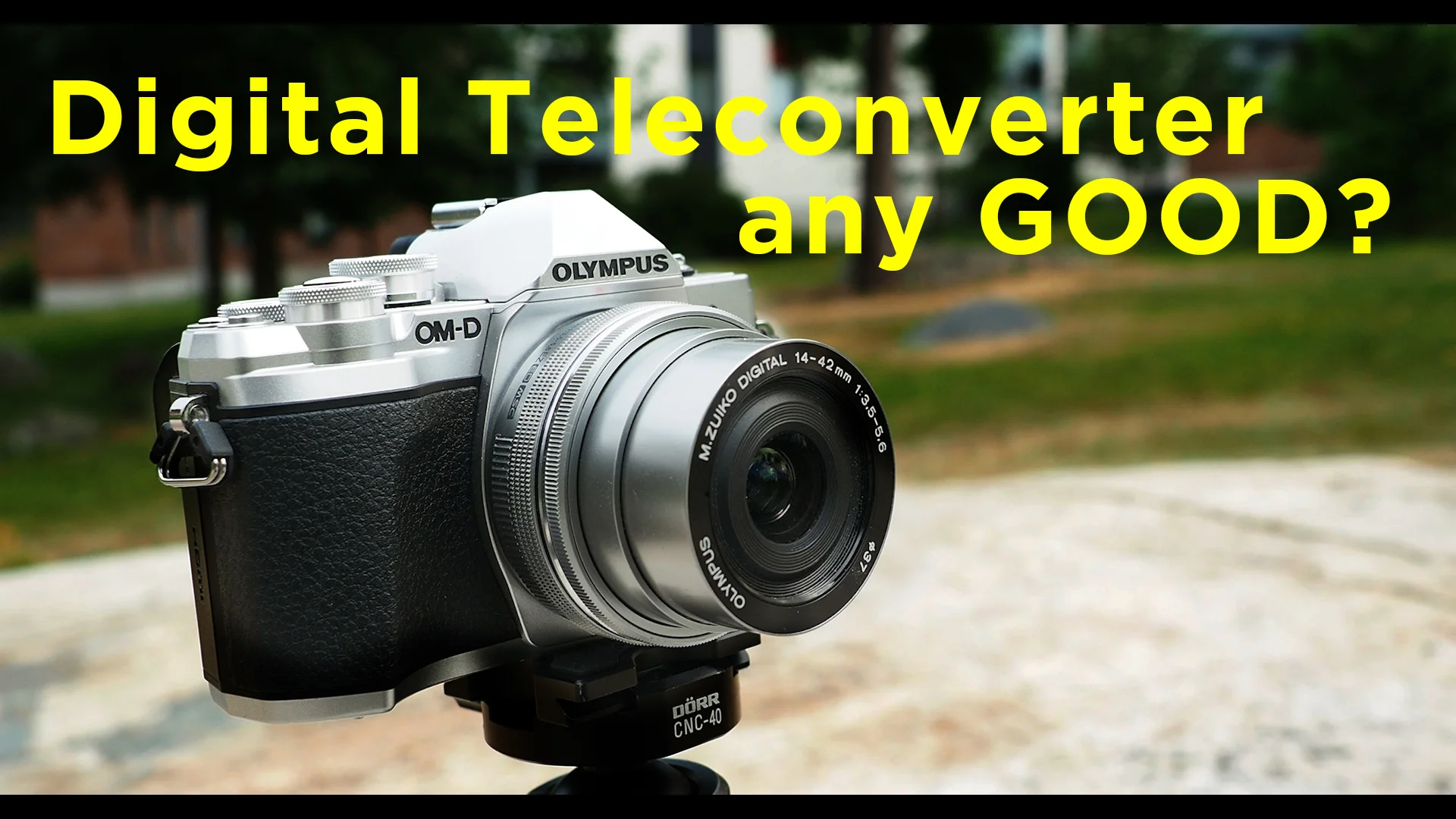
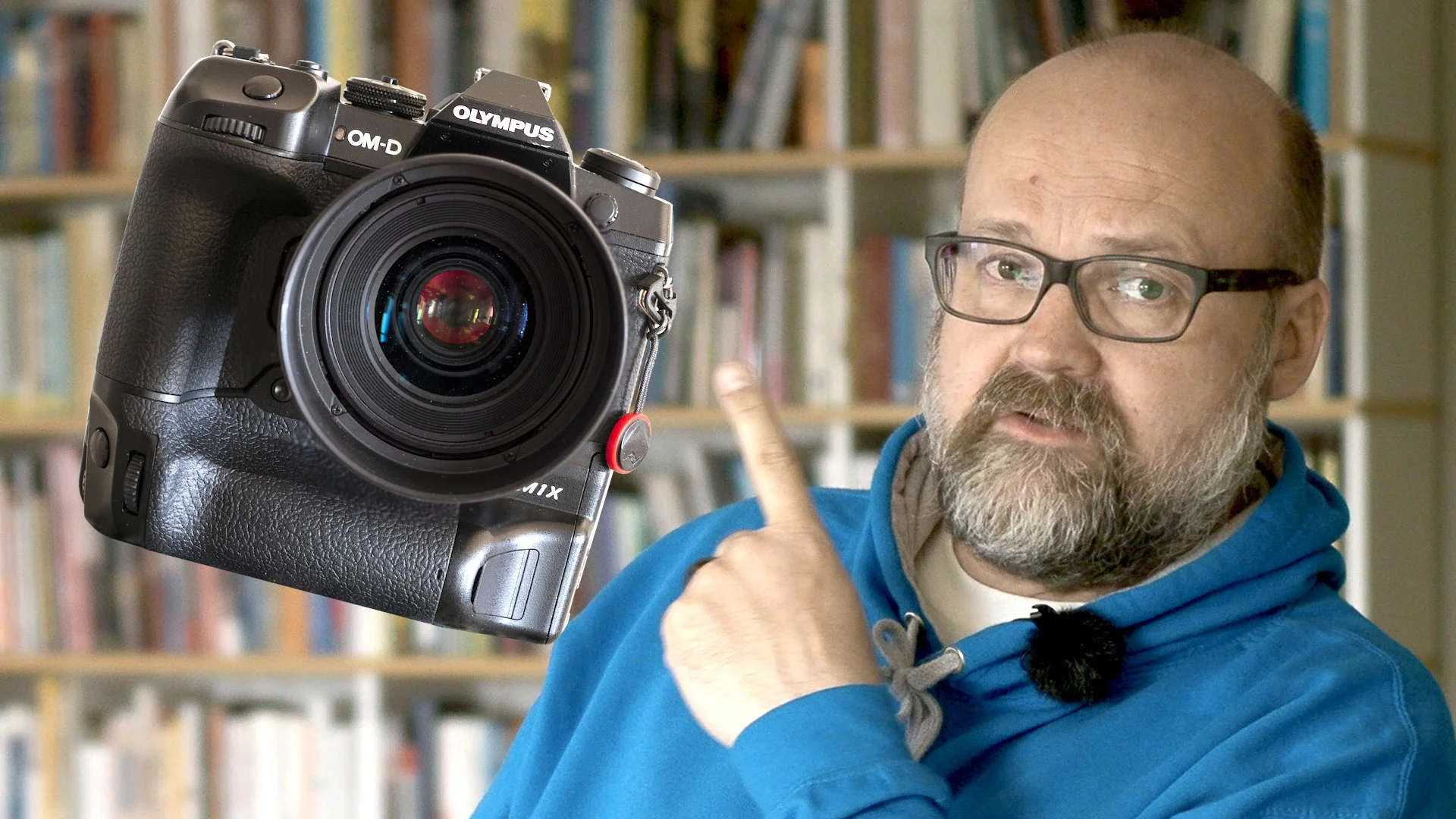
    I have been testing the Olympus Digital teleconverter lately. It can double your focal length on your M.Zuiko lens. That why it is very tempting. Wouldn’ t it be great to have extra reach on you trips if travelling only with one lens?

    But since it is a digital teleconvetert, it will upscale the cropped image you see from the EVF or the LCD. How bad is the loss in image quality?

    Check out this video and the images below to see for yourself.

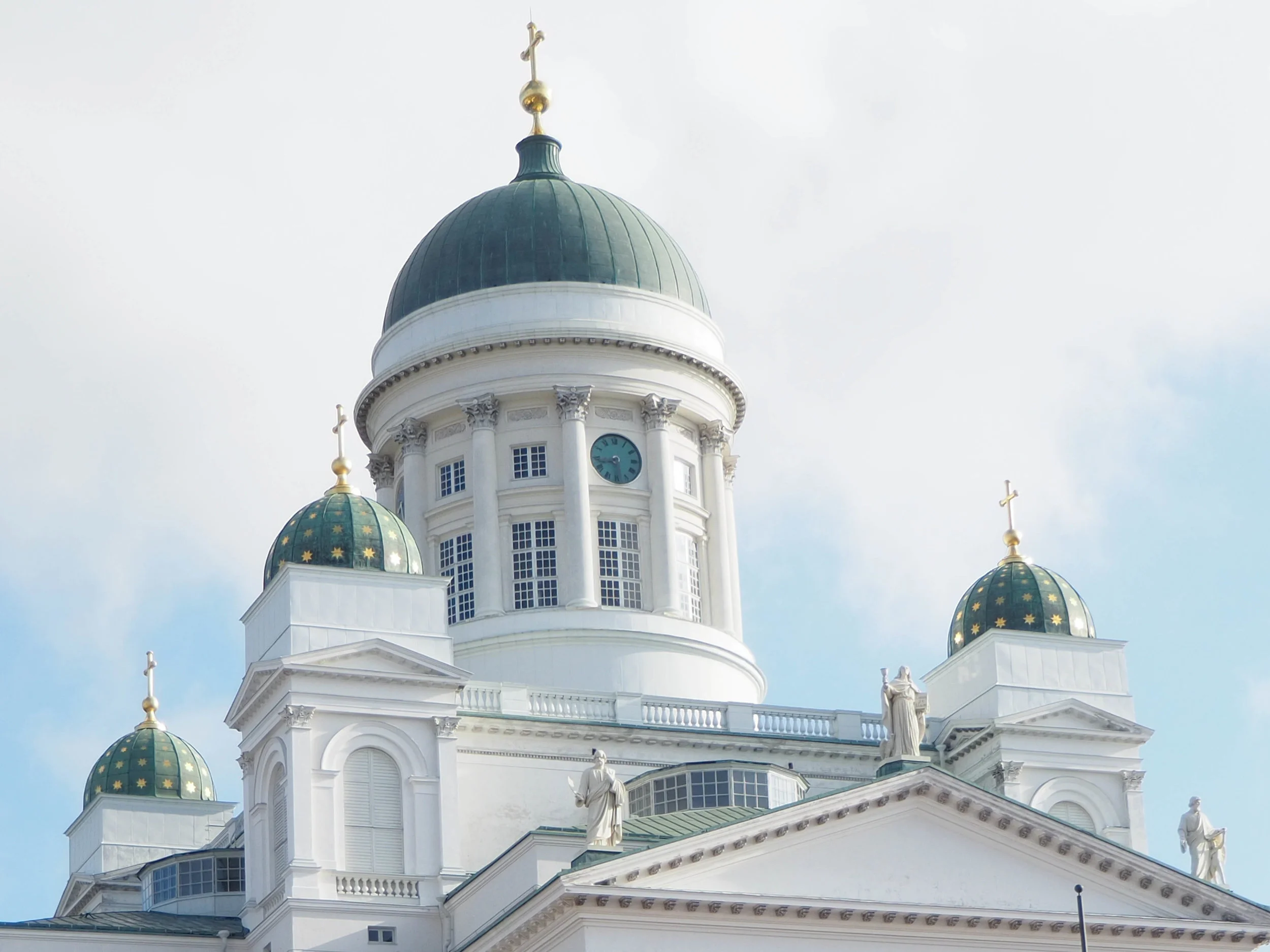
    Upscaled from a cropped raw-file
    Upscaled from a cropped raw-file
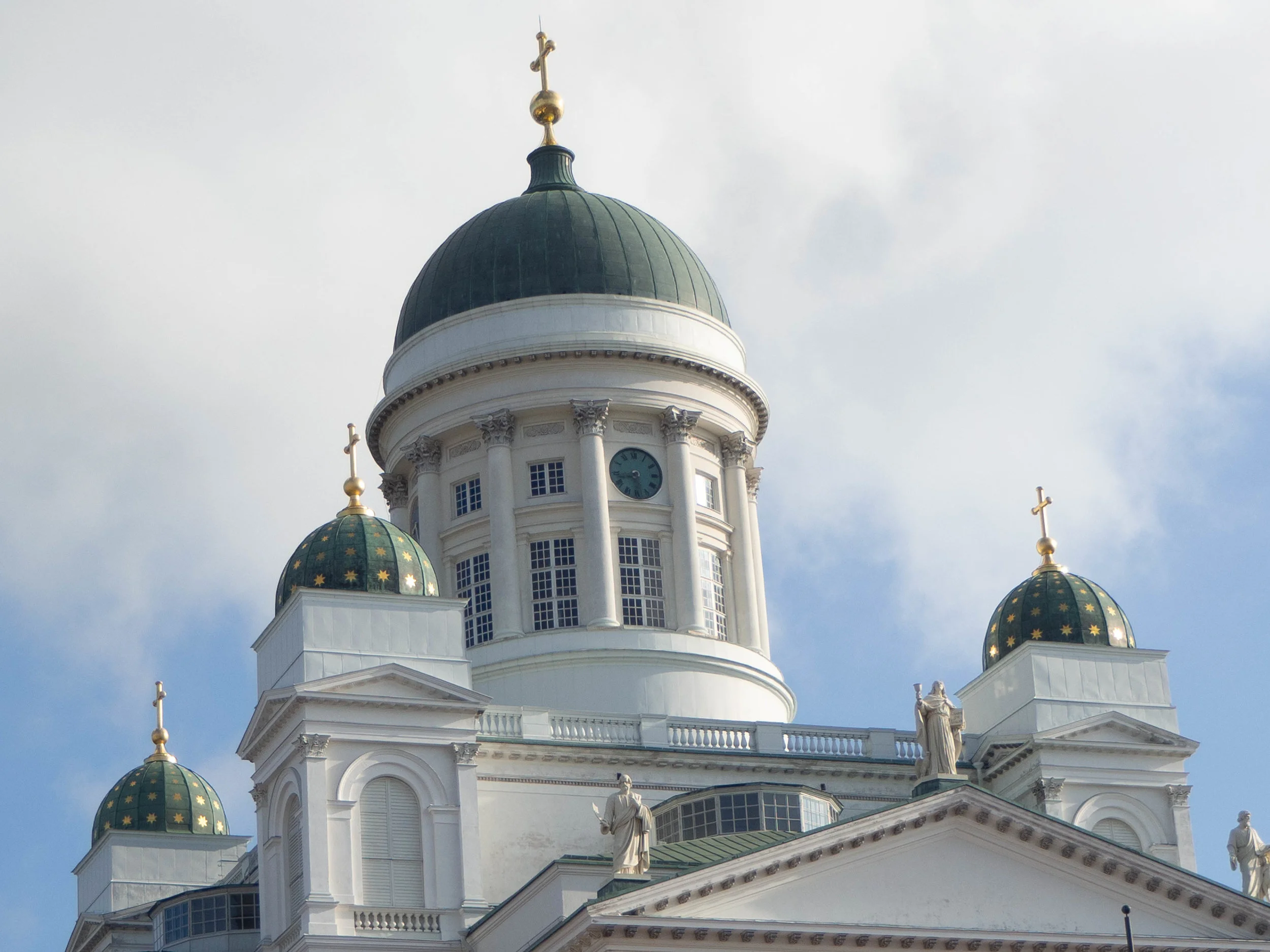
    Digital Teleconverter On. (camera: Olympus OM-D E-M10 MKII, 14-42mm f3.5-5.6)
    Digital Teleconverter On. (camera: Olympus OM-D E-M10 MKII, 14-42mm f3.5-5.6)

    As you can see the difference is not big, but the upscaled raw-filer is a bit better.

  • Olympus E-M10 Mk III – Best Settings Part 2

    Olympus E-M10 Mk III – Best Settings Part 2

    This blog post is done together with the video that is embeded below.

    Here are all the settings that was mentioned in the video.

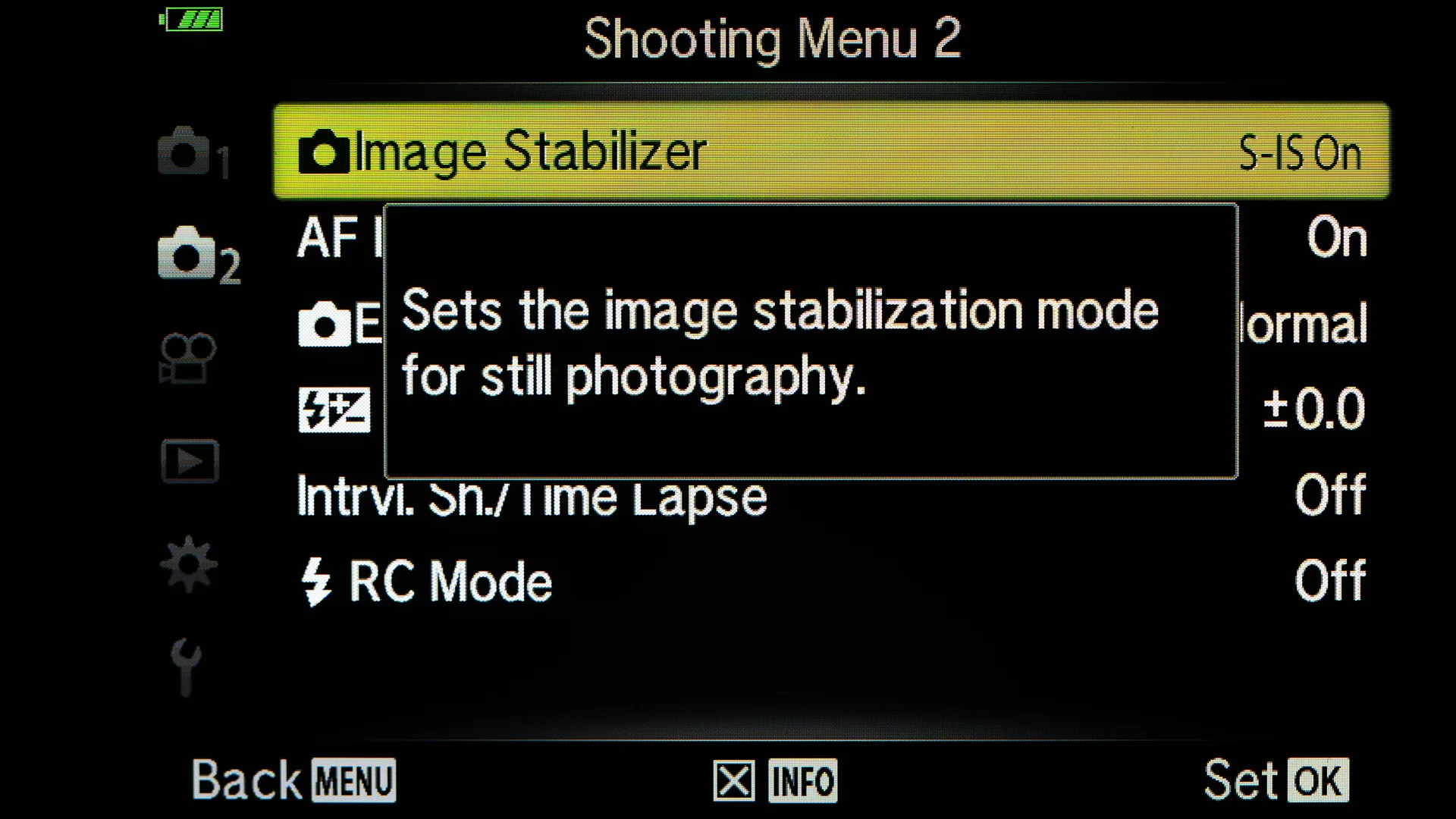
    The first setting of the Basic Settings is the ability to toggle the info about the Menu item:

    Pressing the Info-button on the back of the camera you can get the ingo about the Menu item.
    Pressing the Info-button on the back of the camera you can get the ingo about the Menu item.
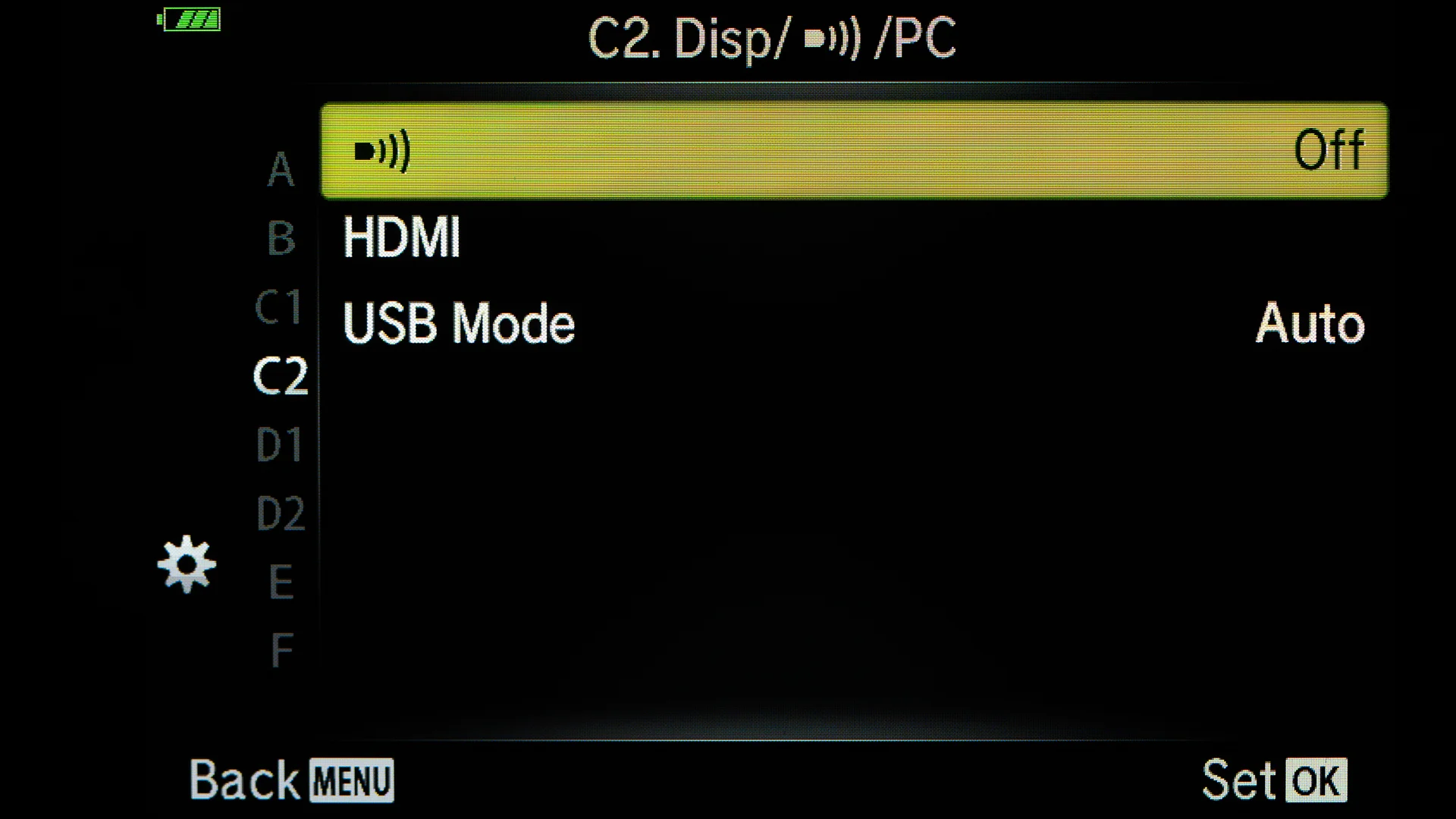
    Turn off the annoying beep sounds.
    Turn off the annoying beep sounds.
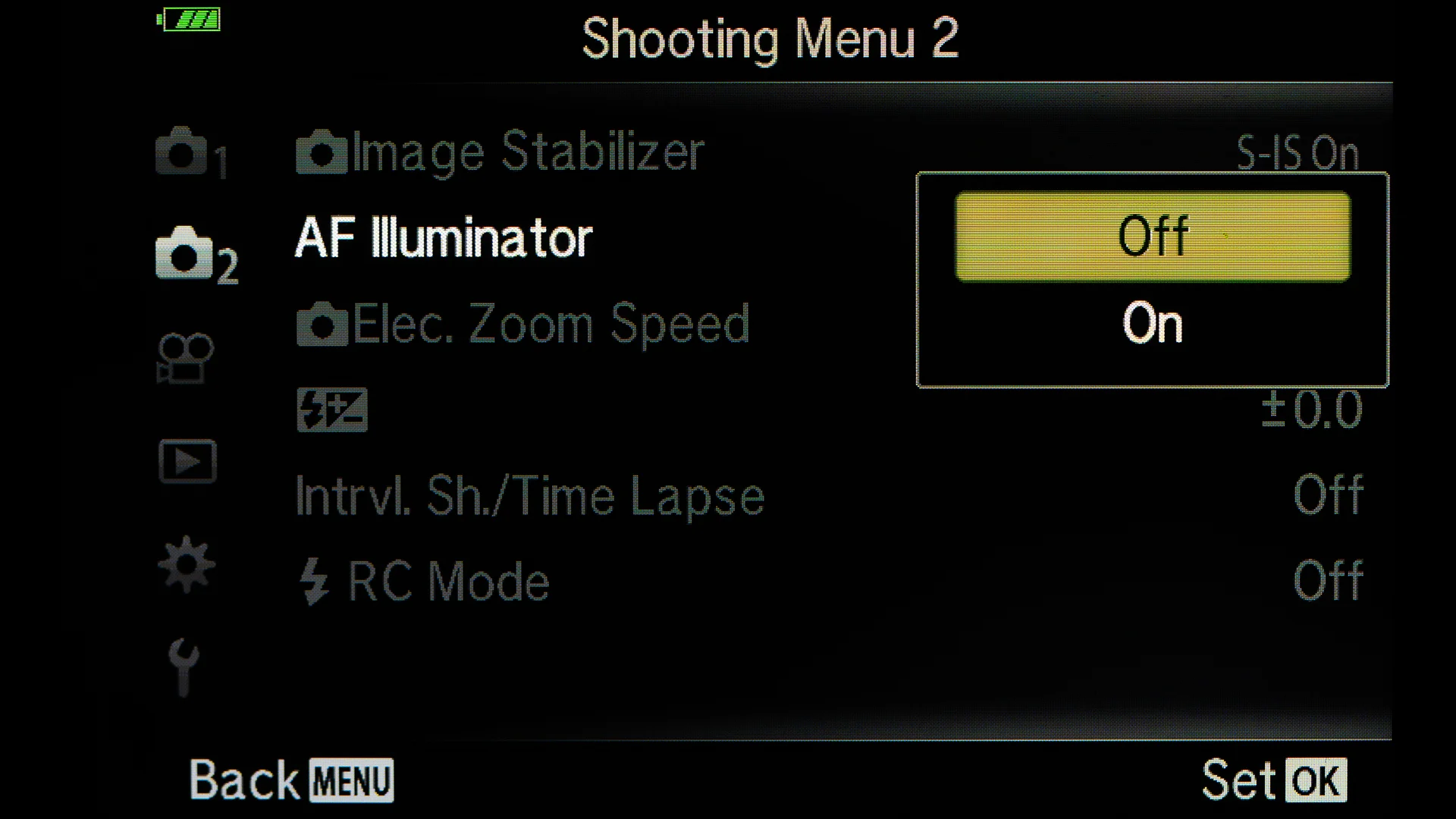
    Turn off the AF Illuminator. If photographing a lot in dark, them this option is good to be on. It will help to focus.
    Turn off the AF Illuminator. If photographing a lot in dark, them this option is good to be on. It will help to focus.
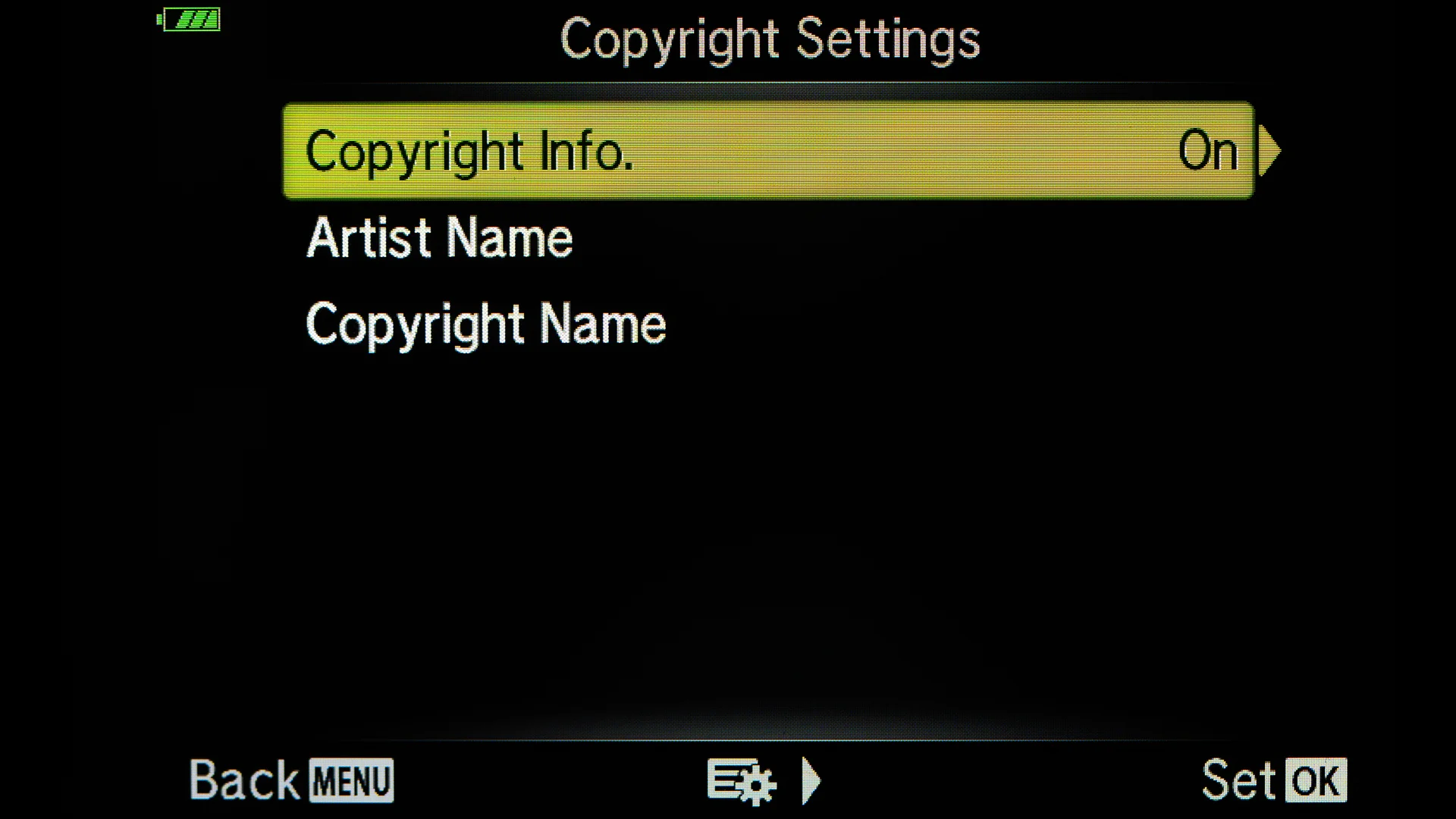
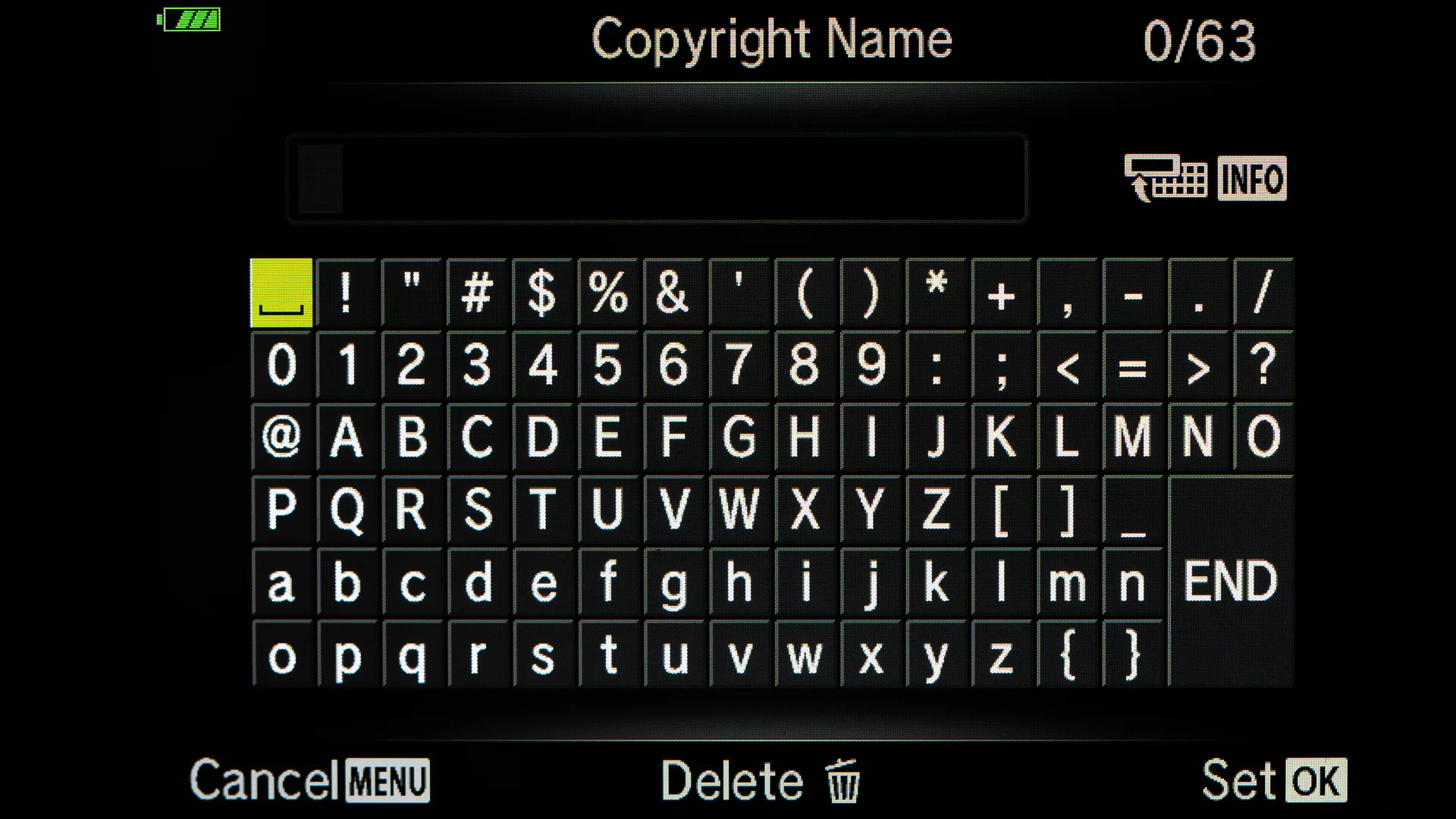
    Add copyright info to your images.
    Add copyright info to your images.
    Use the keyboard in the Menu
    Use the keyboard in the Menu
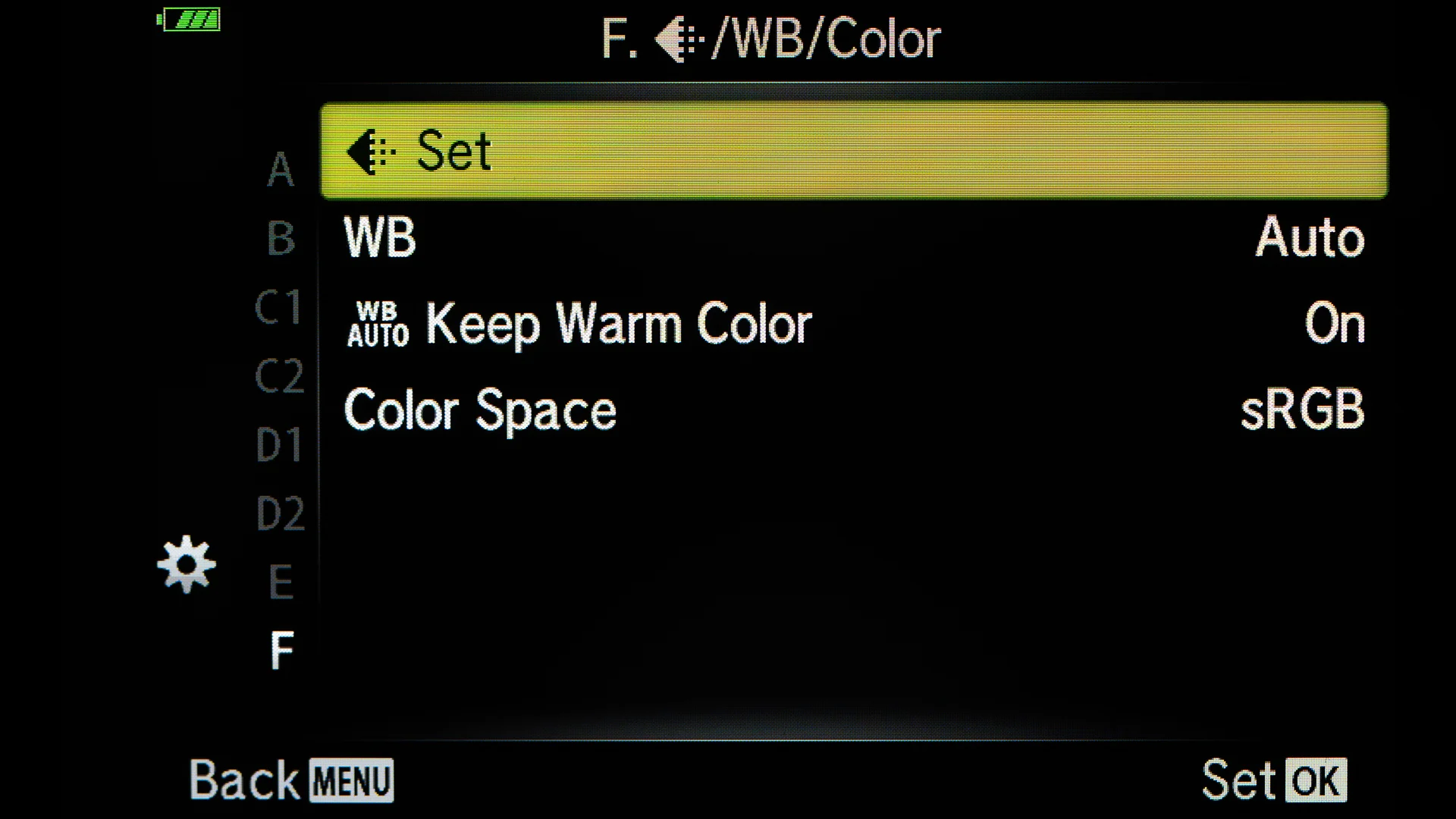
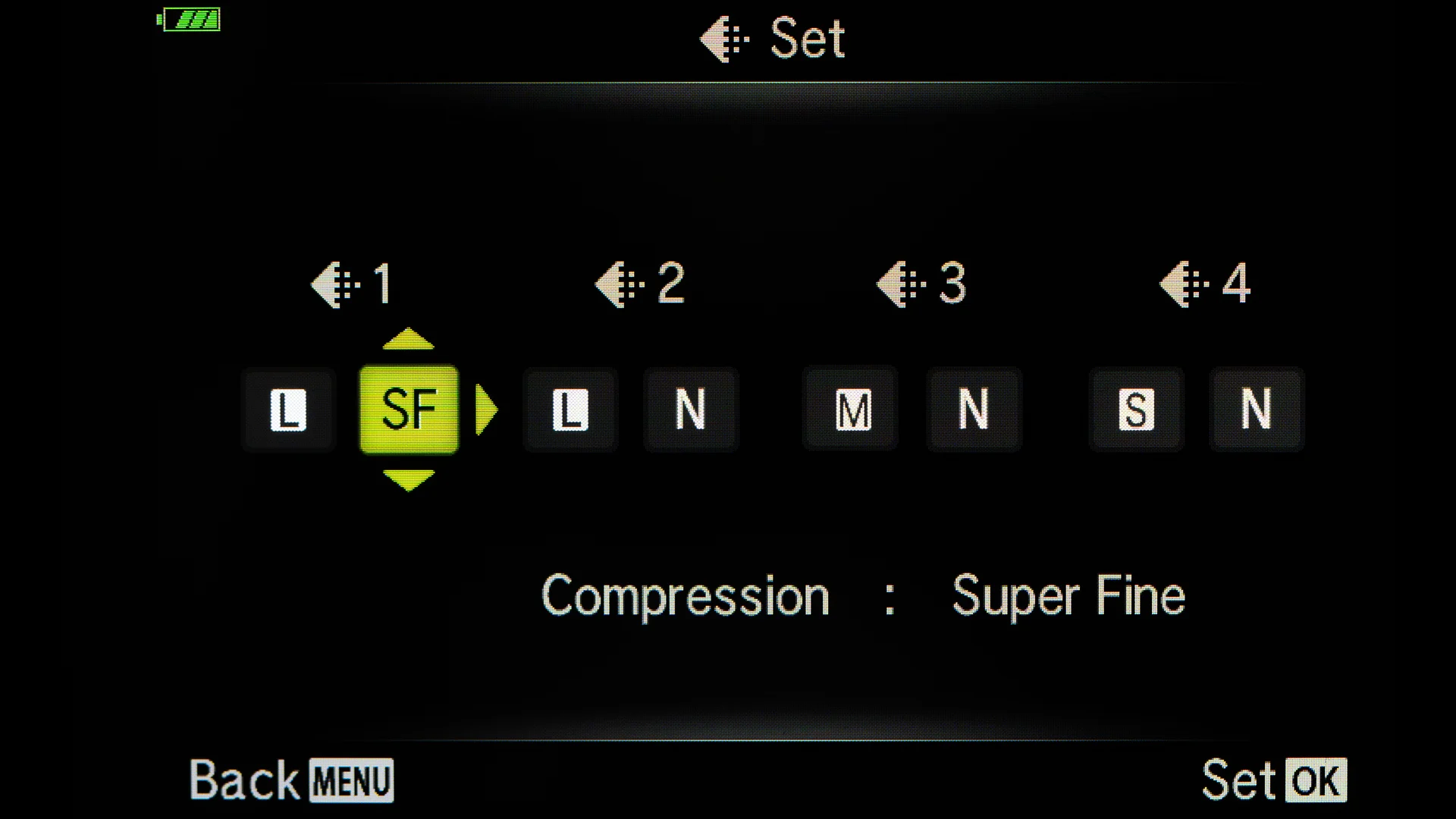
    From the Special Menu F you can make sure that you are recording he best possible JPG quality.
    From the Special Menu F you can make sure that you are recording he best possible JPG quality.
    Choose Super Fine as your compression.
    Choose Super Fine as your compression.
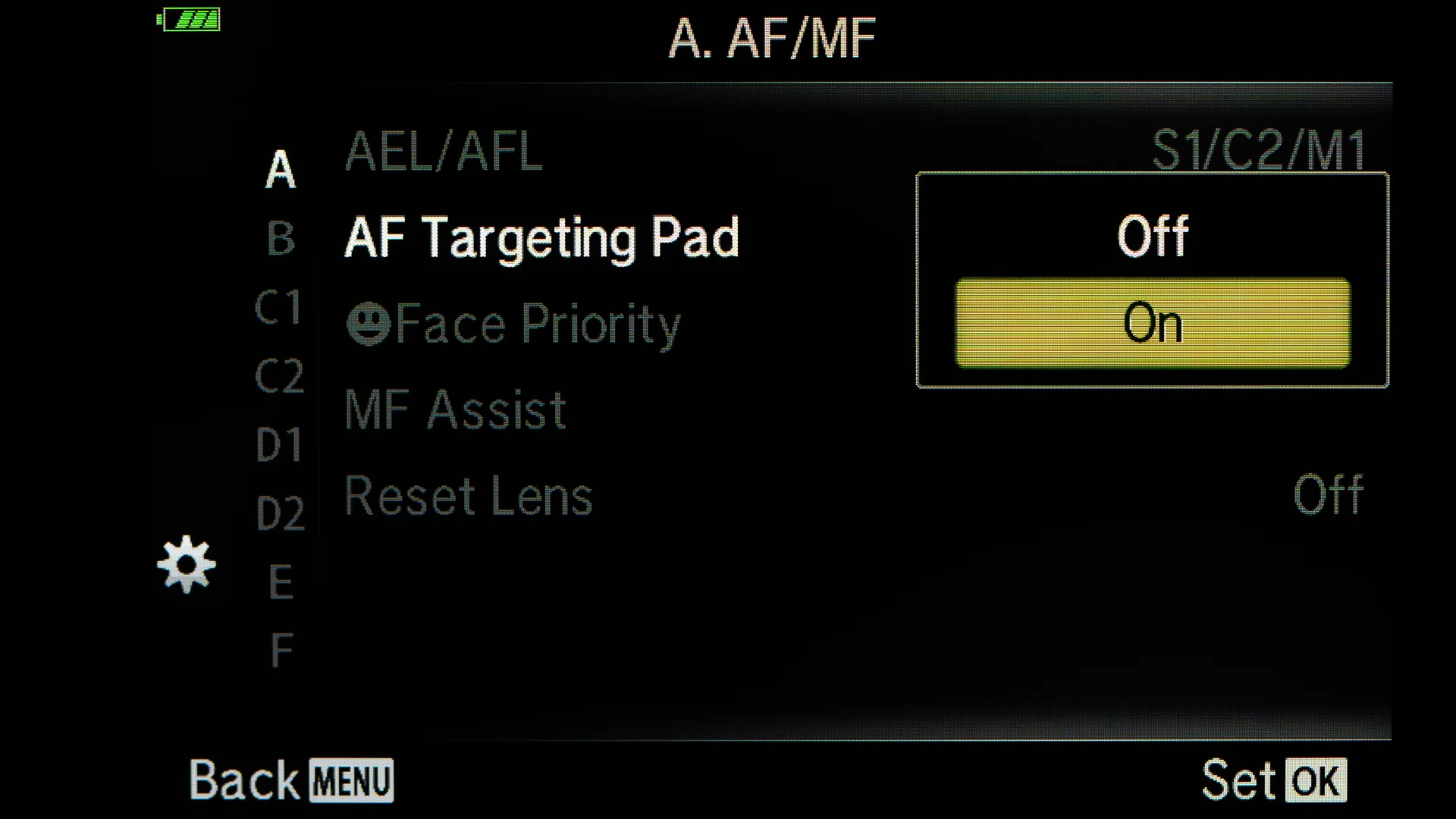
    Turn on the AF Targeting Pad to choose the focus point from the LCD.
    Turn on the AF Targeting Pad to choose the focus point from the LCD.
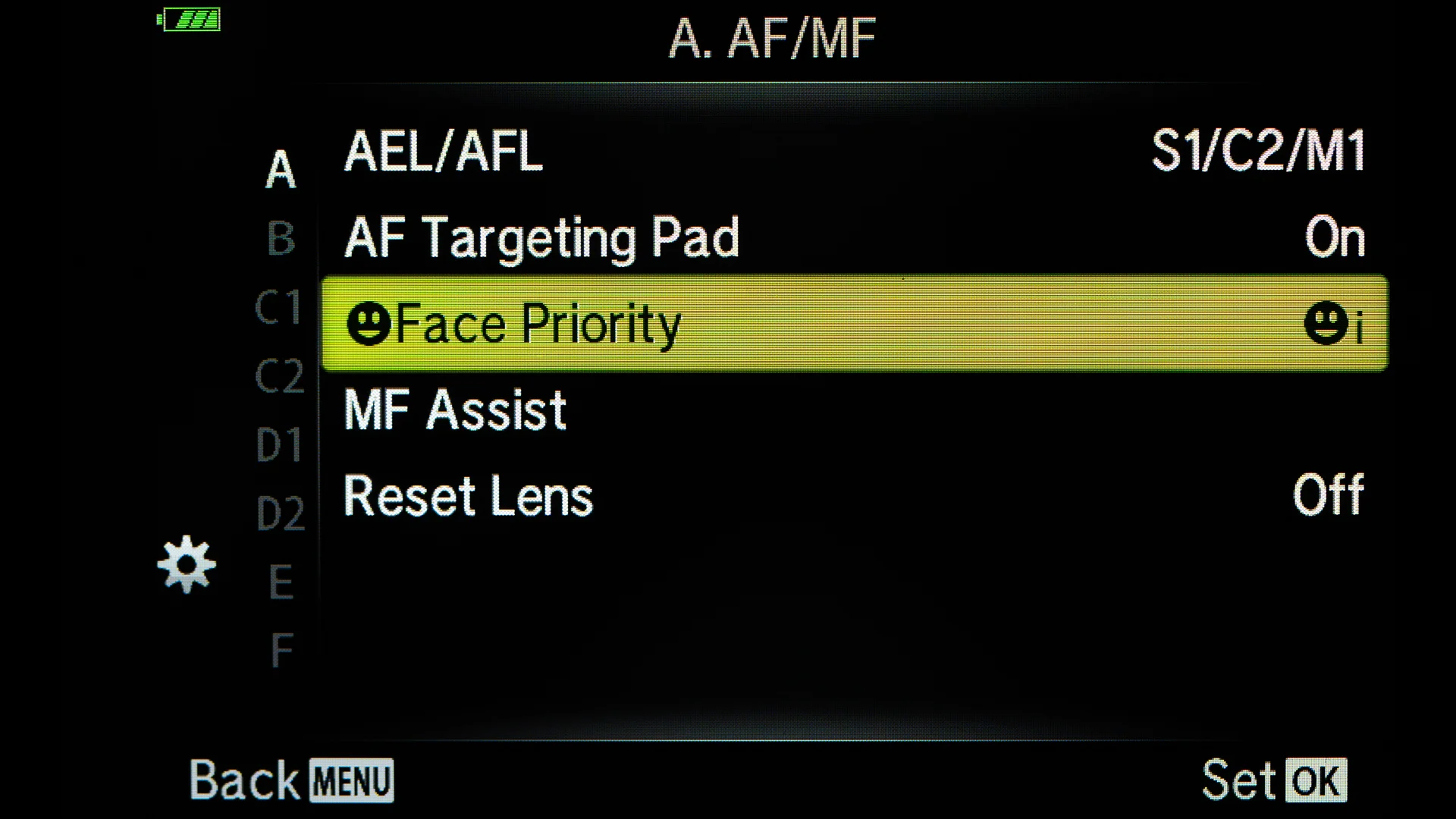
    Use Face Priority when photographing people.
    Use Face Priority when photographing people.
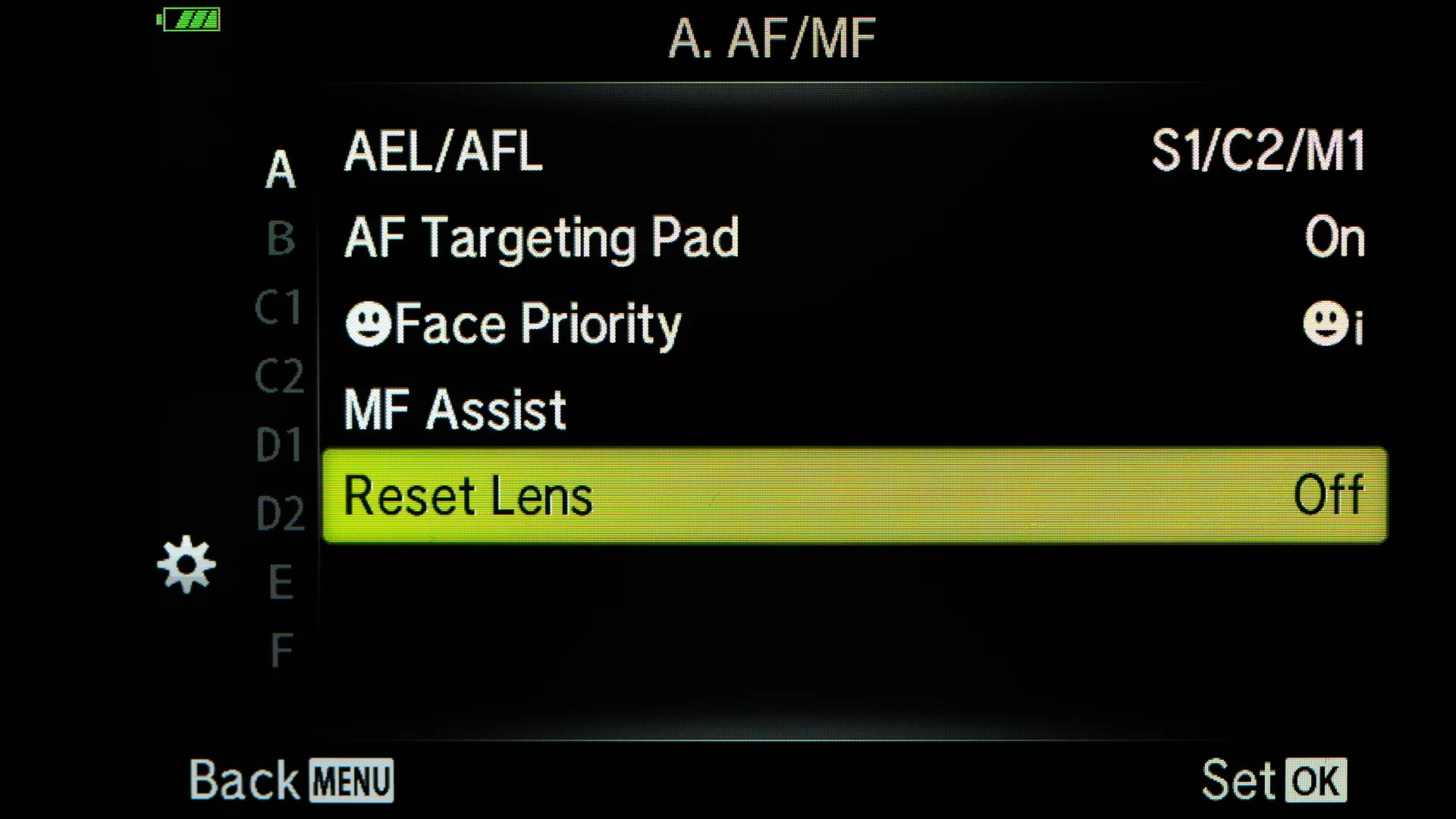
    Turning the Reset Lens off, the 14-42mm Kit lens will strat from the focal length that was last used when the camera was turned off.
    Turning the Reset Lens off, the 14-42mm Kit lens will strat from the focal length that was last used when the camera was turned off.
    P7230037.jpg
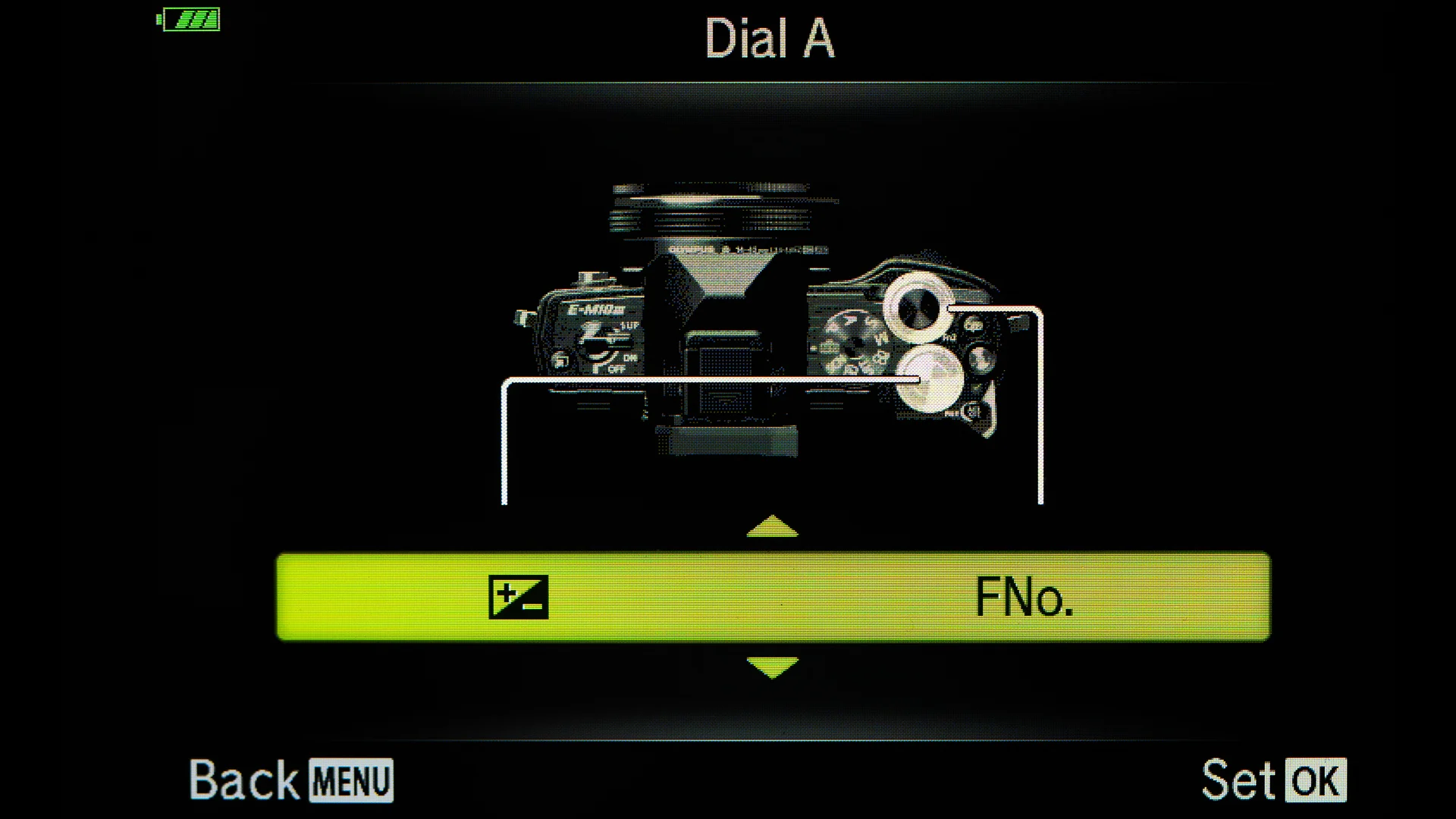
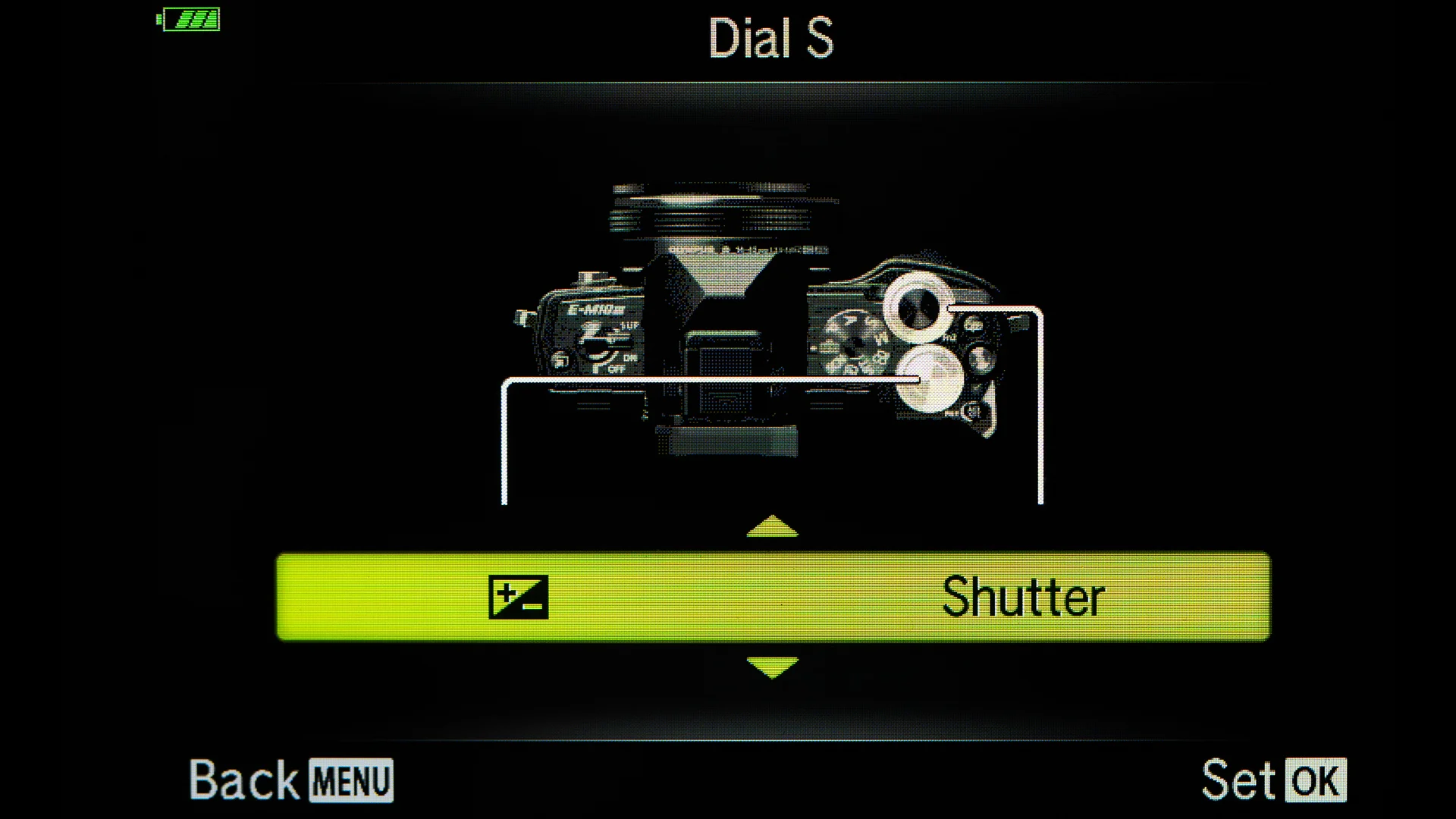
    I set up the Dials so that the Exposure Compensation is on the back wheel. The front wheel is for Aperture or Shutter Speed depending on what Mode you are using.
    I set up the Dials so that the Exposure Compensation is on the back wheel. The front wheel is for Aperture or Shutter Speed depending on what Mode you are using.
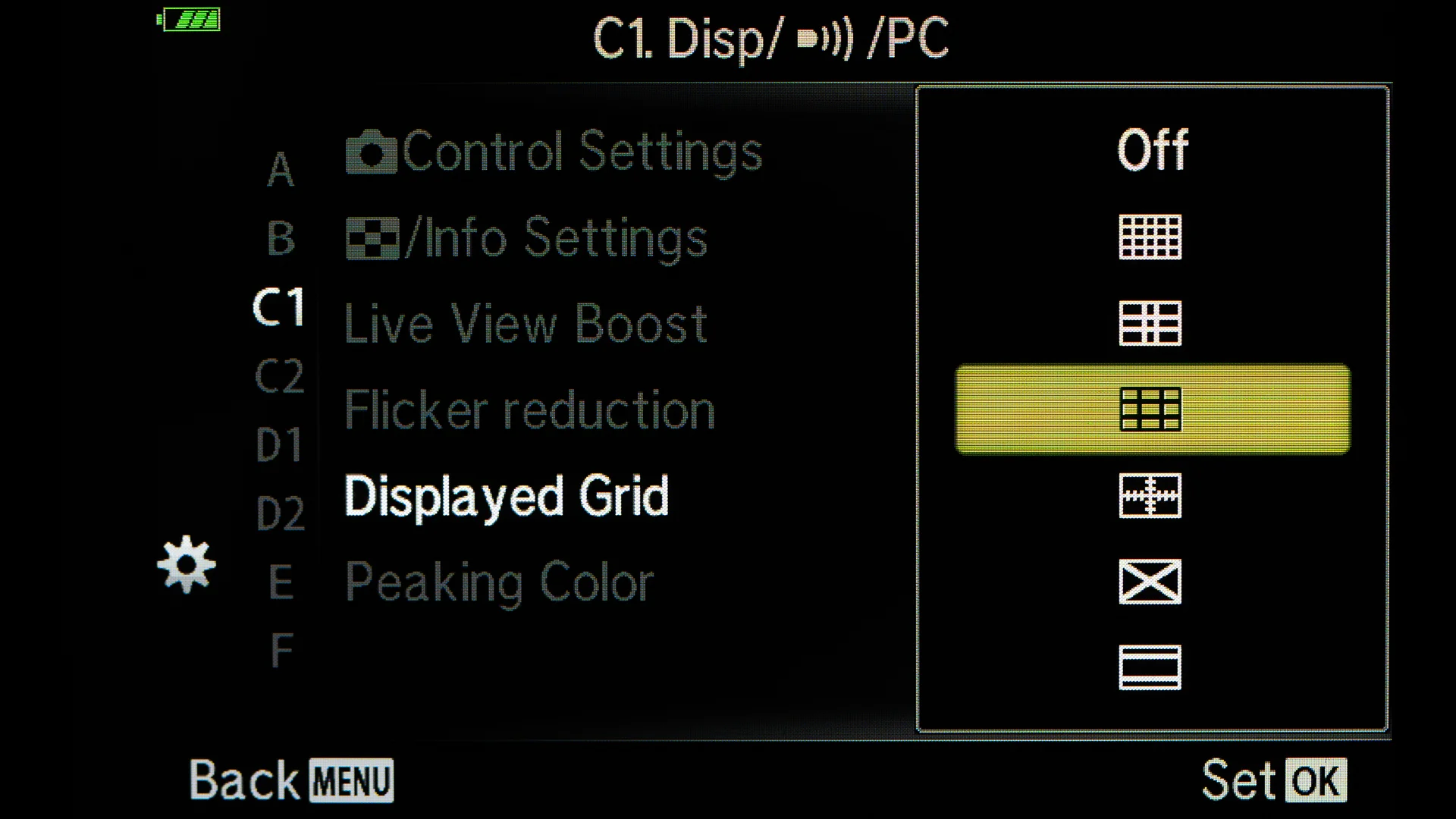
    Using the Grid makes making Composition easier.
    Using the Grid makes making Composition easier.
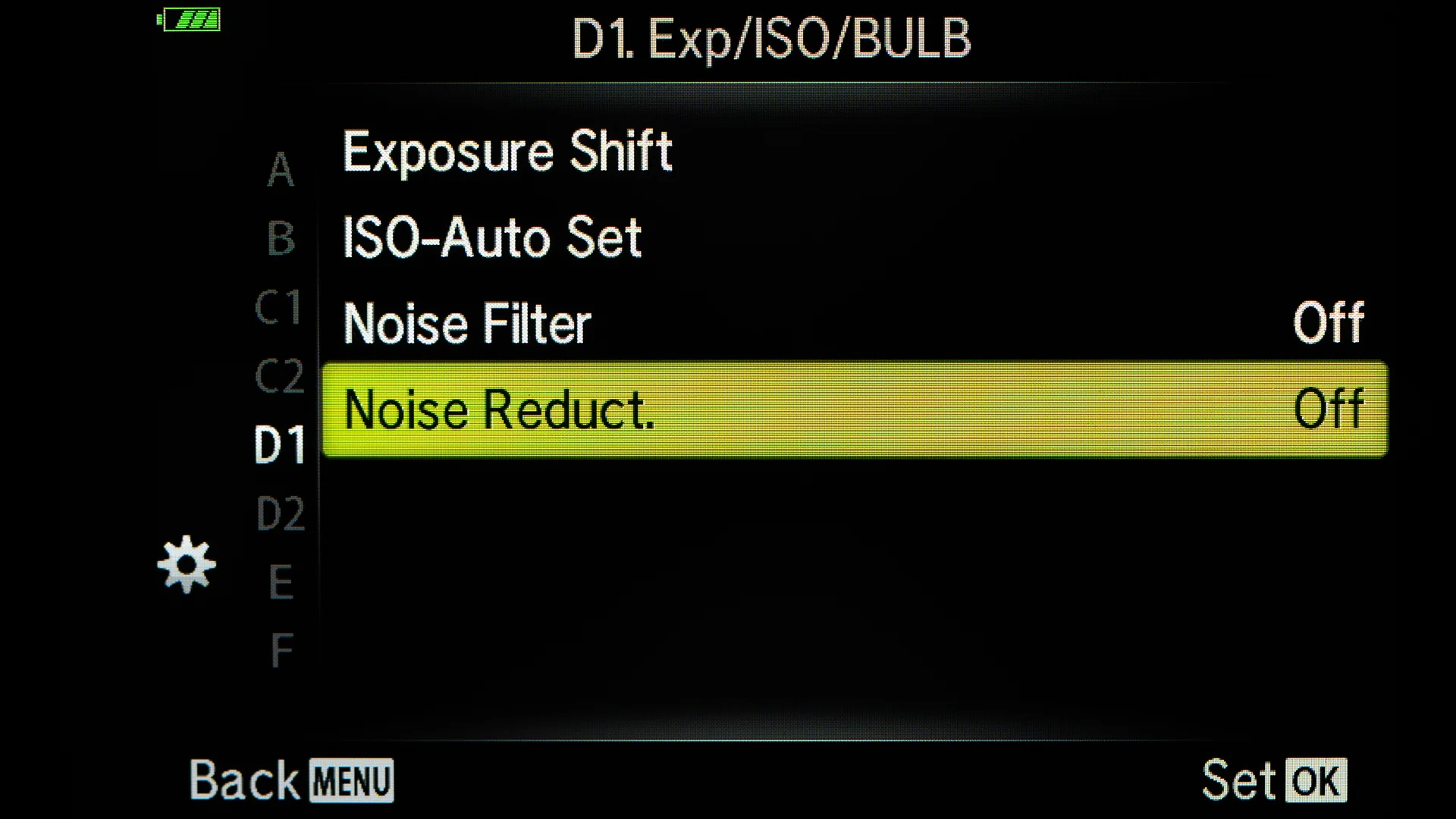
    I will do my Noise Reduction in post and have turned the Noise Reduction Off in camera.
    I will do my Noise Reduction in post and have turned the Noise Reduction Off in camera.
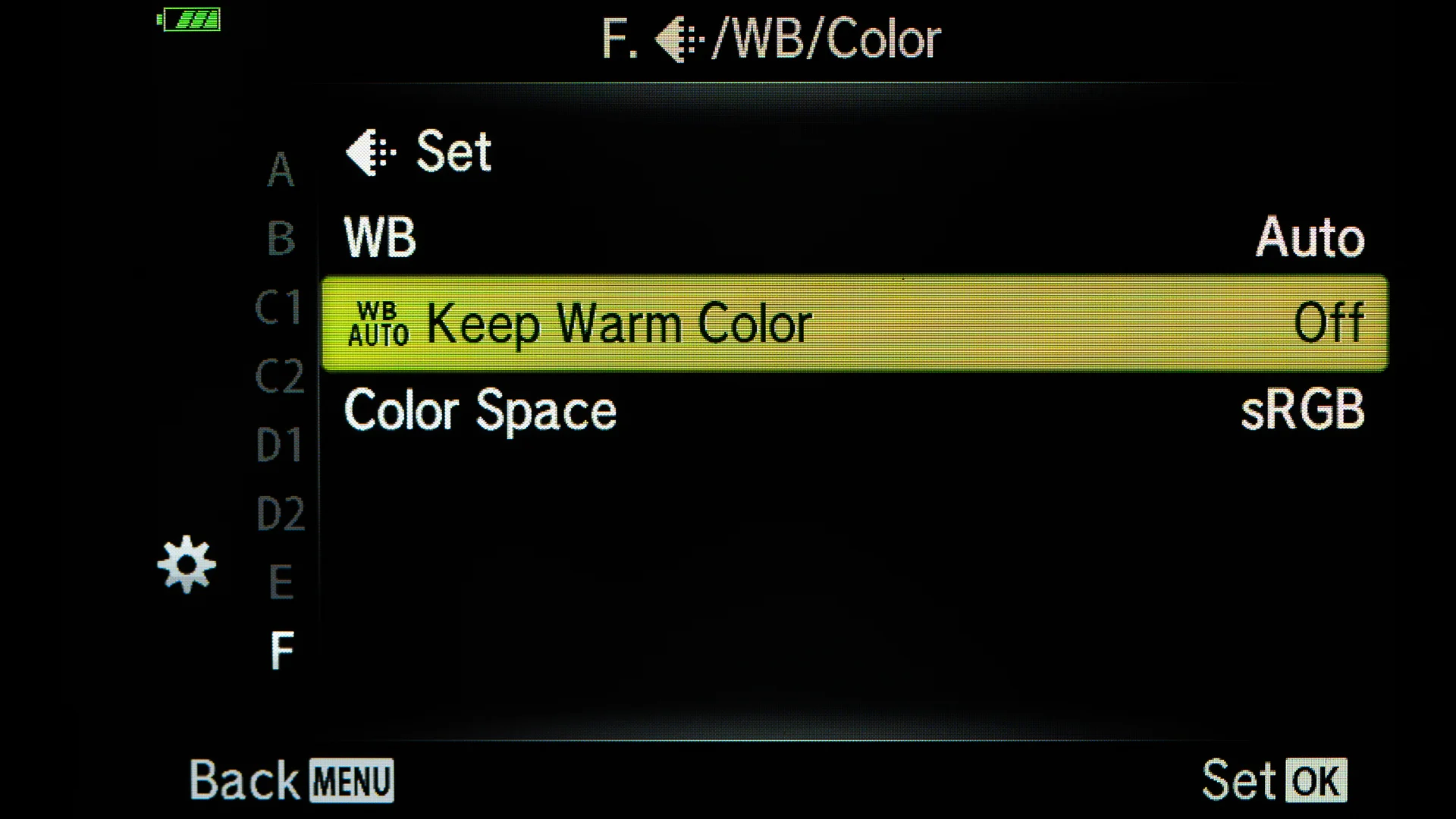
    I have turned the Warm Color off. If you like the Warm Colors and do not do much post processing and shoot jpgs then you might want to have the Warm Colors On. If shooting only jpgs and post images online, sRGB is fine.
    I have turned the Warm Color off. If you like the Warm Colors and do not do much post processing and shoot jpgs then you might want to have the Warm Colors On. If shooting only jpgs and post images online, sRGB is fine.
    P7230047.jpg
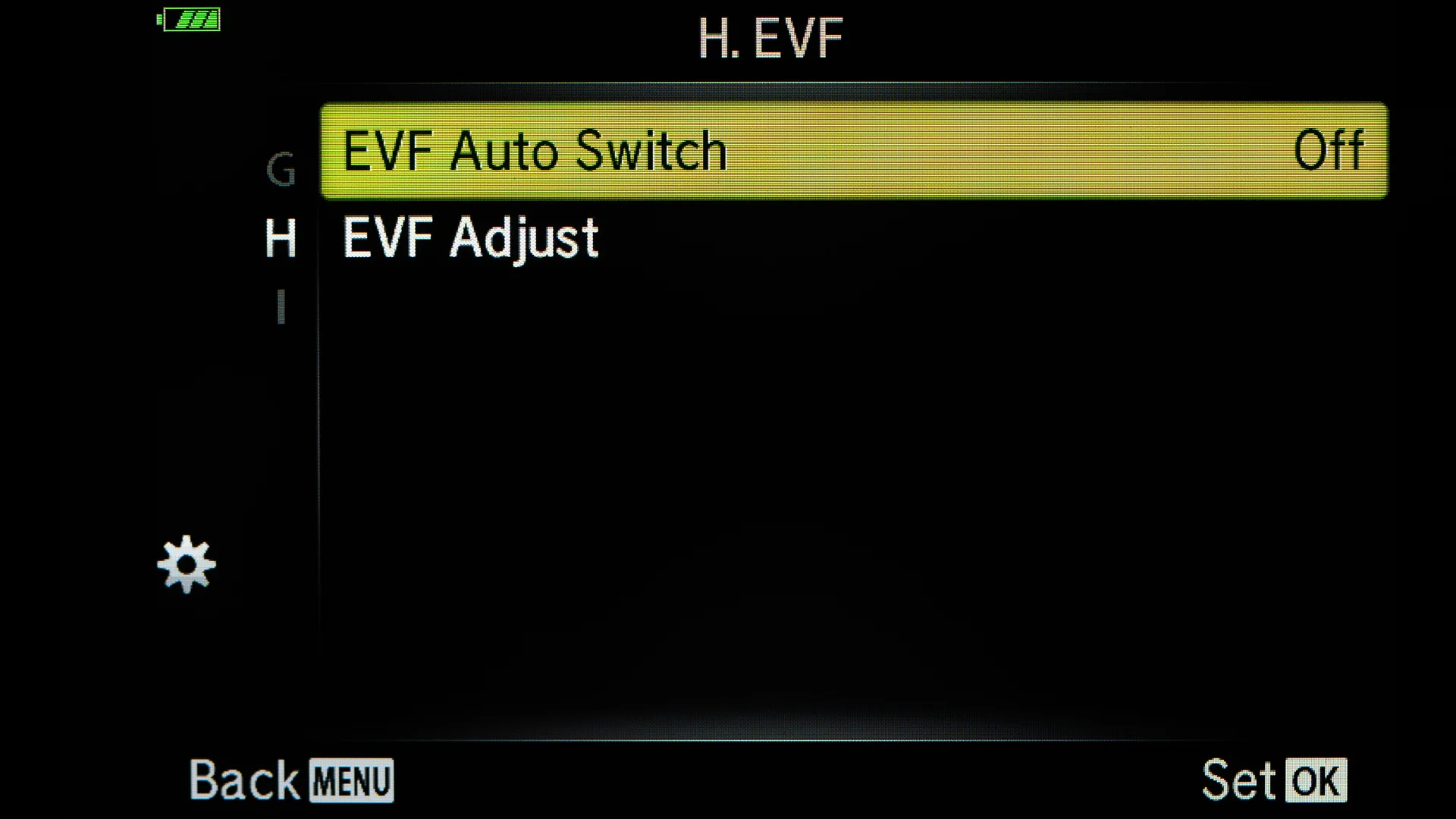
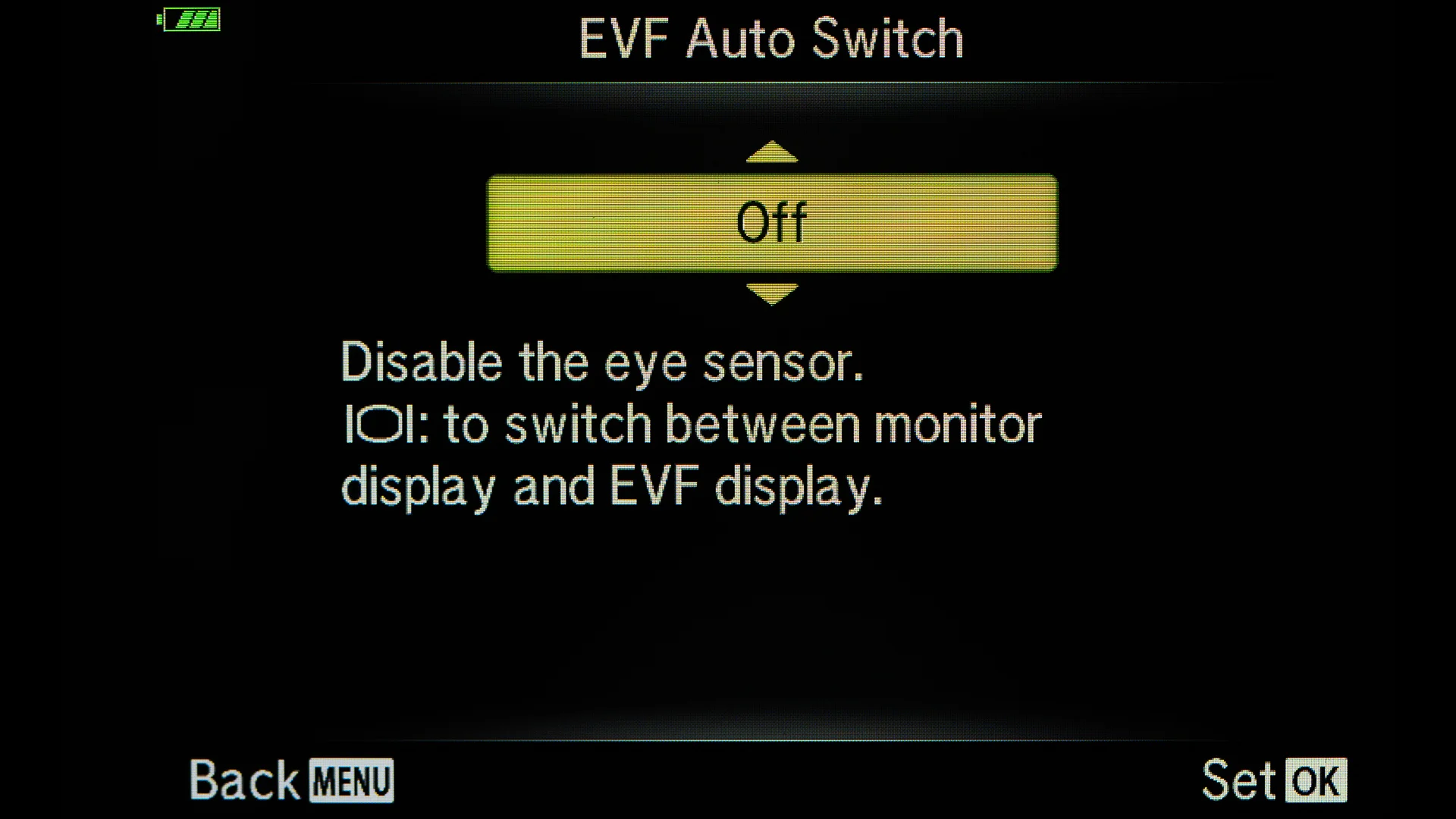
    I like to toggle between EVF and LCD using the button on the side of the EVF. The automatic switch is a bit annoying.
    I like to toggle between EVF and LCD using the button on the side of the EVF. The automatic switch is a bit annoying.
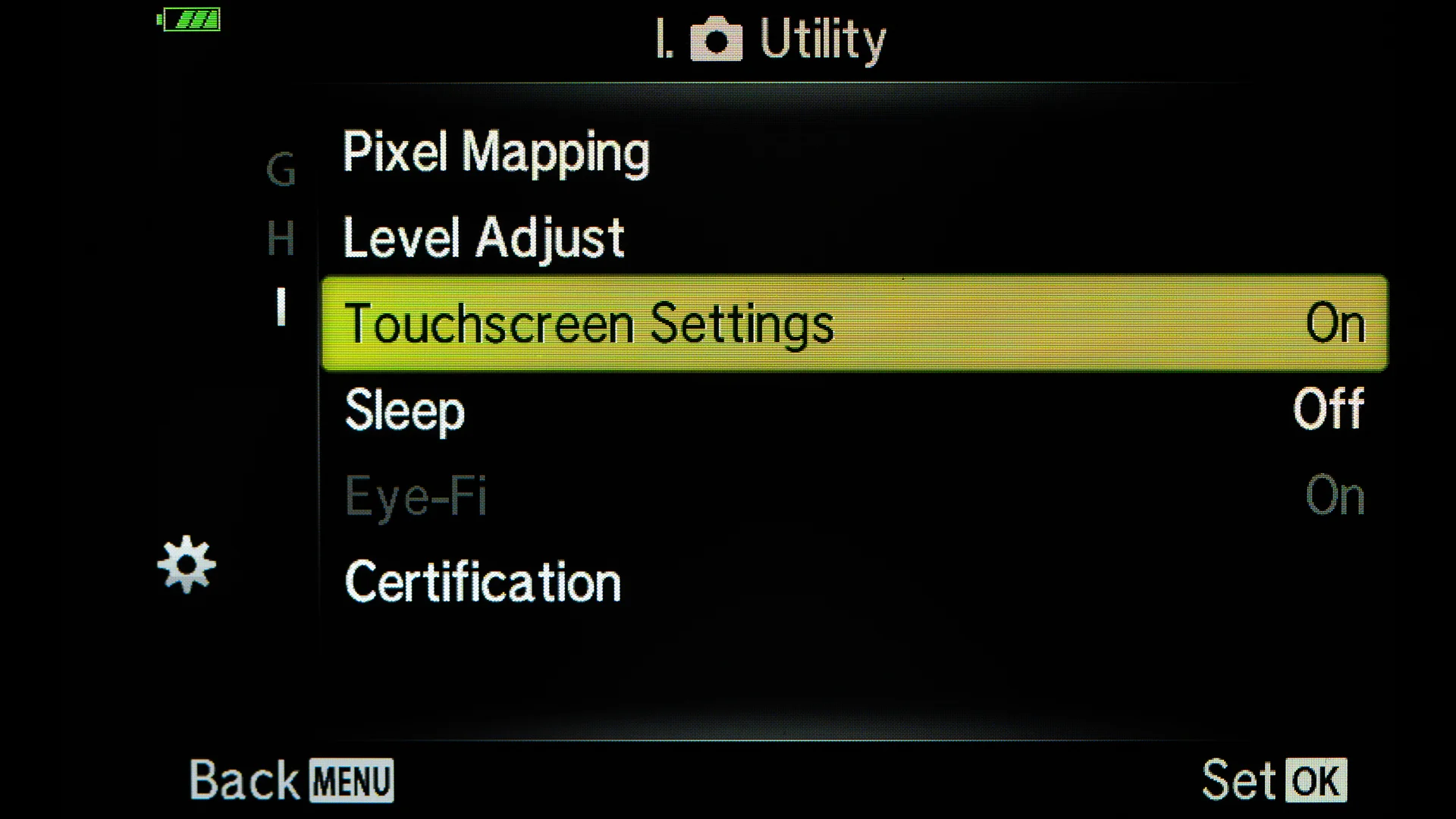
    I have the Touch Screen on.
    I have the Touch Screen on.
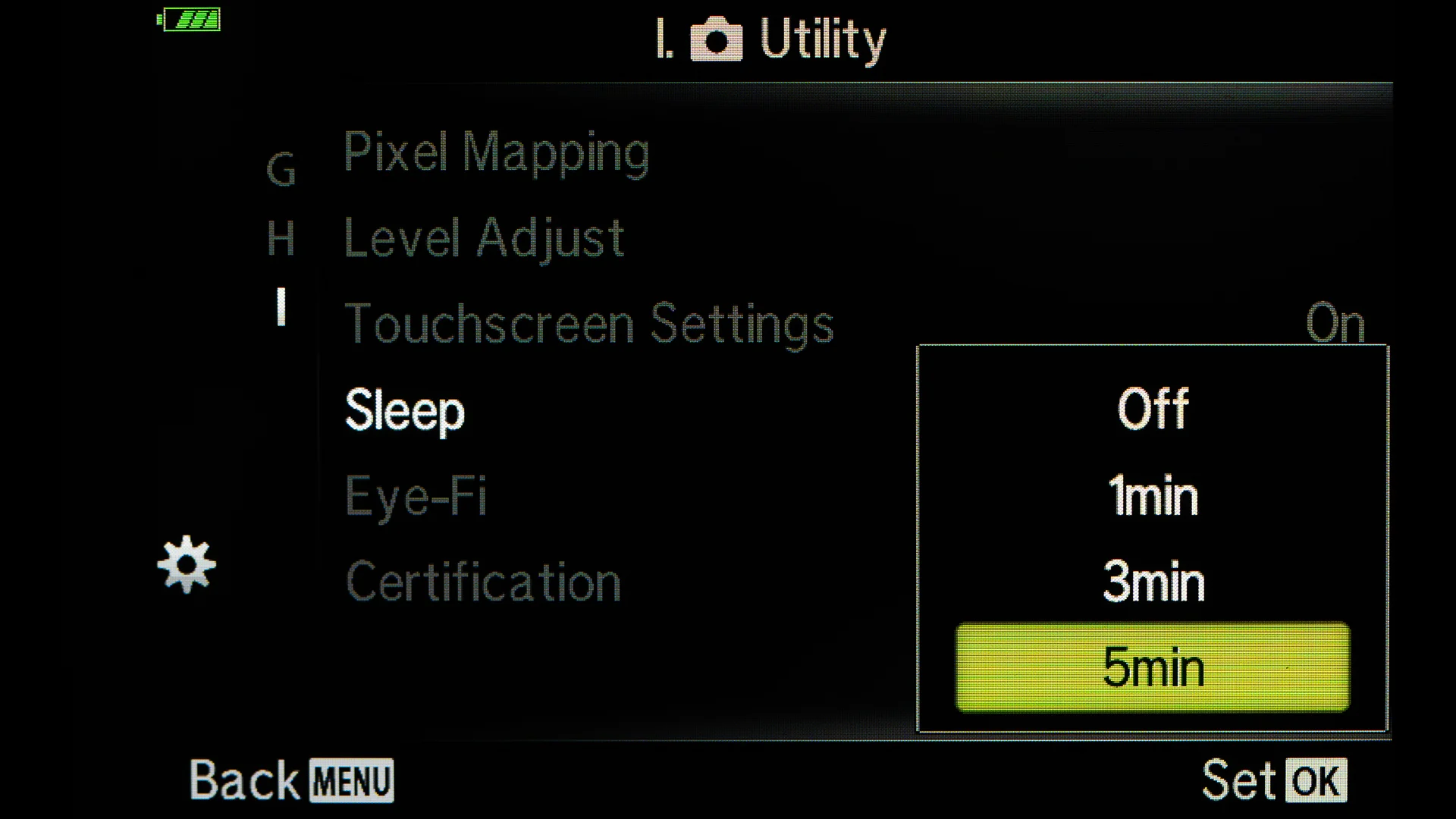
    I have the Sleep Time set at 5 minutes. I want to have my camera ready all the time. Usually make an image in five minutes so that time is quite good for me. If you want to save some battery life you can have the Sleep Time shorter.
    I have the Sleep Time set at 5 minutes. I want to have my camera ready all the time. Usually make an image in five minutes so that time is quite good for me. If you want to save some battery life you can have the Sleep Time shorter.
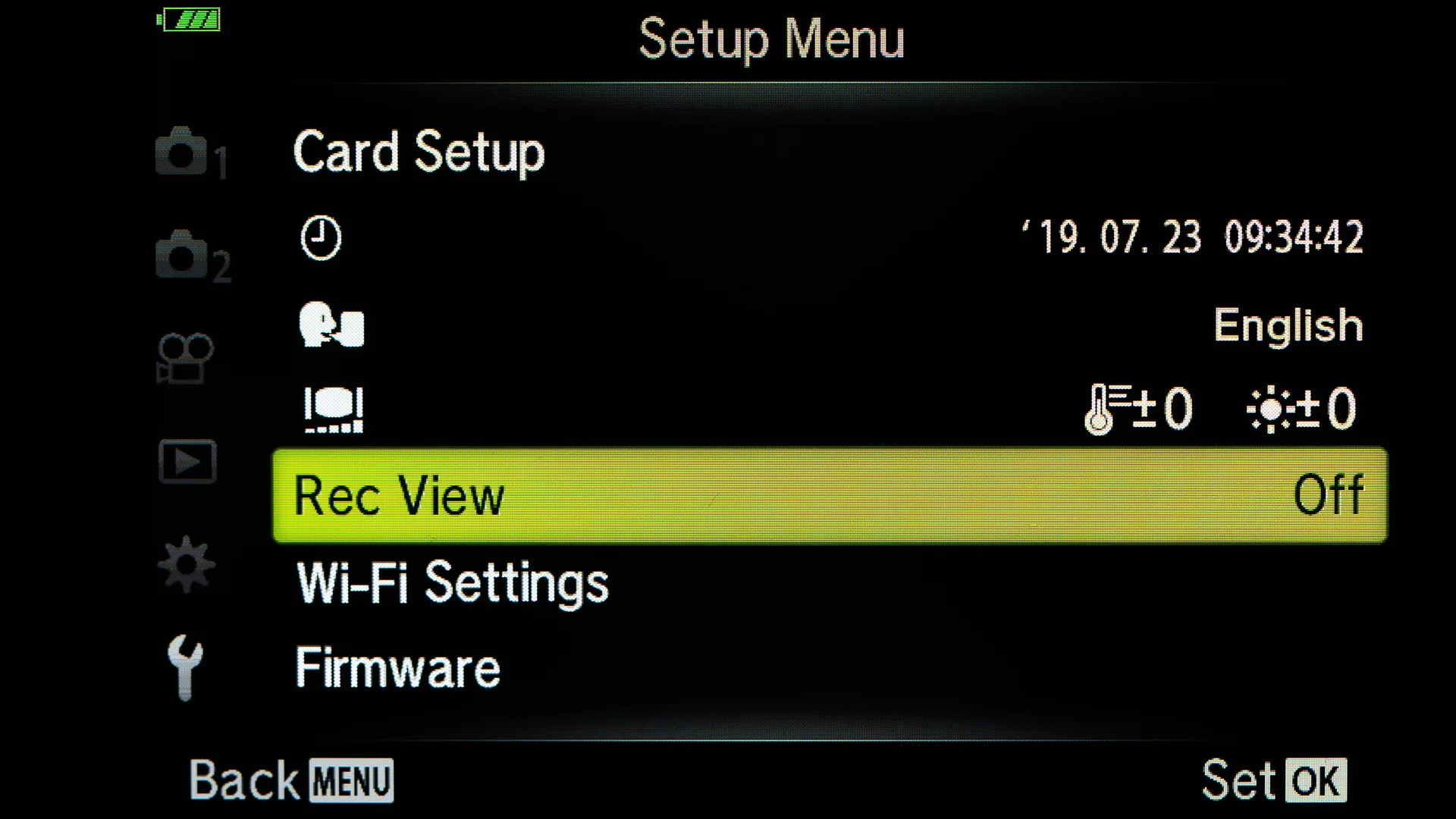
    I have the Rec View off. I have no need to see the picture right after I have taken it.
    I have the Rec View off. I have no need to see the picture right after I have taken it.
    P7230054.jpg
    P7230056.jpg
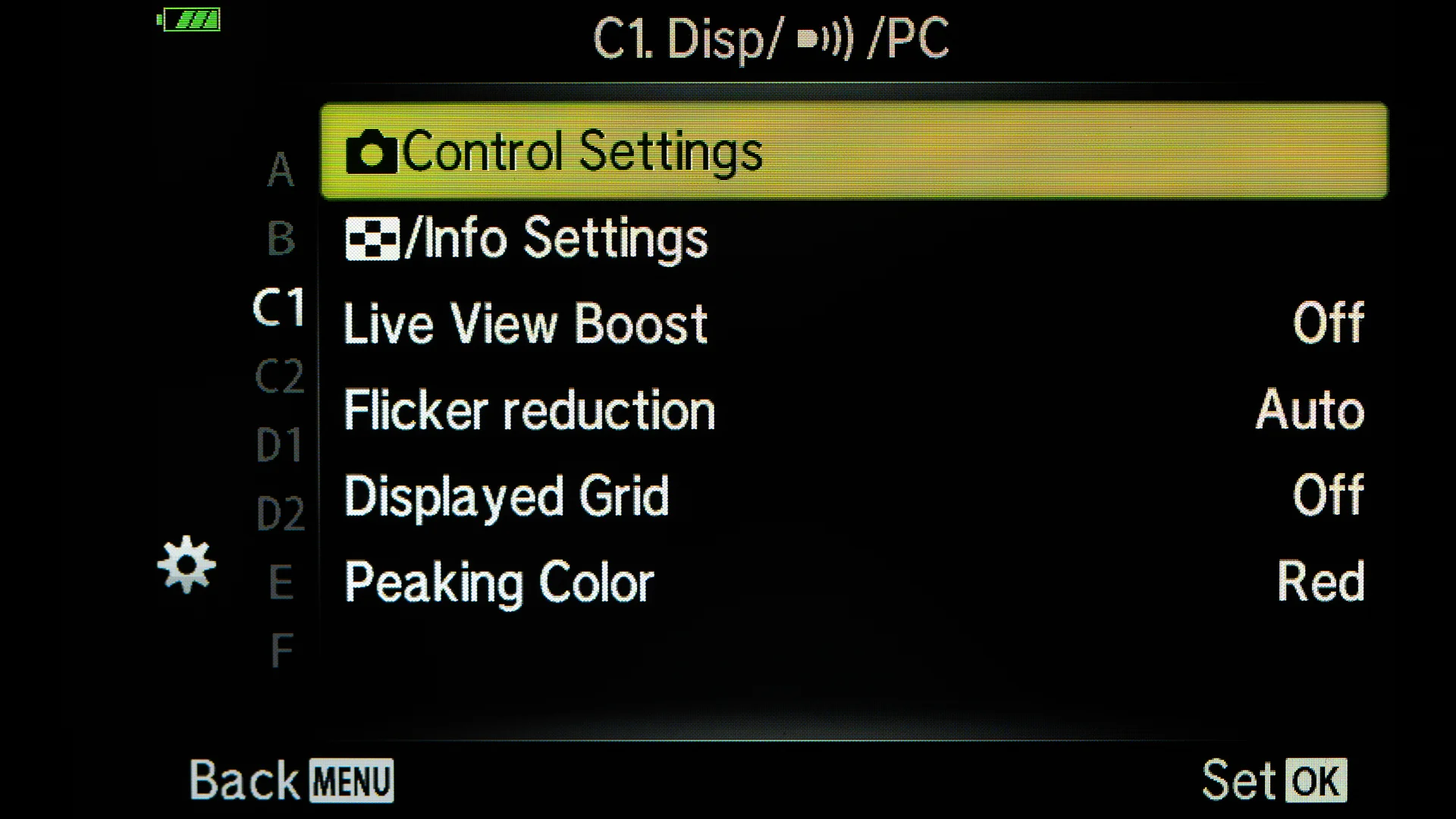
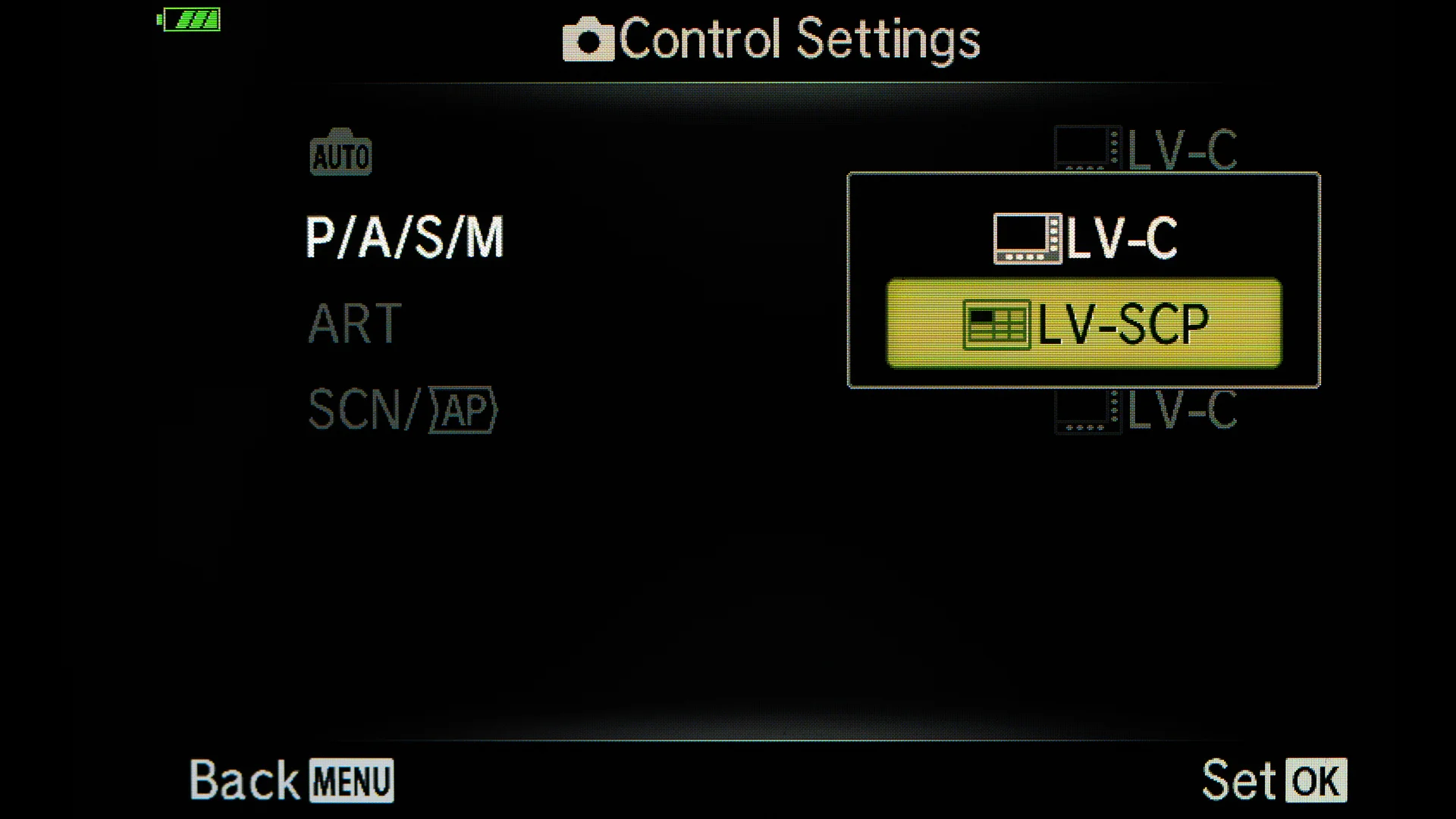
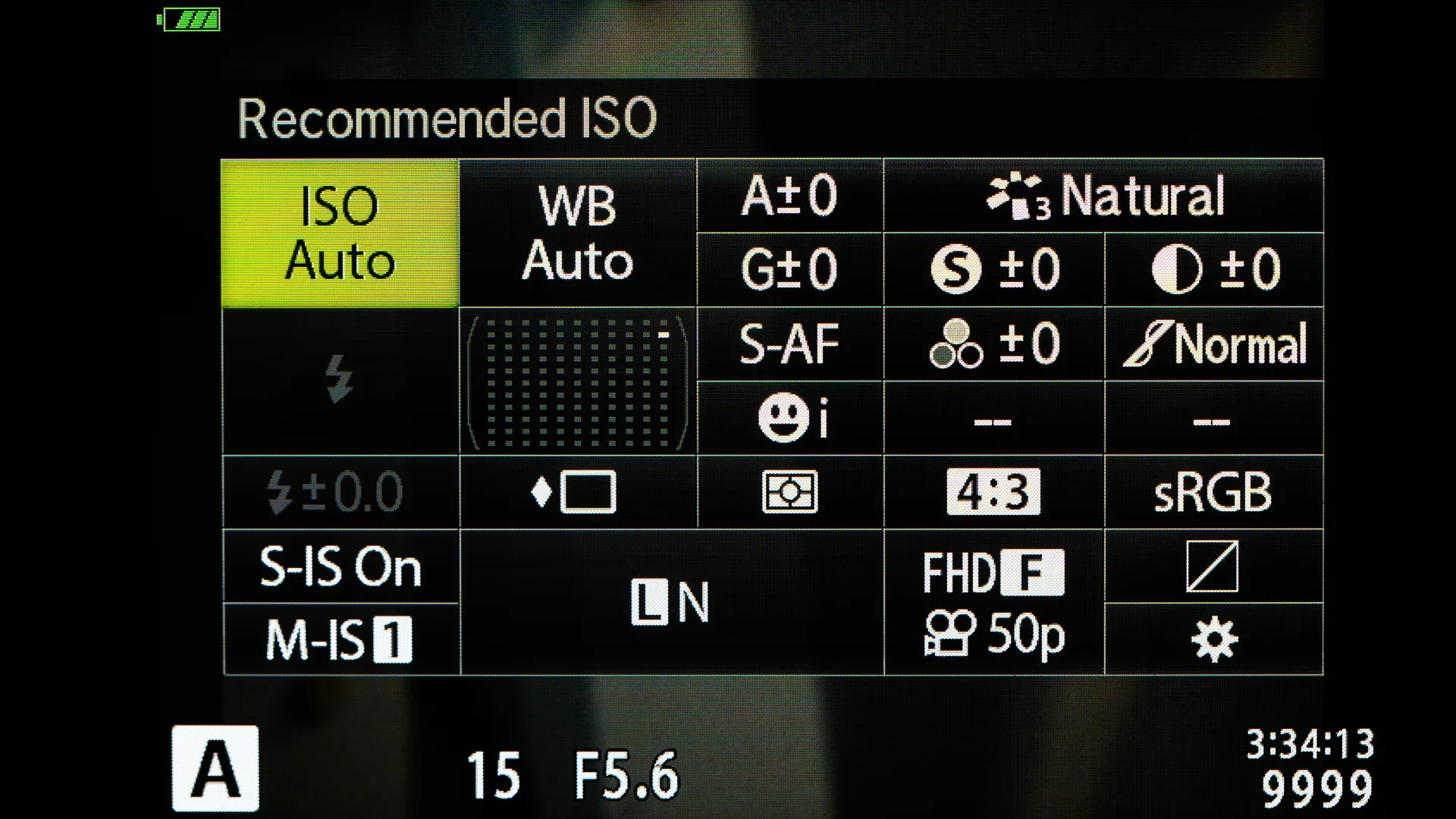
    I like to use the Super Control Panel instead the Live Control.
    I like to use the Super Control Panel instead the Live Control.

    Here were the Best Settings for Olympus OM-D E-M1 MKIII. Be sure to watch the video. There are more explanations and some extra tips about the settings.

  • Olympus OM-D E-M1X – Best Exposure Settings

    Olympus OM-D E-M1X – Best Exposure Settings

    In my latest video (14.5.2019) I was talking about the experience that I have had with the E-M1 X now that I have used it for a couple of months.


    I promised to write down the best settings for exposure.

    Menu D1 > InfoSettings > LV-Info and in one of the Custom setting choose Highlight&Shadow
    Menu I > Info Settings > in one of the Custom setting choose Highlight&Shadow
    Shooting Menu 1 > Picture Mode > Muted > Contrast -2, Saturation -2
    Menu G > Keep Warm Color > Off

    Menu G > Color Space > AdobeRGB

    Menu D3 > Histogram Settings > Set Highlight to the value you want the red color to appear and the same goes with the Shadow (blue color) I have set Hightlight to 253 and Shadow to 3.

    Menu B1 > Dial Function > Set on each exposure modes the back dial to exposure compensation.

    These settings will show the image on the LCD and EVF so that it is perfectly exposured when adjusting the exposure compensatuion so that there is no red or blue flag color in the scene. Usually you can have a half a stop brighter becouse the image that shows in the jpg and the final image is a raw-file.