

Peter Forsgård

photographer

  • Fuji Reala Film Simulation for Ricoh GR3x

    Fuji Reala Film Simulation for Ricoh GR3x

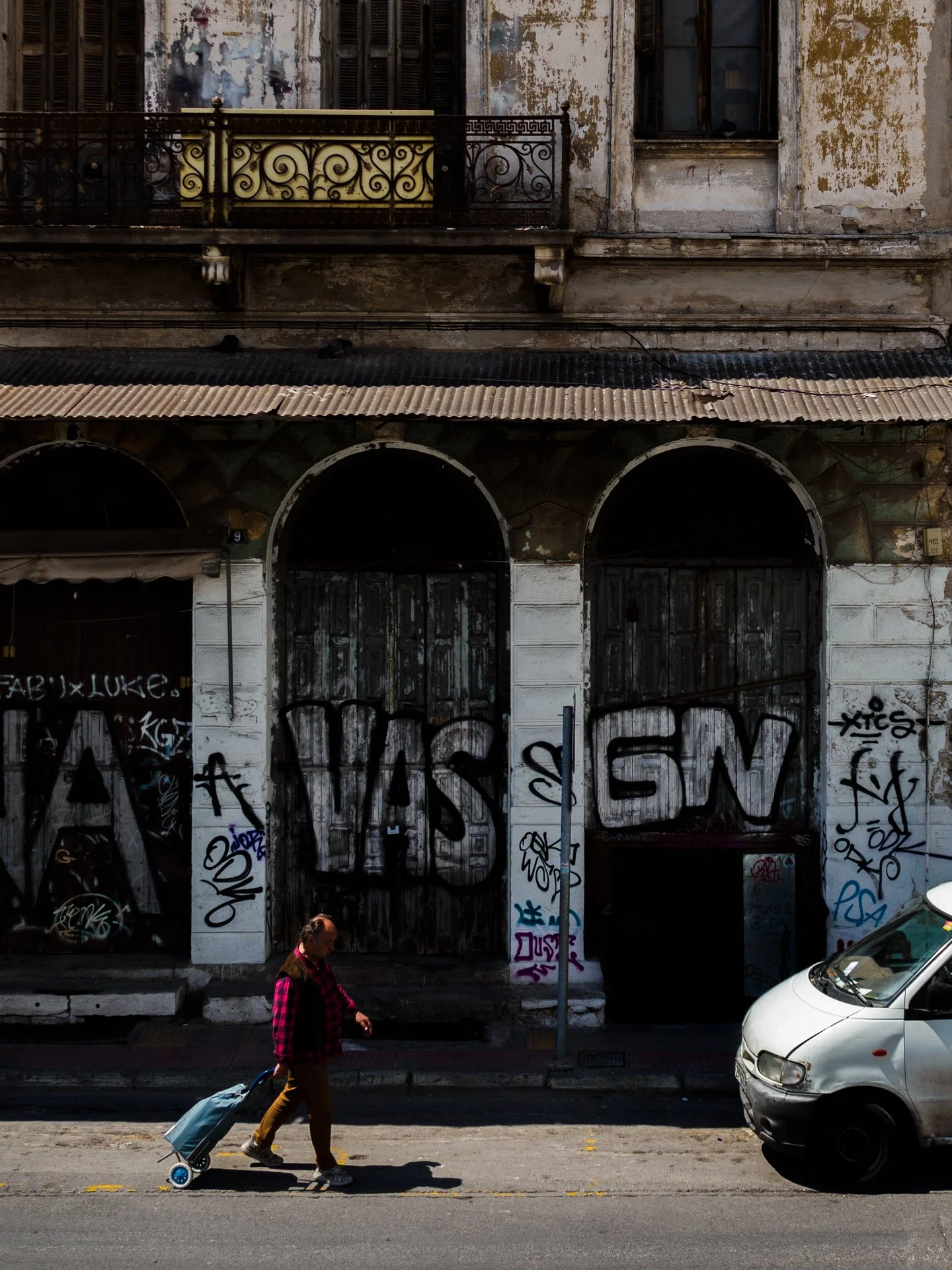
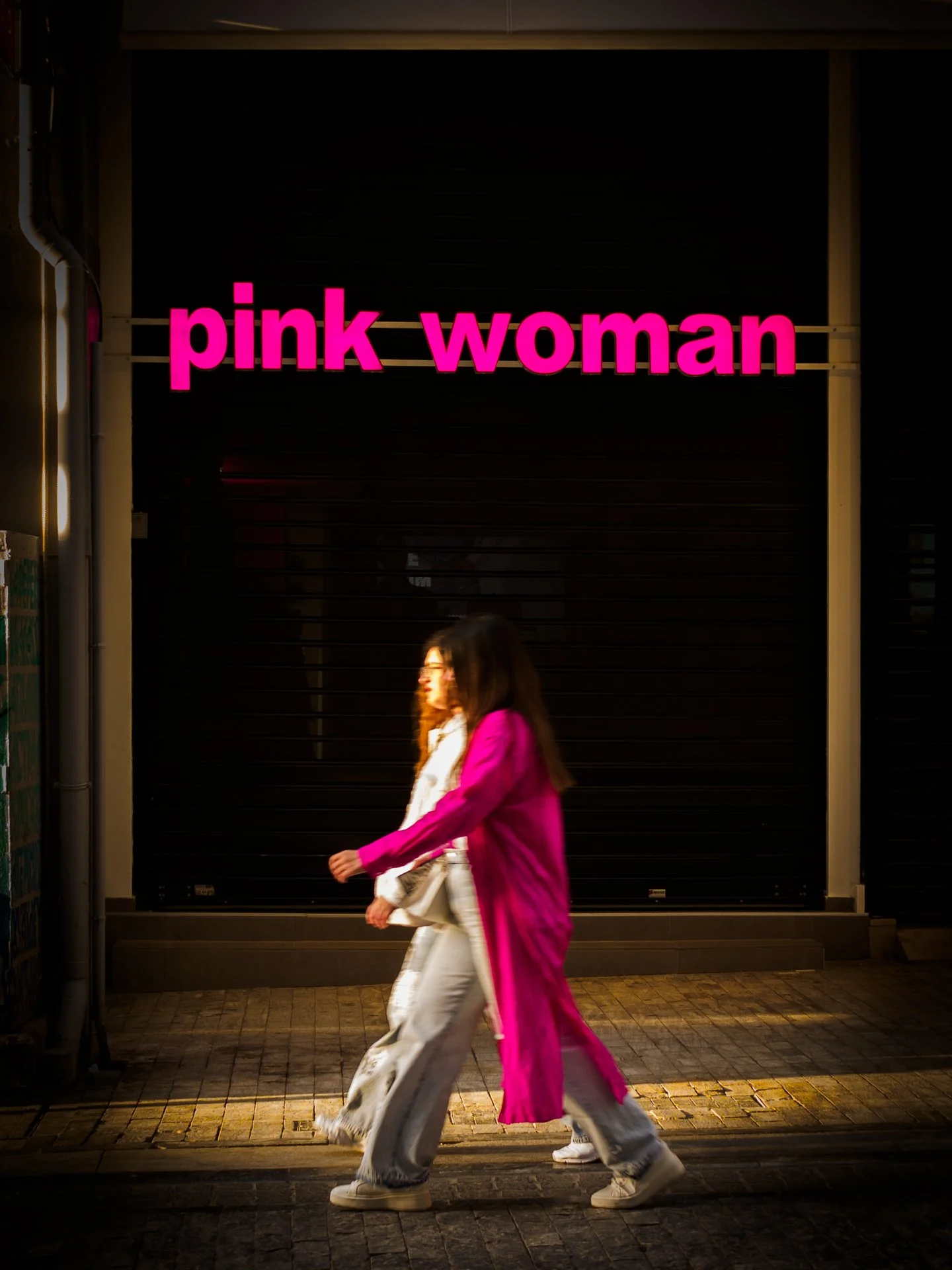
    Fuji Reala Ace Film Simulation is a great film simulation. My Fuji X-S20 got that at the end of June. However, I mainly use Ricoh GR3x for street photography. I wanted to test if I can make a film recipe that mimics Fuji Reala Ace.
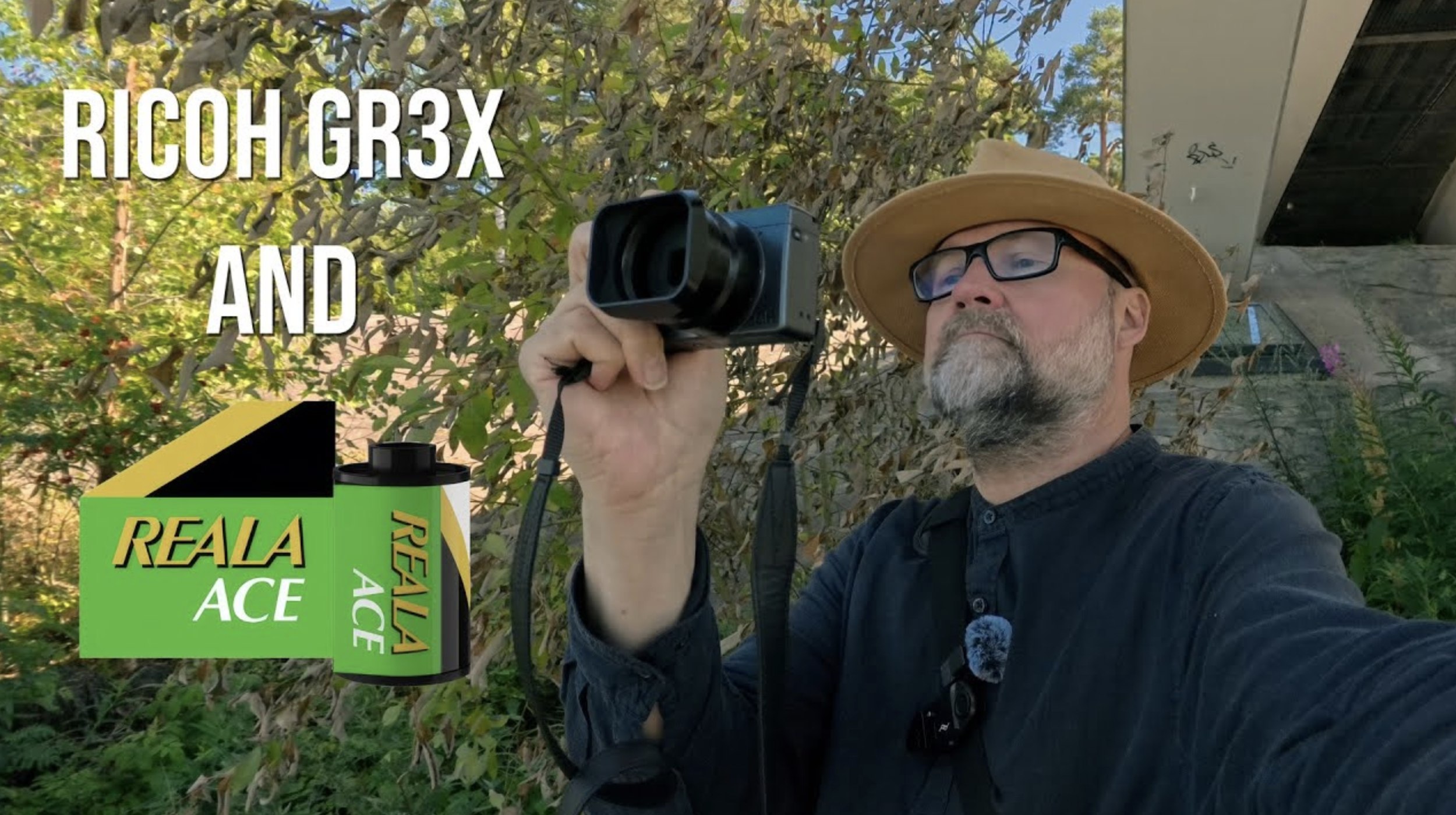
    Making the recipe.

    I started the process with my Ricoh Film Simulation Wizard. The result I got was too bluish and not very close to the original.

    With a few tweaks, I came very close.

    The recipe

    Image Control: Vivid

    This setting provides a strong foundation of vibrant colors, essential for mimicking the Fuji Real Ace look.

    Core Settings:

    – Saturation: -1

    – Hue: +4

    – High/Low Key Adjustment: 0

    – Contrast: +1

    – Contrast (Highlight): +1

    – Contrast (Shadow): +1

    – Sharpness: 0

    – Shading: 0

    – Clarity: +1

    Additional Parameters:

    – Highlight Correction: Off

    – Shadow Correction: Off

    – Peripheral Illumination Correction: Off

    – High-ISO Noise Reduction: Low

    – White Balance: Auto or Daylight

    – WB Compensation: 0:A9

    – ISO: Auto (Base ISO 100)

    – Exposure Compensation: 0 or adjust as needed based on lighting conditions

    Explanation:

    – Image Control: Vivid sets the stage with vibrant colors, which is a hallmark of the Fuji Real Ace film.

    – Saturation: -1 and **Hue: +4 enhance the color vibrancy and add a slightly warm tone, emulating the film’s characteristic warmth.

    – High/Low Key Adjustment: 0 keeps the mid-tones neutral, maintaining a balanced exposure.

    – Contrast: +1, Highlight: +1, and Shadow: +1 boost the overall contrast and provide a punchy look typical of Fuji Real Ace while still preserving details in highlights and shadows.

    – Sharpness: 0 ensures that the image retains a natural look without being overly sharpened.

    – Shading: 0 keeps vignetting neutral, focusing on the central color and contrast characteristics.

    – Clarity: +1 adds a slight boost to micro-contrast, enhancing the perceived detail and texture.

    – Highlight Correction and Shadow Correction: Off maintain the natural contrast dynamics without flattening the image.

    – Peripheral Illumination Correction: Off to avoid artificial vignetting.

    – High-ISO Noise Reduction: Low to preserve fine details and mimic the fine grain of Fuji Real Ace.

    – White Balance: AutoWB with WB Compensation: 0:A9 to fine-tune the warmth and maintain color accuracy.

    – ISO: Auto (Base ISO 100) allows for flexibility in various lighting conditions while maintaining image quality.

    – Exposure Compensation: 0 provides a neutral starting point, allowing for adjustments based on specific scenes.

    This recipe aims to capture the essence of Fuji Real Ace film, with its vibrant colors, fine grain, and slightly warm tone. Adjustments can be made to suit personal preferences and specific shooting conditions.

    Sample images and more about the recipe in my video about this.

  • Street Photography is facinating!

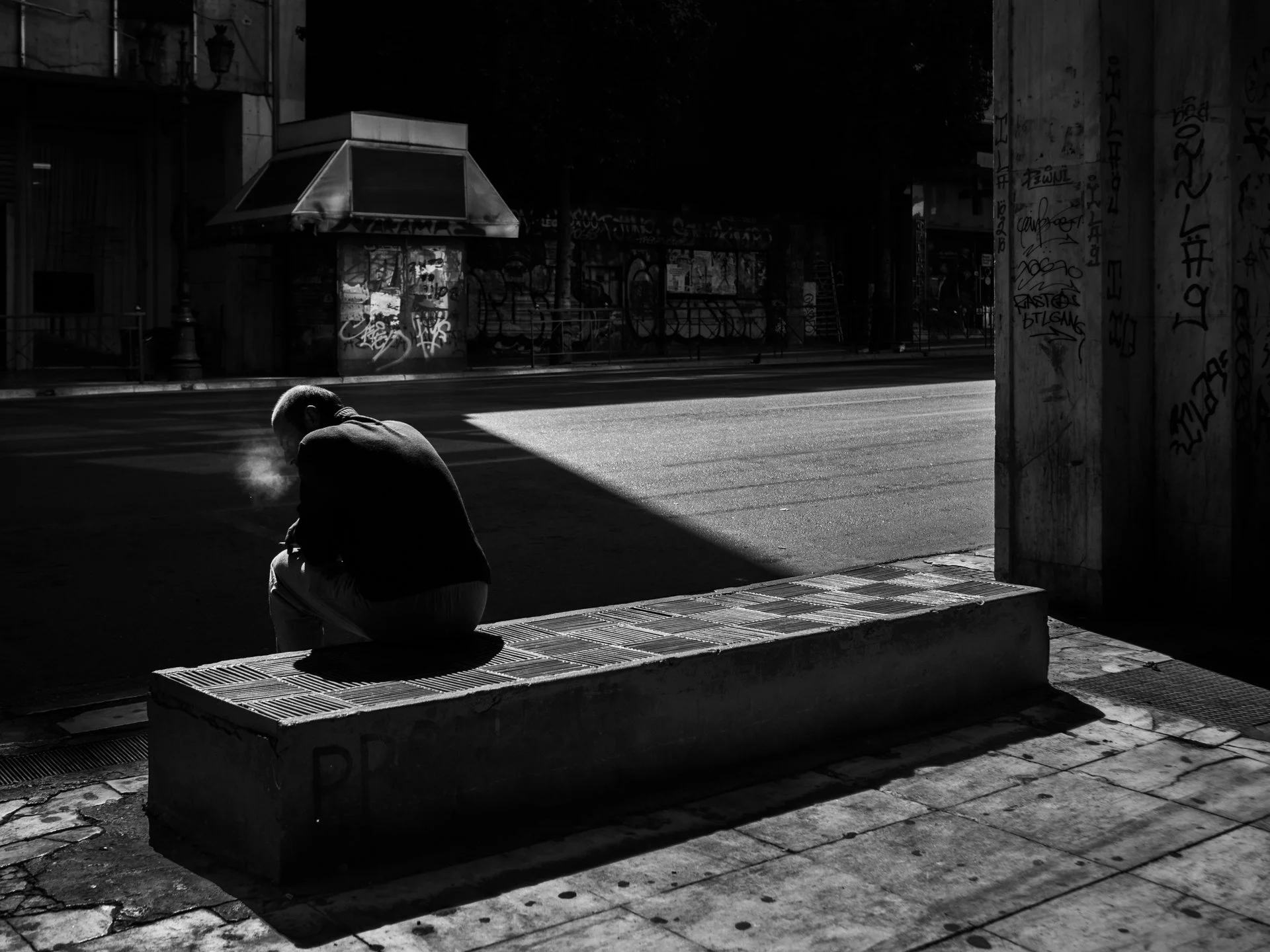
    My favorite photographic genre is Street Photography. It is easy to start but very hard to master, and there is a never-ending learning path. That part is the most fascinating. Learning and experiencing something new is a reasonable driving force for new and better images.

    Many Ways to Approach

    The richness of different approaches makes street photography interesting. You can photograph candid shots of people, make contact with them, photograph street portraits, and everything between these two approaches.

    Methods in Street Photography

    The methods for achieving the look and style you want are also endless. It is possible to wait for something to happen when you have found a perfect style and composition. The opposite is to react to what happens around you. Combining these methods will give variety to your photographs.

    No need for expensive gear

    One part that I like is that street photography does not require the latest gear. Your phone is an excellent way to start. In my opinion, using a small camera is a better solution than a big one. With a small camera, you are more invisible and do not scream photographer. The only benefit of having a slightly newer model rather than an old one is the camera’s speed. A fast, responsive camera with fast AF and minimum shutter lag will help. That also depends on your style. It is vital to overcome the downsides of your camera. If you use the waiting strategy, you can use an older camera. Just set everything manually, and you are good to go.

    My videos about the approach and methods

    These two videos below give you more information about how I see the approach.


  • 52 Assignments – Time Slice Photography

    I have never done timeslice photography. I may experiment next week since it is the assignment in 52 Assignments.

    Timeslice Photography Resources

    Since I have no experience in timeslice photography and cannot help, I have collected some resources for you.

    Digital Camera Word magazine has a very good blog post about timeslice photography on its website.

    Amature Photography magazine has also included some tips on how to edit the image together.

    Petapixel is the number one site for looking for anything related to photography. Their post about timeslice photography has many good sample photographs.

    If you find more, please comment and share that info with us.

    I hope these resources help and give you some inspiration. I hope to see some nice time slice photographs in my next feedback live stream on the 8th of April.