




Luminar AI is a new image editing software from Skylum. You might be familiar with Luminar 4.3 and Aurora HDR 2020. Luminar AI is a brand new software and it is not an upgrade to Luminar 4.3. Luminar 4 will be supported until the end of 2021 and after that, it won’t get any updates, but of course, the software works after that if the computer supports it.
Alternative to the traditional way of editing images.
Richard Harrington from Skylum said in its webinar that Luminar Ai is an alternative to traditional editing. They said that they are focusing on the results and not the process. They have built the code from scratch and it is not based on the same 35-year approach that other image editing software is based on.
Luminar AI uses AI to analyze your image and it will give you suggestions. Accent AI is the AI that analyzes the image. The material that they showed on the webinar said that many controls like shadow/highlight, contrast, curves, etc. are reduced to one slider. AI is the key here. This will make it easier to start editing. Richard Harrington from Skylum said that for many the problem is where to start. With Luminar AI it will be easier.
I think this is an interesting new approach. to image editing. Skylum is very ambitious about this they said that they want to be a global leader in computational photography. I like that kind of attitude. They call the suggestion that AI has made a template. Of course, that template can be adjusted and saved.
Skin AI helps with portraits.
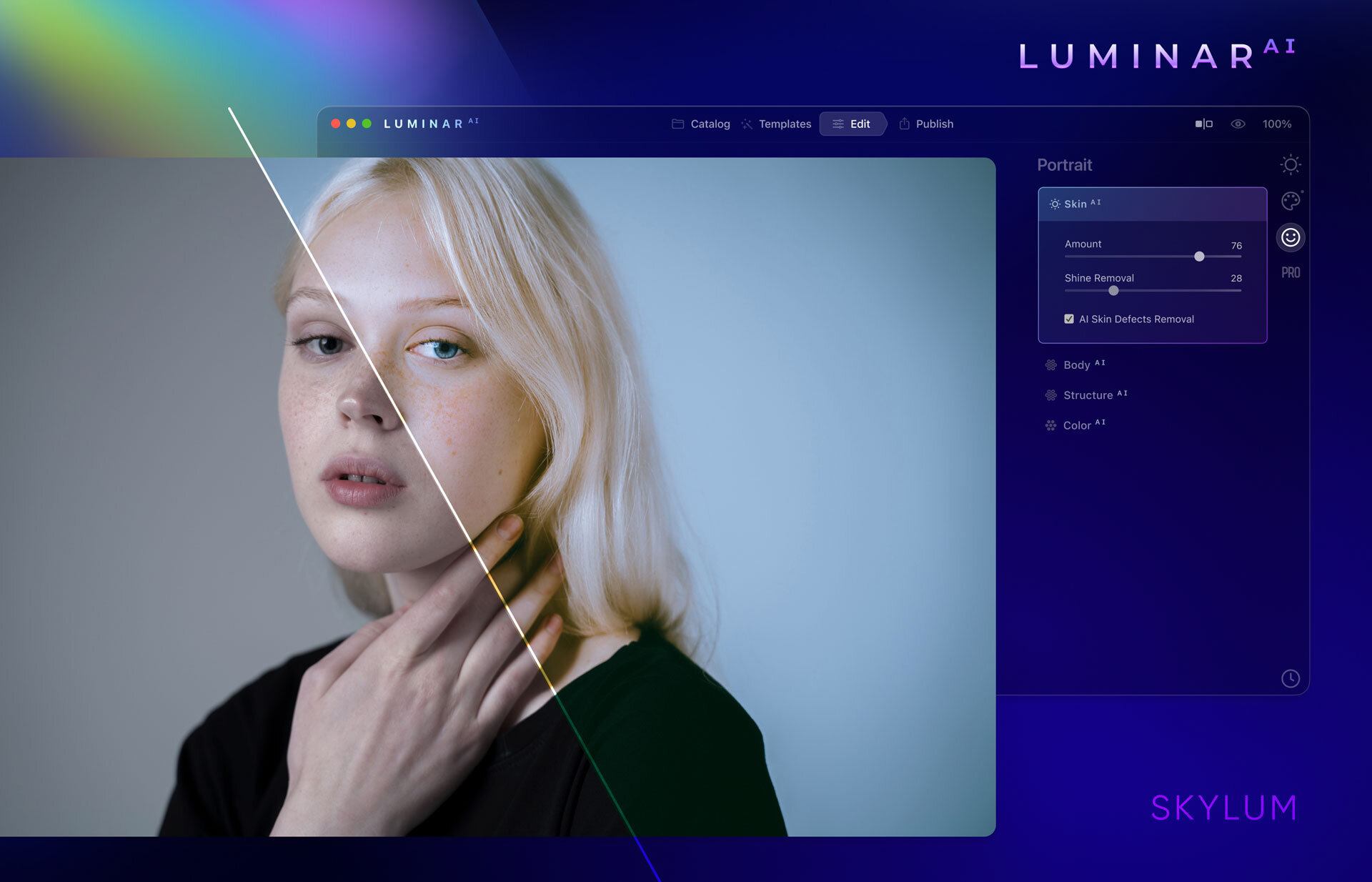
The feature to help to retouch portraits is called Skin AI. It will totally replace frequency separation. That is a time saver. Saving time is one key thing that Skylum is aiming for with it is Luminar AI.
Works as standalone software and as a plug-in.
Good thing is that Luminar AI will work as a plug-in for Lightroom. A t least for me that is very important. The Library in Lightroom is the database of my images. Luminar AI does not have some kind of database functionalities as Lightroom has. If you want to use Luminar AI as standalone software, it will work fine. It works from Lightroom 6 and up as a plug-in. The oldest Photoshop version it works with is CS5.
Specifications for your computer
For macOS, you need at least i5, 8GM RAM (16GB is recommended), macOS10.13.6 or higher. It will also support OS Big Sur when it is launched. In PC you need to have Windows 10. Win7 and 8.1 are not supported. The processor needs to be at least i5 or AMD Ryzen 5 or better. Also, you need Open GL3.3. or later compatible graphics cards. (disclaimer: This info is copied from the presentation material Skylum presented in their webinar on the 31.8.2020.)
How does AI work?
The success of Luminar AI will be based on its ability to give the right suggestion for the edit. We all tend to like a bit different thing and hopefully, Luminar AI is good enough to learn from the user. I think that would be great. Otherwise, it might be that we all are going in the same direction with the look of our images.
Skylum claims that its AI will recognize different elements in the photograph and make suggestions based on that information. It will recognize skies, water, faces, etc. Those who have used Luminar 4 and its Sky Replacement tools know that its recognition works pretty well. If Luminar Ai is an improved version I have no doubts about its capabilities.
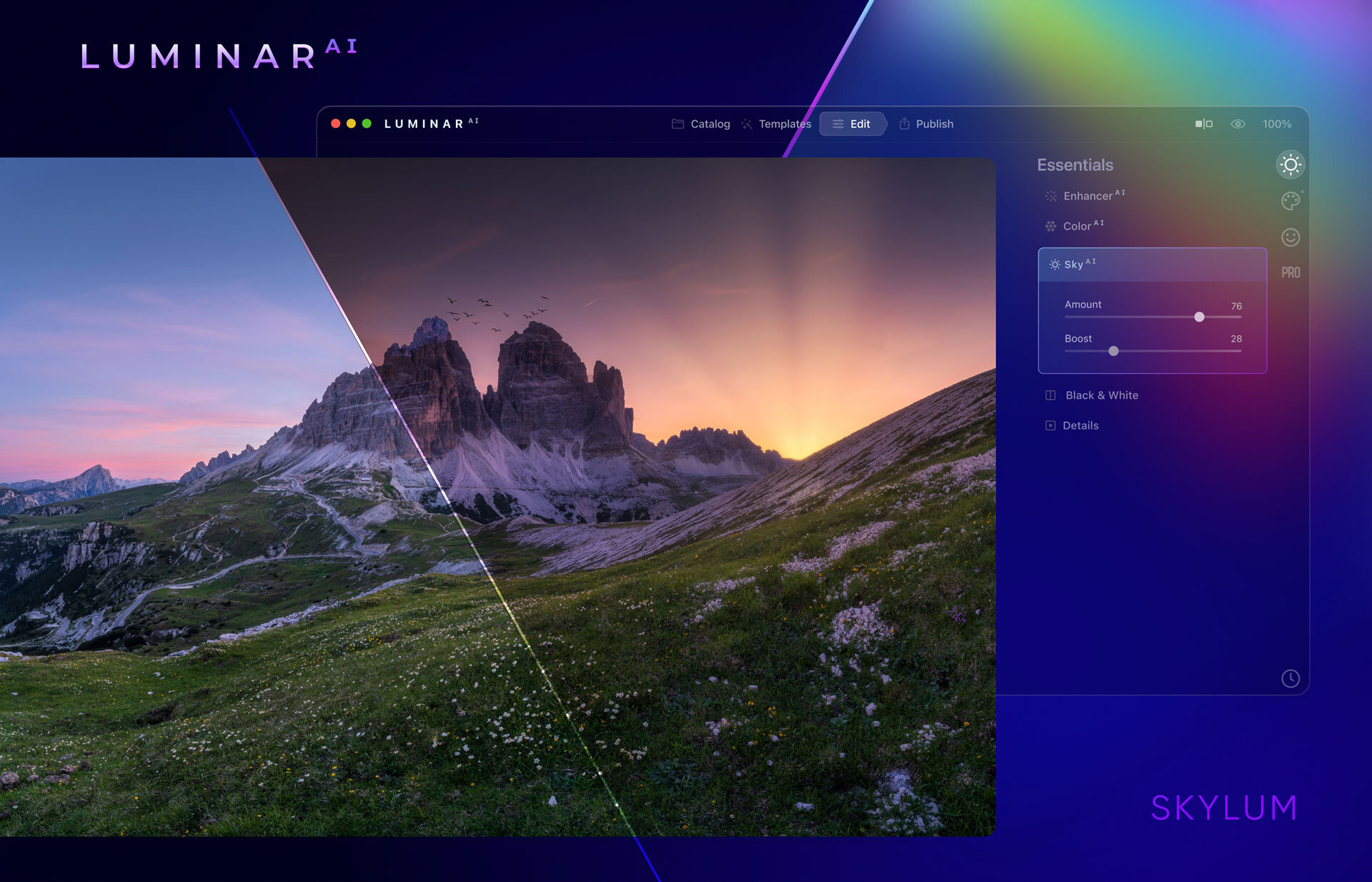
You can override the AI.
You have three options, choose the option that AI suggested, customize it, or edit from scratch. I think that is a good approach that it is not fully automated.
Lens correction is possible
I found that one of the biggest downsides in Luminar 4 was the lack of lens corrections. I am glad that that will be available in Luminar AI. It is an essential tool because. all lenses have a bit of distortion and CA.
Pre-order and Availability
You can pre-order Luminar AI from this link. Pre-order is possible for the first 30.000 early birds. It will have a special price. As an early bird, you will also be invited to the Luminar AI Insider program. It is a private community and you will get special deals, tutorials, etc. that others won’t get.
If you have doubts, do not. You will a 30-day money-back guarantee from the day the software actually ships. So no risk getting Luminar Ai now.
The price for early birds is US$69,- for new customers. If you already have Luminar 4, Aurora2019, or Aurora HDR the price is US$59,-. After the 30.000 is sold the price will go up.
Preorder the Luminar AI now and get all the benefits.
The final release date is not confirmed yet. Skylum said that it will available this holiday season.
disclaimer: some of the links are Affiliates links. If you buy something I will get a small commission, but you do not pay anything extra.