There has been quite a lot of new Image Editing software for photographers to use. It looks like the “monopoly” that Adobe has had is breaking. I think it is a good thing even though I use Adobe Creative Cloud every day. The more we have the better.
Image: Skylum
Recently I have tested some other software and have found that Skylum Luminar and Aurora HDR are quite good for editing. Aurora HDR is more of a HDR software, but can be used as a stand alone software for general image editing too. Together with Luminar they quote a nice bundle.
No they have a Summer End Sale from August 18th, 8 AM PT to August 22nd, 8 AM PT. They have reduced the price from $188 to $99. That is 45% off.
Now that the End of Summer Sale is over, use coupon code JPETERF to get 10% off from the price.
If you are interested n the Aurora HDR Luminat 4 bundle click the link below to get it for $99.
Get the Deal!Use coupon code JPETERF to get 10% off.
I have also made a video about Aurora HDR if you want to know more.
Noise is something we usually want to avoid in our photos. Noise can make the image quality worse. That is always a matter of opinion. Also, noise looks a bit different in different cameras. Some cameras can even produce quite pleasant looking noise. There are two kinds of noise, color noise, and luminance noise. I usually do not like the color noise that much. Luminance noise is not that bad, but of course, it can also be ugly looking.
Getting your exposure correct when making the exposure is very important. If you need to increase the exposure, most likely the in shadows will become more visible. Getting the exposure correct when photographing will get you better results. If you shoot RAW then exposing the image as bright as possible and then lower the mid-tones and possibly also highlights in post will reduce the visibility of the noise.
2. Use RAW
Using RAW will make it possible to edit your images. Lowering the exposure in post like I mentioned in the previous tip will make the noise less visible. RAW will give you more flexibility.
3. Use as Low ISO as possible
Modern cameras have a very effective stabilizer. That will make long exposures possible without tripods. When using low ISO there will less noise in your images. If you have LowISO in your camera as one of the options, try that and see how it affects the noise level of your images.
When using low exposure that increases noise. Many cameras have noise reduction in camera when exposure is more than certain seconds. In Olympus cameras that limit is 4 seconds. If your exposure time is 4 seconds or longer the camera will do noise reduction. Some cameras are not good in noise reduction and in most cases it is better to do in post. But the best way is to test it with your own camera.
5. Use Noise Reduction in Post
Image editing software usually has a noise reduction tool. Some work better than others. In most cases, I use the Lightroom noise reduction tool. But sometimes I use Topaz DeNoise AI. It works very well reducing noise.
If you are interested in Topaz DeNoise Ai click thislink. Ii’s an Affiliate link. You do not pay extra and I get a small commission. Win-Win
Always remember not to overdo the noise reduction. Images start to look really plastic if you reduce too much noise. Always be very careful and easy on the noise reduction so that the details do not disappear.
6. Noise Reduction in Camera Video
I have a video about Noise Reduction on my YouTube -channel. There are a few more tips about the reduction.
Always when people are talking about lenses sharpness comes up. How sharp is it? That is a ubiquitous question. I understand that image sharpness is essential in many cases. Client work is one example. Presenting unsharp images to a client might be the last time you present images to that particular client unless the unsharpness is the style agreed on in the brief before the photoshoot.
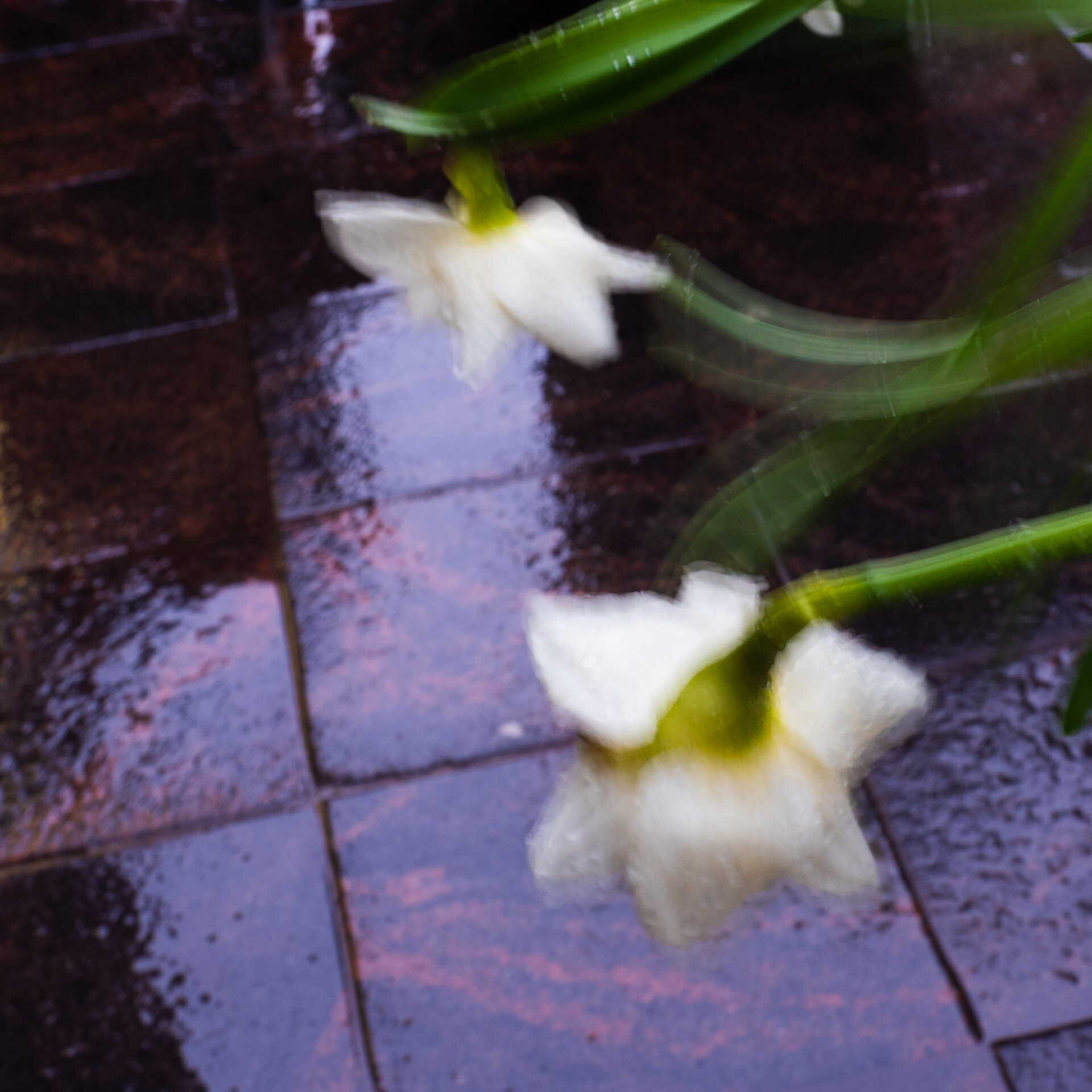
What do I mean about unsharp? It is not slightly out-of-focus images, but it is intentionally soft images where softness is a big part of the story.
What can you do to make sure that you get sharp images?
1. Use quality lenses
The first thing to do is to use quality lenses. Unfortunately, sharp lenses are more expensive than unsharp lenses. But then, of course, we must consider where those images are being published. The bigger the print, the better the lens (and camera) should be. But if the images are for, let’s say, shared Instagram, then the sharpness can be a bit less. Of course, sharpness can be important on Instagram, too. However, when images are published on social media, slightly out-of-focus images look sharp. The photos are pretty small when viewed on social media on a mobile phone.
2. Use image stabilizer
Modern cameras have excellent image stabilizers. The most common is the so-called IBIS, an in-body image stabilizer. The sensor moves and reduces image shake. That will help you achieve sharp images even with longer shutter speeds. Several-second shutter speeds are no problem with modern cameras. Gone are those days when the fastest shutter speed that could be used without the fear of a camera shake was equal to the focal length you used. If you had a standard lens like 50mm on your SLR, the fastest safe shutter speed was about 1/60s.
3. Know your cameras focusing method
It is essential to know your camera. The focusing method of your camera is one of the things that is good to know. Most modern lenses have autofocus. That is a good start. Choose the focusing point/points that you need to use. You should be okay in most cases, and the autofocus works perfectly. It is also a good thing to learn manual focus. Modern cameras have helped with that. Focus peaking and magnifying are suitable methods to get help from the camera. Learn your camera and see if your camera has focus peaking and/or magnification.
4. Have a firm grip when photographing
Holding the camera properly and having a steady body when making images it will help a lot. A lot of camera shake happens when you are not holding the camera properly when pressing the shutter. So, having a good grip when pressing the shutter button is essential.
When choosing a camera, you must test how it feels in your hand. The feel is, in many ways, more important than one other particular feature in a camera. Get a camera that feels good in your hand rather than choose it because it has a slightly faster image per the second number.
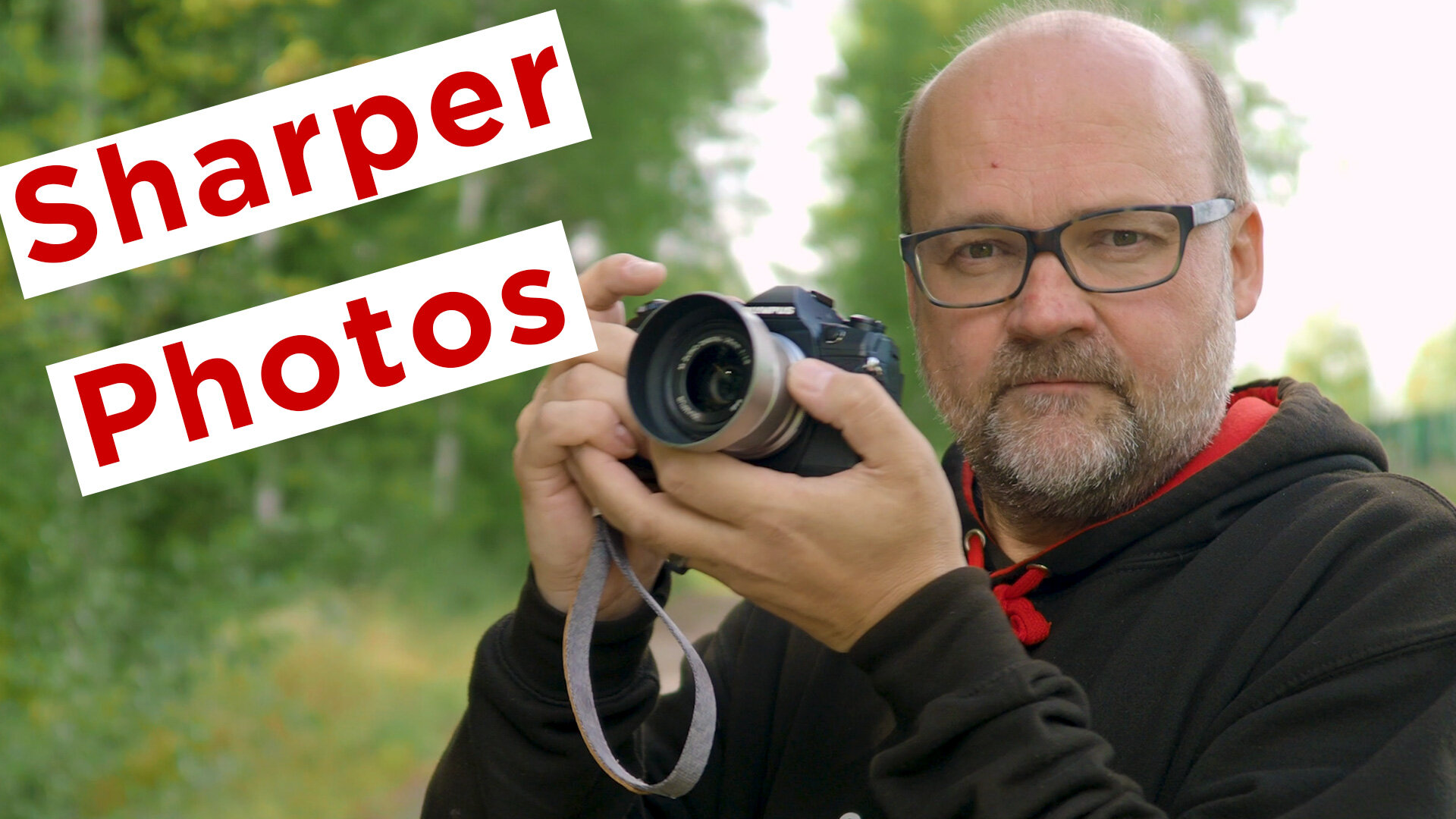
In the video at the beginning of this blog post are more tips about getting sharper images.
Do you have any tips of your own about getting sharper images?