Does gear matter in photography is a question that I get asked quite a lot. There is no one answer to this. You can answer No and you can answer Yes. It all depends on the perspective you take on this one.
Let’s start with No.
Many of us think that getting new gear will make you a better photographer. In my opinion that is false. To be better you must learn how to use your existing gear. Getting new once won’t help in that at all.
Sometimes limiting yourself will be a better solution. Having limitations makes you think more. You need to solve problems and that will make you better. You might come up even ith new ideas and totally new kinds of images.
For example, in landscape photography, most of us think that a wide-angle is a must. Yes, a wide-angle lens is often used in landscape photography. If you do not have an ultra-wide-angle, what then?
Why not try a standard lens or even a telephoto lens. That can give you a totally new kind of landscape photos.
When the answer Yes?
When you get better here might a time to start thinking about better gear that actually will make you better. Well it is maybe a bit too much to say that it is the gear, it is the possibilities that the new gear gives. What I mean by that is that it might open up all new ways of making photographs. Sometimes it might even give a possibility to try new genres.
One example is bird photography. You can photograph birds with a wide-angle, but getting a longer lens will give new possibilities and new kind of mages that was possible for you before.
In the video below I talk more about the No and Yes.
We all make mistakes and that is nothing to be ashamed of. Without mistakes, we would not learn anything. We learn from our mistakes, but to learn we do not have to make mistakes.
Beginners and a bit more experienced photographers make a lot of mistakes. Trying to avoid those mistakes will make your learning less steep.
Here area few mistakes that I have noticed a lot of photographers make when they are starting out and these are the same mistakes I made when I started. (and I still make some of them…)
There is no subject in your image.
Try always to have something that interests the viewer’s eye. Without any places for the viewer’s eye to rest most likely the image is very boring. Having something in the foreground will lead the viewer’s eye into the image. Making a good composition is crucial. Having layers, something in the front, something in the middle, and in the back will make the image more interesting.
Learning how to make a good composition makes a big difference.
Learn how to make a perfect exposure
Getting the exposure correct when making the image will give you the best possible image for editing. With modern cameras, there is no excuse to over or underexpose your images. I have plenty of videos about exposure on my YouTube channel. Watching those videos will help you to be better in your exposures.
Check your background
Having distracting elements in the background can ruin your image. Those distractions will draw attention to your subject. Always check around your subject that there are now elements that will steal the attention of the viewer.
Learn more about how to avoid those mistakes that beginners make from the video below.
Online meetings have become more and more popular. We have just had to adapt to the current situation. I bet for many it has been a quite a good way of working. It has saved us a lot of time too. No commuting several hours a day, no business trips. Working from home and using online meeting tools all day long can also be very exhausting. These tips might not be for that, but looking on the camera makes you feel better. Setting up your work area so that it is as pleasant as possible to spend the workday on online meetings.
1 – Try to have as quite place for your online meetings as possible.
I know that this could be a bit hard sometimes. There might be a lot of distractions at home. If you have such a place for you at home, you are lucky. Use carpets and drapes to make the audio better. With carpets and drapes, you can reduce the echo in the room. This will increase the quality of the audio a lot. Simple and easy solution. A quite place naturally also minimizes the background noise.
Adding sound panels to your home office is also a good solution. There are a lot of different kinds. Here are two examples:
Having a backlight is the worst way of lighting your face during online meetings. Try to have a light in front of you and if possible bounce it from a light-colored wall. If the wall is painted dark then it might not be possible to use it as a reflector.
If you need or have the chance to work from home also in the future after the pandemic is over I suggest that you invest in better lighting. LED lights are getting better and cheaper.
If you do not want to invest in lightning use window light. Place your desk so that you are facing a window. It will give you a nice natural light. Try to avoid direct sunlight. Also, the downside is that the light might be constantly changing. But in most cases, it still better than having the window behind you.
Pro tip: See if your online meeting software has a feature called Touch up my Appearance as Zoom has. That will smooth your skin a bit.
3 – Good audio is important
Having good audio is almost more important than having a good video quality. The tip to have as small amount of echo as possible in the room is a good start.
Laptops have quite good microphones, but an external microphone will lift your audio to the next level. There is a lot of option. Most mobile phones come with headphones that have also a microphone. If those can be attached to your computer try those first. there is the benefit of having also headphones. Some headphones come with a microphone.
An external microphone will increase the audio quality. I personally recommend Rode mics. They are very reasonably priced and have very good audio quality. Rode has a vide variety of different mics.
Here are some option for good quality microphones and headphones:
Good image quality is as important during an online meeting as it is in a corporate video. You do not want to show a messy background and a poorly lit face. Would you do that during a face to face meeting at the office meeting room? Most likely not?
Laptop have quite good webcams, but a proper external webcam is usually a lot better option. Many camera companies have free software that makes it possible to use a real camera as a webcam. If you have an old camera that you do not use check out if it is possible to use t as a webcam. For even more quality and more option, you can use a video capture device. You connect your camera to the capture device with an HDMI cable. The HDMI connection can also handle audio. So having an external microphone on your camera is a good solution. Usually, with USB connection you need a separate microphone for your computer.
Here is a video about OM-D Webcam Beta which is the free webcam software for Olympus OM-D cameras. OM-D Webcam Beta works with Windows 10 and macOS (from Sierra and newer)
Olympus OM-D cameras works great as Webcams. The new OM-D Webcam Beta uses USB for connection. It is available for Windows 10 and macOS.
Logitech BRIO is one of the best webcams on the market.
5 – Have your webcam on eye level.
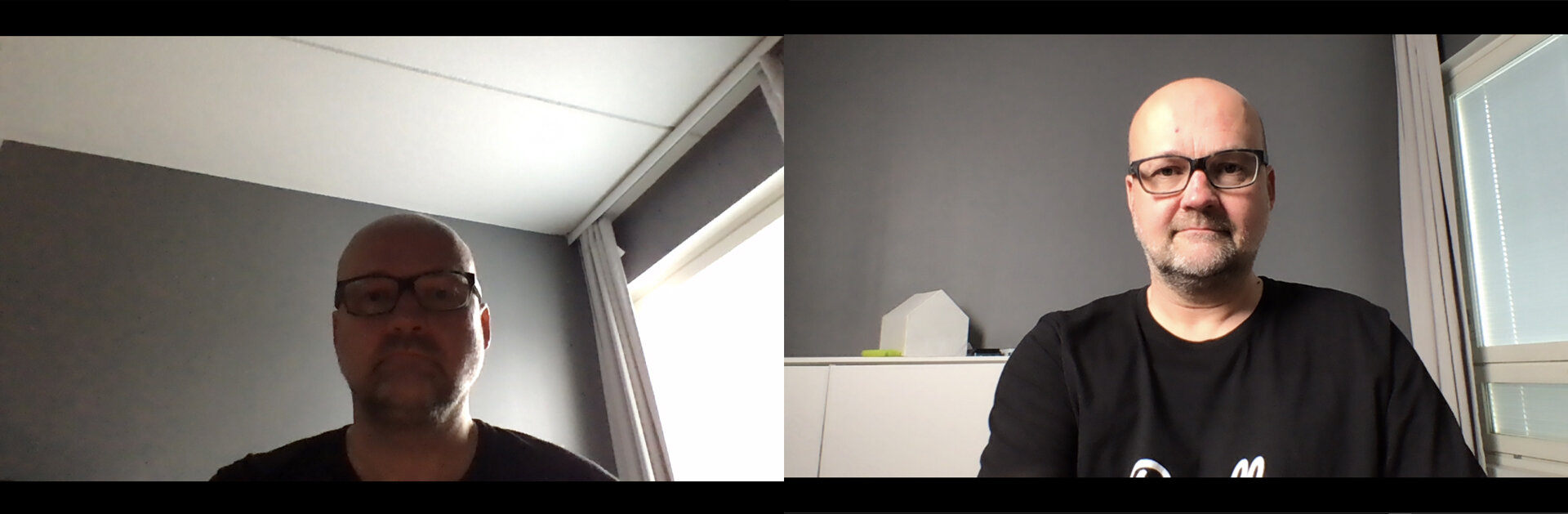
Too many times have I seen people having their webcam too low. Lift up the laptop so that you have the webcam on the eye level. It will make the image look so much better. The face looks better when photographed from eye level than it looks from a low angle.
As you see, having the camera on eye level and having good lighting makes a big difference. Also a clean background is good so that there are no distractions.
6 Extra tip – Backgrounds – Use your own Photos.
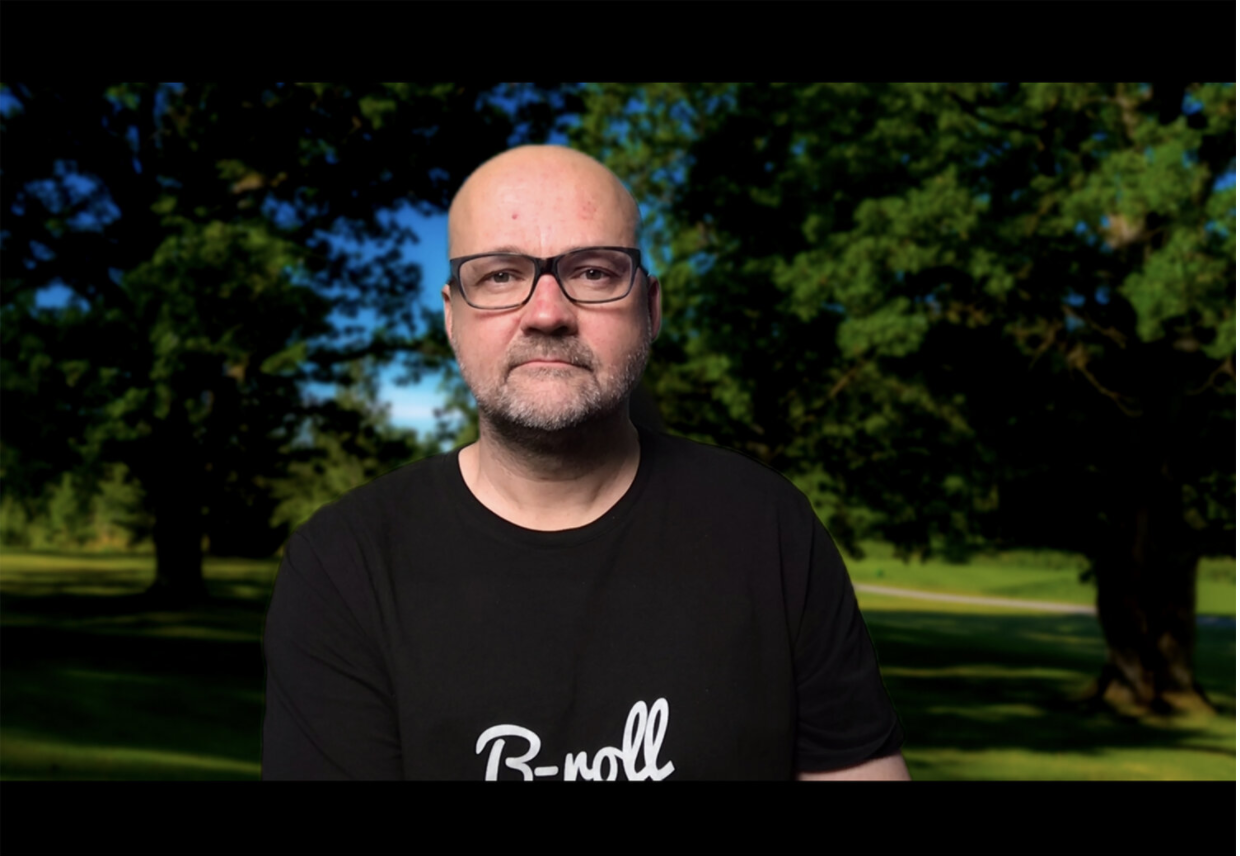
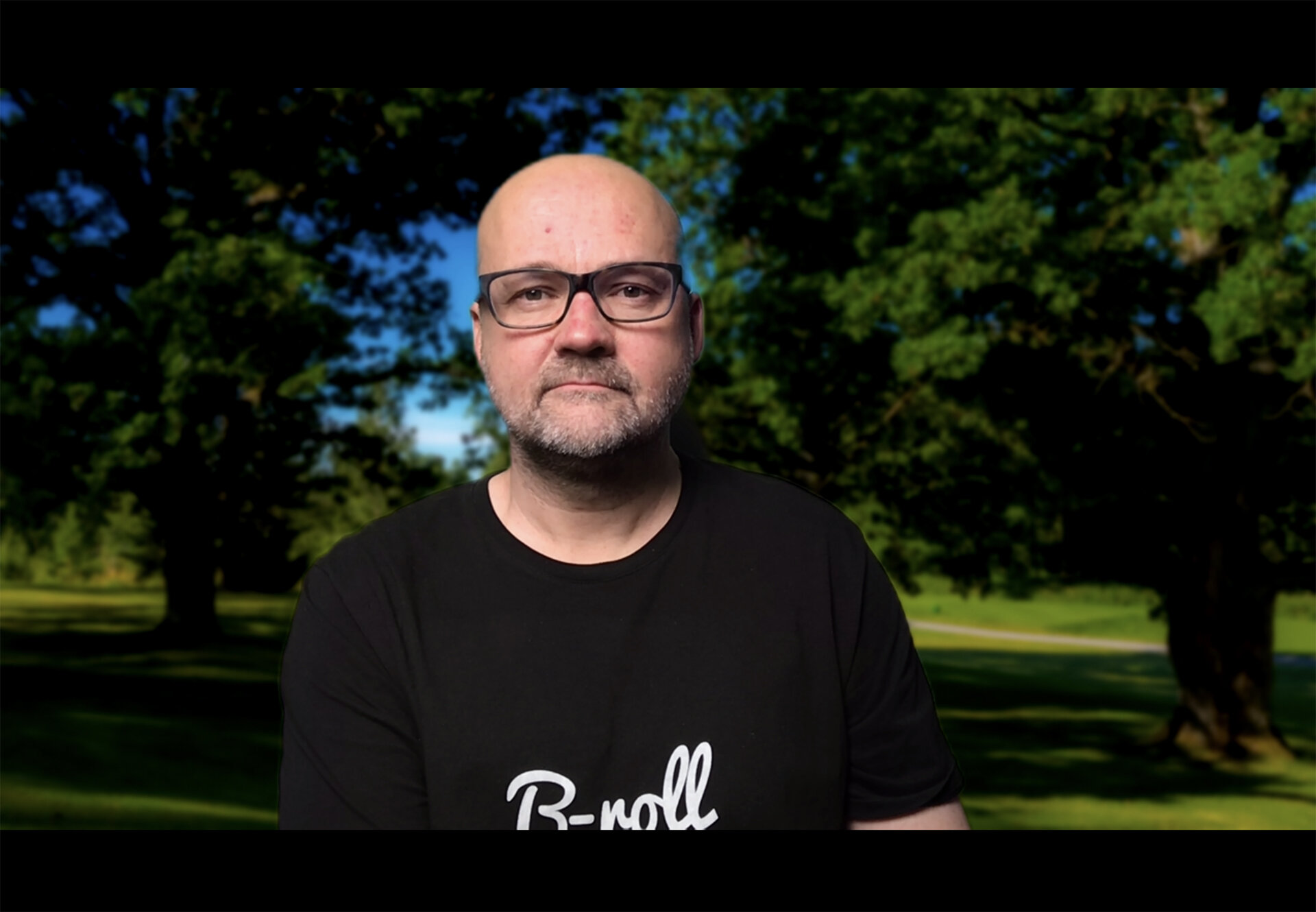
If you have problems with your background. You just cannot make it nice a clean you can use virtual backgrounds. Most online meeting software like Zoom has background photos to choose from. These are ok, but everyone is using them and it is a bit cheesy. Why not use your own photos? Have a nice landscape or have images from your office as your background?
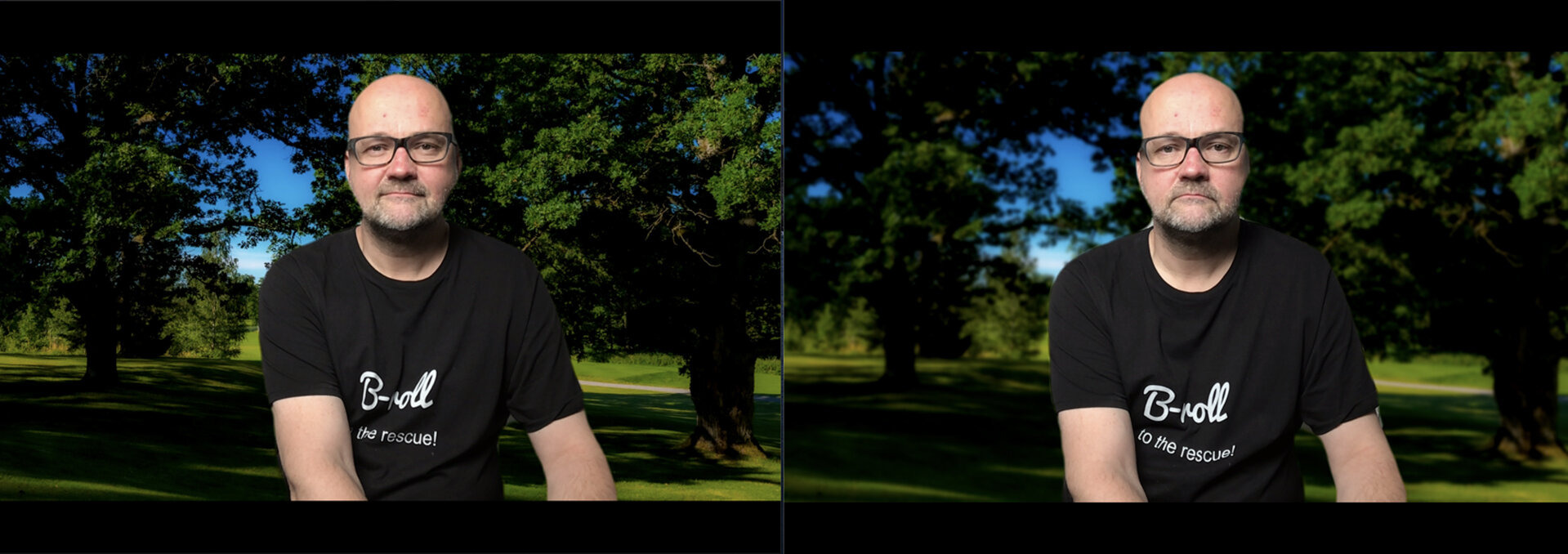
Pro tip: blur the background photo a bit to make it look more natural. If the background image is sharper than your face it won’t be very natural. If you do not have an image editing software to blur the images you can photograph them a bit unsharp. Try different levels of unsharpness to see which looks the best for you.
Pro tip 2: Make images a bit brighter than normal. At least Zoom seems to show images darker than image editing software.
On the left the background is sharp and on the right it is a bit blurred.
Zoom is quite good with backgrounds even if you do not have a green screen. Having a green screen will make the background image look even better. With the green screen is a lot easier to separate you from the background. Using a green screen with a background image is also possible with older computers. It does not require so much power. Emart has a very handy green screen that can be easily put away when not needed.
Disclaimer: some of the links on this blog post are Amazon Affiliate links. If you buy something from Amazon after clicking these links I do get a small commission. You do not pay anything extra so it is a win-win situation!